
Syncing a Genie garage door opener can look confusing at first, but it’s a process that almost anyone can do with the right guidance. Whether you just bought a new remote, replaced your Genie opener, or want to connect your system to a smart device, this guide will walk you through every step.
If you follow the instructions carefully, you’ll not only save money on service calls, but you’ll also understand your garage door system better. This article will cover all the steps, common problems, advanced tips, and real-world advice you won’t find in a basic manual.
Understanding Genie Garage Door Openers
A Genie garage door opener is a motorized device that opens and closes garage doors using a remote control or wall switch. Genie is one of the most trusted brands, known for reliability and security. Most Genie openers use a rolling code system, which means the code changes with every use, making it harder for anyone to steal your signal.
There are a few main types of Genie openers:
- Chain Drive: Uses a metal chain to move the door.
- Belt Drive: Uses a rubber belt, which is quieter than a chain.
- Screw Drive: Uses a threaded steel rod for lifting.
- Smart Openers: Connect to Wi-Fi or smart home systems.
Knowing your model helps when syncing, as buttons and steps can vary. You’ll find your model number on the opener unit, usually near the light bulb cover.
When And Why You Need To Sync
Syncing means programming the opener to recognize your remote or keypad. You need to sync your Genie garage door opener in these cases:
- New Installation: After first installing the opener.
- New Remote: Adding or replacing a remote control.
- Keypad Programming: Connecting a wireless keypad.
- Smart Home Integration: Linking to apps or smart home hubs.
- Resetting After Power Loss: Sometimes, you need to re-sync after a power outage.
- Security Concerns: If you think someone else has access, reprogram all remotes.
Not syncing properly can leave your door unsecured or make remotes stop working. That’s why a clear, complete syncing process is so important.
Tools And Preparation
Before you start, gather these tools and information:
- Step ladder: Most units are mounted on the ceiling.
- Your remote(s): All remotes you want to sync.
- Garage door keypad: If you’re syncing one.
- Your opener’s manual: Helpful for model-specific details.
- A small flashlight: Garages can be dim.
Safety tip: Make sure the garage door is closed. Keep kids and pets away from the area while working.
How Genie Openers Sync Remotes And Keypads
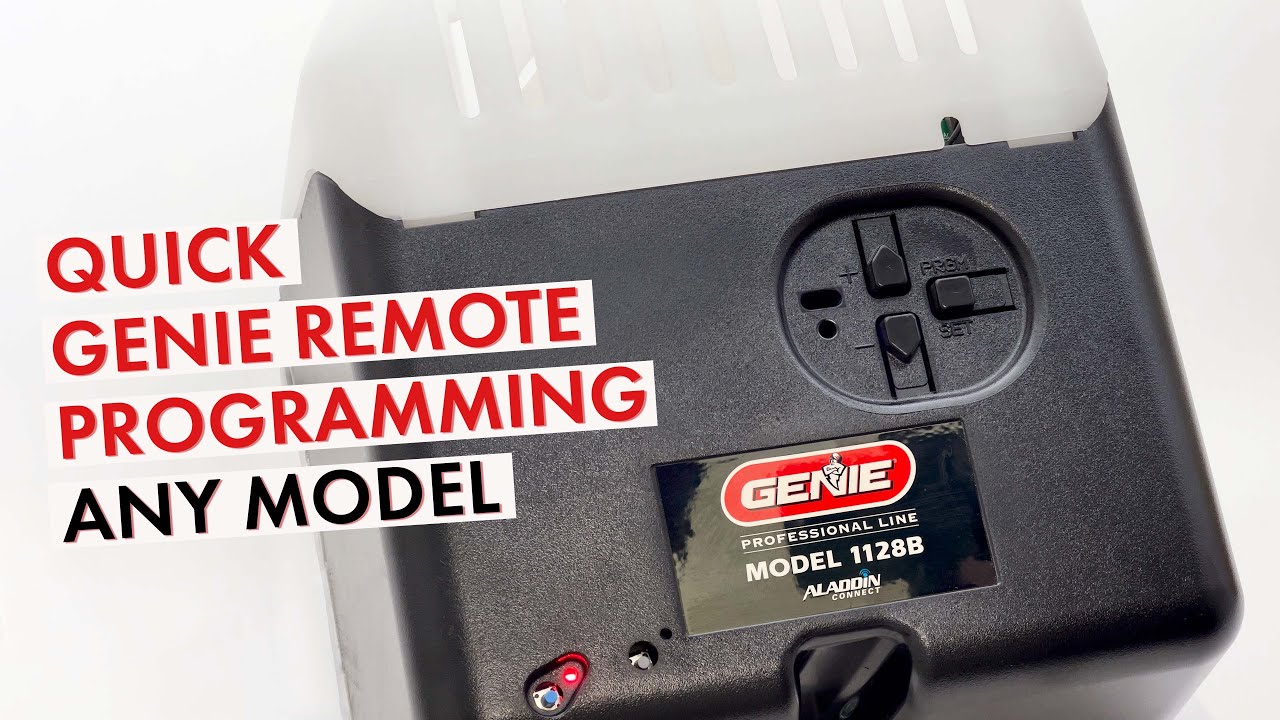
Genie openers use a “Learn” button to enter programming mode. When you press this button, the opener is ready to “learn” a new remote or keypad code. Some models have this button under the light cover, others on the side.
Here’s what typically happens:
- You press and release the Learn button.
- You have 30 seconds to press the remote button.
- The opener’s light blinks or clicks to confirm the sync.
If the opener doesn’t respond, you may need to check the batteries, range, or model compatibility. Most problems are easy to fix once you know what to look for.
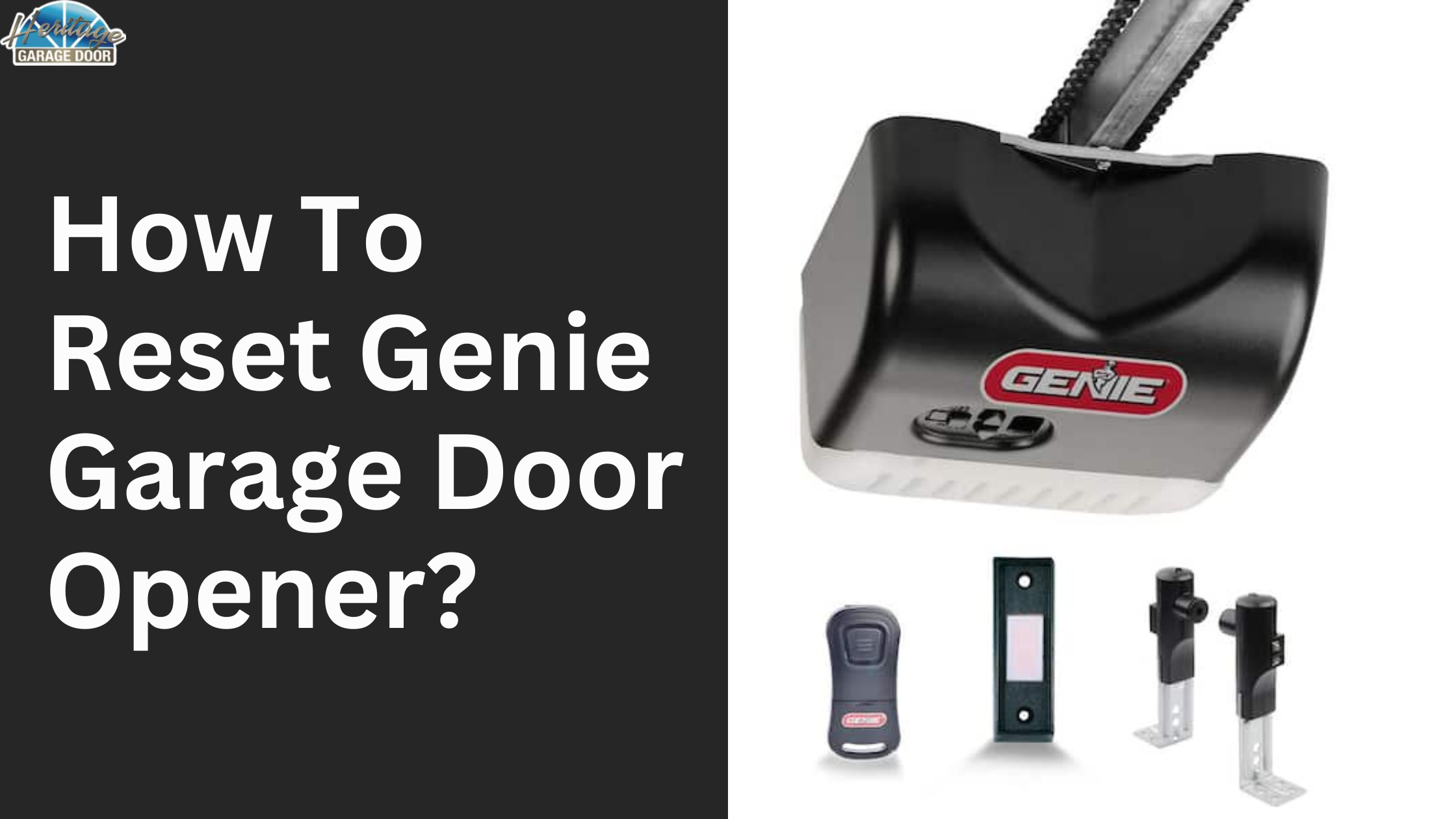
Step-by-step Guide: Syncing A Genie Remote
Let’s go through the syncing process for a standard Genie remote. This works for most models made in the last 20 years.
- Climb the ladder safely to reach your opener.
- Find the Learn button. It’s usually a small, colored button labeled “Learn Code,” often located near the antenna wire.
- Press and release the Learn button. The indicator light will blink, showing it’s in programming mode.
- Within 30 seconds, press the button on your remote you want to sync. The opener light should blink or you’ll hear a click.
- Test the remote by pressing the button again. The door should move.
Pro tip: If you’re syncing multiple remotes, repeat steps 3–5 for each one. Genie openers can usually remember up to 7 remotes.
Example: Syncing A Genie G3t Remote
- Press and hold the chosen button on the G3T remote.
- Press and release the Learn button on the opener.
- Release the remote button when the opener light blinks.
If you have a different model, check the manual for small differences.
Programming A Genie Wireless Keypad
A keypad lets you open the garage without a remote. Syncing a Genie wireless keypad is a bit different.
- Slide the keypad cover open.
- Press and hold the “Program” button (usually on the keypad’s back) until the LED blinks.
- Enter your desired PIN, then press the “Up/Down” button.
- Press and release the opener’s Learn button.
- Within 30 seconds, enter your PIN on the keypad and press “Up/Down.”
The opener should move or blink to confirm. Test your PIN after finishing.
Non-obvious insight: If your keypad stops working, check for worn-out batteries or if it’s mounted too far from the opener. Wireless signals can weaken through metal garage doors.
Syncing Genie Opener With A Car’s Built-in Remote (homelink)
Many cars have a built-in garage remote system called Homelink. Syncing your Genie opener to Homelink saves you from carrying an extra remote.
- Turn on your car’s ignition (do not start the engine).
- Hold the two outer Homelink buttons until the light flashes (clears old codes).
- Hold your Genie remote close to the Homelink panel.
- Press and hold both the desired Homelink button and the Genie remote button at the same time until the Homelink light flashes rapidly.
- Press and release the opener’s Learn button.
- Within 30 seconds, press the Homelink button for two seconds, release, and repeat. The door should move.
Not all cars are compatible with rolling code systems. Check your car’s manual or Genie’s site for troubleshooting.
Syncing Genie Openers With Smart Devices
Many Genie models now support Wi-Fi or connect to smart home systems like Alexa or Google Home through Aladdin Connect.
- Download the Aladdin Connect app on your phone.
- Create an account and follow prompts to add your opener.
- Press and release the opener’s Learn button to put it in pairing mode.
- Use the app to discover and connect to the opener.
- Name your garage and test opening/closing.
Practical tip: Make sure your Wi-Fi signal reaches the garage. If not, consider a Wi-Fi extender.
Clearing All Synced Remotes And Keypads
If you move into a new house or lose a remote, you should erase all previous codes.
- Find the Learn button.
- Press and hold the Learn button for 10 seconds. The indicator will blink or turn off.
- All remotes and keypads are now erased. You must re-sync any you still want to use.
Common mistake: Forgetting to clear old codes when you move into a new home. Always reset for safety.
Troubleshooting Common Problems
Even after following all steps, you may run into issues. Let’s look at the most frequent problems and solutions.
Remote Doesn’t Sync
- Check the battery in your remote.
- Make sure you’re within range (usually 20–30 feet).
- Press the Learn button firmly (some require a firm touch).
- Try a different remote button—some buttons may be faulty.
Keypad Won’t Program
- Replace keypad batteries.
- Check for interference from metal or electrical boxes.
- Reset the keypad and try again.
Opener Doesn’t Respond
- Power cycle the opener: Unplug for 1 minute, plug back in.
- Check for tripped breakers or blown fuses.
- Look for blinking error lights and consult your manual.
Homelink/car Remote Issues
- Not all cars work with all openers. Check for compatibility online.
- Try reprogramming—sometimes the signal is not sent properly the first time.
- Update your car’s Homelink system if possible.
Smart Device Won’t Connect
- Check Wi-Fi password and signal strength.
- Restart your router and the opener.
- Update the Aladdin Connect app to the latest version.

Genie Opener Models: Features And Compatibility
To help you identify your Genie opener model and its syncing features, here’s a comparison of some popular models.
| Model | Drive Type | Learn Button Color | Smart Home Ready |
|---|---|---|---|
| Genie SilentMax 1200 | Belt | Red | Yes |
| Genie ChainMax 1000 | Chain | Purple | No |
| Genie StealthDrive Connect | Belt | Yellow | Yes |
| Genie Excelerator II | Screw | Green | No |
| Genie 7155-TKV | Belt | Purple | Yes |
Non-obvious insight: The color of the Learn button often tells you which remotes or keypads are compatible. Always check before buying a replacement.
Remote Types And Their Syncing Methods
Different Genie remotes may have unique syncing steps. Here’s a quick comparison:
| Remote Model | Buttons | Compatible Learn Button Colors | Special Features |
|---|---|---|---|
| G3T-BX | 3 | Red, Purple, Green | Rolling code, car visor clip |
| G1T-BX | 1 | Red, Purple | Basic remote |
| GM3T-R | 3 | Red, Yellow, Purple | Works with older models |
| Aladdin Connect | App | Wi-Fi Ready | Smartphone control |
Advanced Tips For A Smooth Syncing Process
Getting your Genie opener and remotes working together isn’t just about the basic steps. Here are tips that help avoid frustration:
- Label your remotes: Use tape to mark which button opens which door if you have more than one.
- Keep track of your PIN: Store it somewhere safe (not on the keypad).
- Check for firmware updates if using smart features.
- Don’t rush the Learn button: If you press it too many times, you might accidentally erase all codes.
- Keep remotes away from water: Even a little moisture can cause syncing problems.
Safety And Security Considerations
Garage door openers are a key part of home security. Here’s how syncing plays a role:
- Rolling code technology prevents code grabbing by thieves.
- Erase all old codes if you move in or lose a remote.
- Never share your keypad PIN with people you don’t trust.
- Install openers out of reach of children.
- Use the vacation lock feature (on wall panels) when away for a long time.
Genie Opener Syncing Vs. Other Brands
How does Genie compare with other popular brands like Chamberlain or LiftMaster? Let’s look at the process:
| Brand | Programming Method | Maximum Remotes | Smart Home Integration |
|---|---|---|---|
| Genie | Learn button + remote | 7 | Yes, with Aladdin Connect |
| Chamberlain | Learn button + remote | 8 | Yes, with MyQ |
| LiftMaster | Learn button + remote | 8 | Yes, with MyQ |
Genie’s process is simple but secure, making it a favorite for DIY homeowners.
Maintaining Your Genie Garage Door Opener
Regular maintenance can help prevent syncing and operation issues.
- Replace remote batteries every 1–2 years.
- Clean the opener’s sensors with a dry cloth.
- Lubricate moving parts (chain, screw, or belt drives) twice a year.
- Keep the area around the opener clear for the best signal.
- Test the auto-reverse safety feature monthly by placing a small object in the door’s path.
If you’re unsure about something, Genie’s customer support is helpful, or you can check their official site for more resources.
When To Call A Professional
Most syncing issues are easy to solve, but call a pro if:
- The opener doesn’t respond at all after syncing steps.
- The garage door is off track or won’t move.
- You see burning smells or hear grinding noises.
- You’re uncomfortable working on a ladder or with electronics.
A certified technician can quickly handle complex problems and keep your system safe.
Real-world Examples And User Stories
- Mark from Texas: “I moved into a new home and found old remotes in a drawer. I erased all codes and synced my own remotes in 10 minutes. Now I know only my family can open the door.”
- Lisa in Ohio: “My keypad stopped working after a storm. I replaced the batteries and re-synced using the steps above. It’s been perfect since!”
- Carlos in California: “I wanted smart control, so I added Aladdin Connect. Syncing was easy, and now I open the door from my phone.”
These examples show that most syncing problems have simple solutions if you follow the right steps.
Frequently Asked Questions
How Many Remotes Can I Sync To A Genie Garage Door Opener?
Most Genie openers let you sync up to 7 remote controls at one time. If you try to add more, the oldest code is usually replaced. Always check your model’s manual to be sure.
What Should I Do If My Remote Suddenly Stops Working?
First, replace the battery in your remote. If it still doesn’t work, try re-syncing using the Learn button. Make sure you’re close to the opener and no objects block the signal. If none of these work, your remote may be faulty.
Can I Program My Genie Opener With A Universal Remote?
Yes, many universal remotes (like those from Chamberlain or Clicker) can be programmed to work with Genie openers. Make sure the remote supports Genie’s frequency and rolling code system. Follow the same syncing process as a Genie remote.
Is Syncing A Genie Opener Safe From Hackers?
Genie uses rolling code technology, which changes the code every time you use your remote. This makes it very hard for hackers to copy your code. For extra safety, erase all codes if you lose a remote or move into a new home.
Where Can I Find More Help If My Genie Opener Won’t Sync?
You can visit the official Genie website or contact their customer support. They have troubleshooting guides, videos, and a FAQ section. For more details, see the Genie Company Official Site.
Syncing your Genie garage door opener doesn’t have to be stressful. With the right steps, a little patience, and the tips above, your garage will be secure and easy to access for years to come. Whether you’re adding a new remote, resetting your system, or connecting to your smart home, understanding the process puts you in control.