Now Reading: How to Reprogram Craftsman Garage Door Opener Easily
- 01
How to Reprogram Craftsman Garage Door Opener Easily

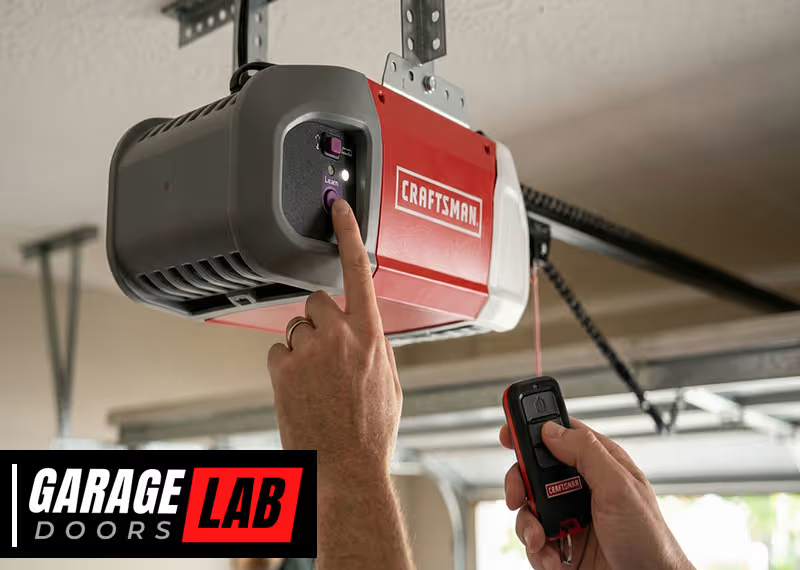
If you have a Craftsman garage door opener, you know how convenient it is—until you need to reprogram it. Whether you have a new remote, a lost remote, or a keypad that needs resetting, understanding how to reprogram your opener is essential for keeping your garage secure and functional. Many homeowners worry that reprogramming is too technical, but with the right guidance, you can do it yourself in minutes. This guide breaks down the full process with clear steps, insider tips, and troubleshooting advice so you can confidently manage your Craftsman garage door opener.
Why Reprogram Your Craftsman Garage Door Opener?
Most people only think about programming their garage door opener when there’s a problem. But there are several important reasons to do it proactively:
- Lost or stolen remotes: If someone else has your remote, they could access your garage. Reprogramming keeps your home secure.
- New remotes: Adding a new remote or replacing an old one always requires programming.
- Keypad changes: If you’ve forgotten the keypad code or want to update it for security, you’ll need to reset and reprogram it.
- System resets: Power surges, electrical issues, or system glitches can wipe your opener’s memory, making reprogramming necessary.
- Moving to a new home: If you’ve just moved in, reprogram everything to make sure only you have access.
Many people overlook the importance of clearing old codes before adding new remotes. If you don’t clear the memory, old remotes can still open your garage, which is a serious security risk.
Understanding Your Craftsman Garage Door Opener
Before you start, it helps to know the main parts of your Craftsman garage door opener system:
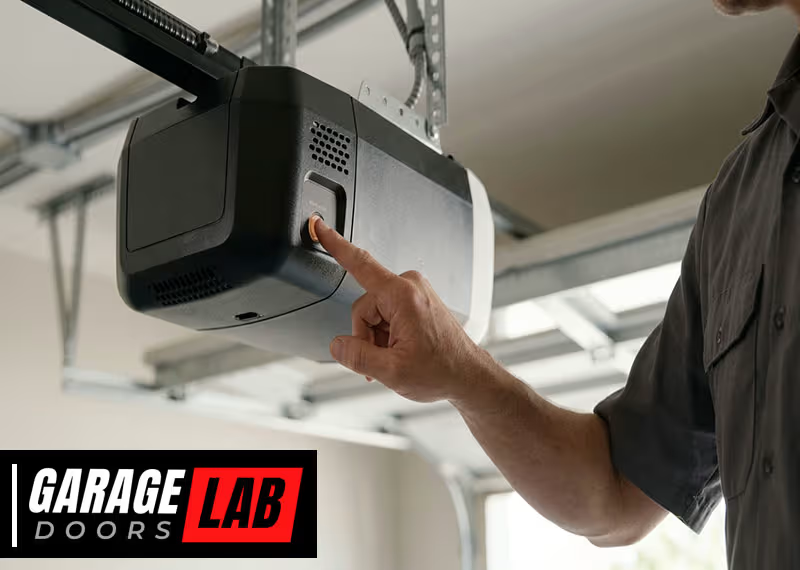
- Motor unit: The box on the ceiling that lifts and lowers the door.
- Remote control: The device you keep in your car or pocket.
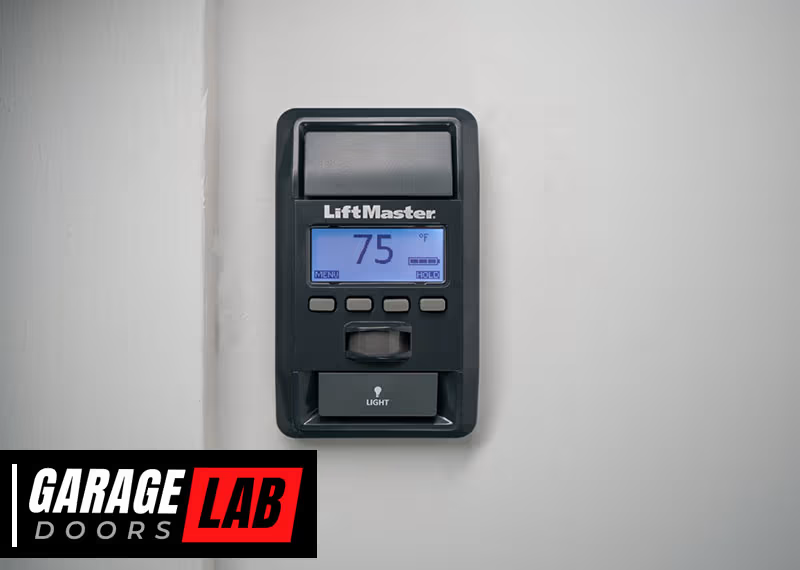
- Wall control panel: Usually inside your garage, next to the door.
- Keypad: A wireless pad outside, often with a numeric code.
- Learn button: Usually on the back or side of the motor unit. This button is the key to all programming steps.
Most Craftsman models from the last 20 years use a similar programming process, but the color and location of the learn button can vary. Older models may use dip switches, but almost all modern Craftsman openers use the learn button method.
Learn Button Colors And What They Mean
The color of your learn button affects compatibility and programming steps:
| Learn Button Color | Frequency (MHz) | Remote Compatibility |
|---|---|---|
| Yellow | 390/315 | Security+ 2.0 remotes |
| Purple | 315 | Security+ remotes |
| Red/Orange | 390 | Security+ remotes |
| Green | 390 | Standard remotes (pre-2005) |
Look for the learn button on the back or side of your opener’s motor unit. It may be hidden under a light cover. If you see dip switches instead of a button, you have an older opener and will need a different process, explained later in this article.
Tools And Preparation
Before you start, gather these basic items:
- Step ladder (to reach the opener)
- Your new or existing remote(s)
- Keypad (if programming)
- Small flashlight (optional, for better visibility)
- Pen and paper (to note codes if needed)
Safety tip: Always unplug the opener before working near electrical parts, especially if you’ll be removing covers.
How To Reprogram Craftsman Garage Door Opener Remotes
Follow these steps for most Craftsman openers (Security+ and newer):
- Locate the Learn Button: Climb the ladder and find the learn button on the motor unit. Remove any light covers if needed.
- Prepare the Remote: Have the remote handy and ready to press.
- Press and Release the Learn Button: Press the learn button once (do not hold). An indicator light will turn on and stay lit for 30 seconds.
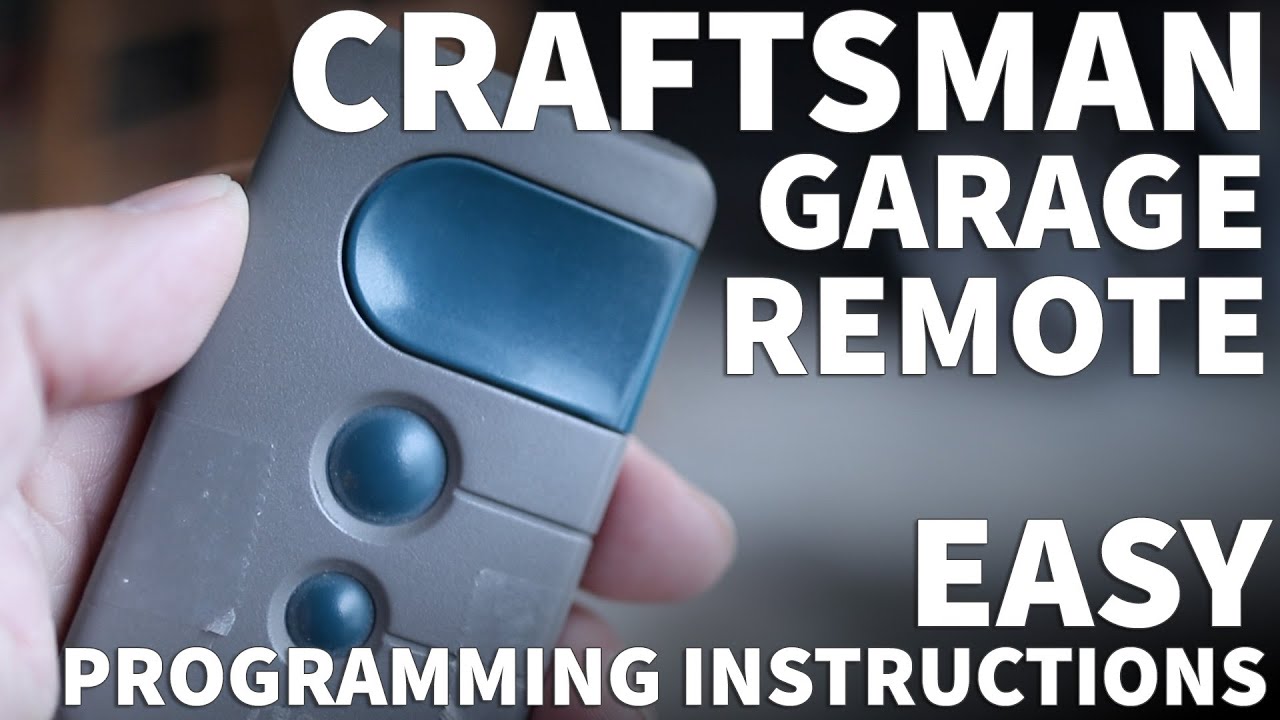
- Program the Remote: Within 30 seconds, press and hold the button on your remote that you want to program. The opener lights will blink or you’ll hear a click, confirming success.
- Test the Remote: Step down, back away from the door, and test the remote to see if the door opens and closes.
If you’re programming more than one remote, repeat steps 3-5 for each remote.
Clearing All Remote Codes For Security
If you lost a remote or moved into a new home, it’s a smart idea to clear all old codes before adding new remotes. Here’s how:
- Hold the learn button for about 6-10 seconds until the indicator light goes off.
- This erases all remote and keypad codes from memory.
- Reprogram your remotes and keypads as described above.
Many homeowners forget this step, leaving old remotes active. Always clear memory when security is a concern.
How To Reprogram A Craftsman Keypad
Reprogramming your garage door keypad lets you update your PIN or add a new keypad. The process is similar to programming a remote, but with a few extra steps.
- Locate the Learn Button: As before, find the learn button on your garage door opener’s motor unit.
- Press the Learn Button: Press and release it. The indicator light will turn on.
- Enter New PIN: Within 30 seconds, go to your keypad and enter your chosen 4-digit code.
- Press Enter: After entering your code, press and hold the ‘Enter’ button on the keypad.
- Confirmation: The garage door opener lights will blink or you’ll hear a click. Your keypad is now programmed.
Tip: If you have multiple garage doors, some keypads let you program more than one opener. Check your keypad’s manual for specific instructions.
Changing An Existing Keypad Pin
If you remember your old PIN and want to change it, some Craftsman keypads allow you to:
- Enter your current PIN and press ‘#’ (or ‘Enter’).
- Enter your new 4-digit PIN and press ‘Enter’.
- Wait for confirmation (blinking lights or a click).
If this doesn’t work, use the main reprogramming process above.
Programming A Remote For Older Craftsman Openers (dip Switch Models)
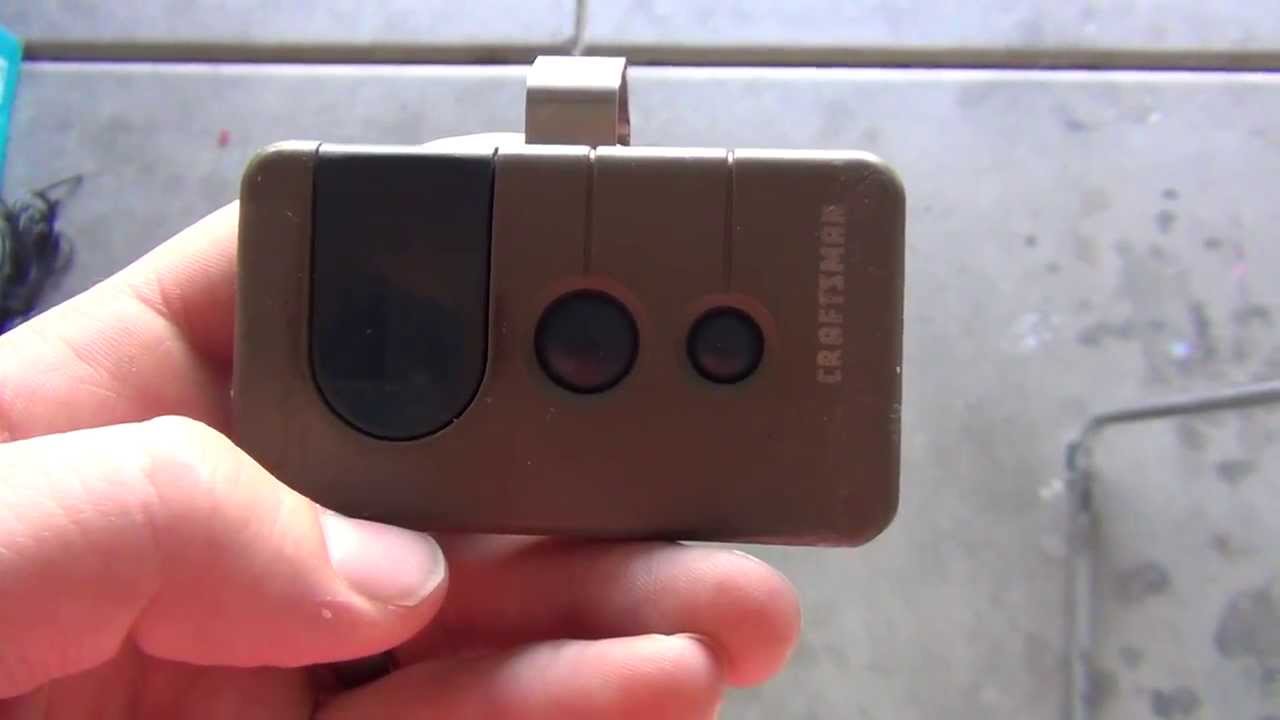
If you have a Craftsman opener from before the late 1990s, you might see a row of small switches (called dip switches) on both the opener and the remote. These need to match exactly.
Here’s what to do:
- Remove the battery cover on your remote to find the dip switches.
- Locate the dip switches on the opener’s motor unit.
- Use a pen or small screwdriver to set the switches on the remote to match the opener.
- Replace the cover and test the remote.
Non-obvious insight: Many people think dip switch remotes are not secure, but matching dip switch patterns are extremely hard to guess by chance. However, they are still less secure than newer rolling code systems.
Reprogramming After A Power Outage Or Electrical Issue
Power surges or outages can sometimes erase your opener’s memory or cause it to act strangely. If your Craftsman opener stops responding after a storm or power problem:
- Unplug the opener and wait 30 seconds.
- Plug it back in and check if your remotes work.
- If not, reprogram your remotes and keypads using the steps above.
Electrical problems can sometimes damage the logic board inside the opener. If reprogramming doesn’t work after a power surge, you may need professional repair.
Adding Multiple Remotes Or Vehicles
Many households have more than one car or family member who needs access. Most Craftsman openers can store up to five remote codes at once.
To add more than one remote:
- Program each remote separately using the learn button.
- The opener will remember all remotes until memory is cleared.
- If you add a sixth remote, the first one programmed will be deleted from memory.
Tip: If you want to give temporary access to guests, program a spare remote and erase it later for security.
Programming A Universal Remote To Your Craftsman Opener
Universal remotes work with many brands, including Craftsman. The process is almost the same:
- Put the universal remote in “learn” or “program” mode (check its manual).
- Press the learn button on the opener.
- Press the button on the universal remote.
- Wait for confirmation (blinking light or click).
Some universal remotes require you to enter a specific code for Craftsman. Always check your remote’s instructions for details.
Comparing Craftsman And Universal Remotes
Here’s a quick comparison of key features:
| Feature | Craftsman Remote | Universal Remote |
|---|---|---|
| Compatibility | Perfect fit | Works with many brands |
| Programming Ease | Very easy | Sometimes more steps |
| Price | Higher | Varies |
| Special Features | May have dedicated buttons | May support multiple doors |
If you have more than one garage door brand, a universal remote can be a good choice. For maximum simplicity, stick with original Craftsman remotes.
Programming Your Car’s Built-in Garage Door Opener (homelink)
Many modern cars have a built-in garage door control system, often called Homelink. Here’s how to program it with your Craftsman opener:
- Clear Previous Codes (Optional): Hold the two outside Homelink buttons for about 20 seconds until the indicator flashes.
- Choose a Homelink Button: Decide which button you want to use.
- Hold the Remote Near the Homelink Module: Press and hold the remote button and the chosen Homelink button at the same time.
- Wait for Indicator Light: The light will change from slow to rapid blinking.
- Go to the Garage Door Opener: Press and release the learn button on the opener.
- Within 30 Seconds: Go to your car and press the programmed Homelink button three times.
- Test the System: Try opening and closing the door from the car.
Some newer cars require additional steps for rolling code systems. Always check both your car manual and the Craftsman opener manual.
Troubleshooting Common Problems
Reprogramming is usually smooth, but sometimes things go wrong. Here are the most common issues and solutions:
Remote Not Working After Programming
- Batteries: Always check for fresh batteries first.
- Distance: Stand closer to the opener during programming.
- Interference: LED lights and some electronics can block signals.
- Wrong Button: Make sure you’re pressing the correct button on both the opener and remote.
Keypad Won’t Program
- Wrong Code Entry: Double-check that you enter the code within 30 seconds of pressing the learn button.
- Keypad Battery: Change the keypad battery if it’s old.
- Distance: Program the keypad while standing close to the opener.
Opener Forgets Remotes
- Power Surges: These can wipe the opener’s memory. Reprogram after outages.
- Faulty Logic Board: If memory keeps clearing, the opener may need repair.
Can’t Find Learn Button
- Hidden Location: Check under light covers or on the sides.
- No Learn Button: If you only see dip switches, use the dip switch method.
Multiple Doors Or Keypads
- Programming Conflict: If you have two openers close together, unplug one while programming the other to avoid cross-signals.
Maintenance Tips For Reliable Operation
Programming is just one part of garage door opener care. For best results:
- Change batteries in remotes and keypads every year.
- Clean sensors and check for obstructions regularly.
- Lubricate the door’s moving parts every six months.
- Test the auto-reverse safety feature monthly by placing a small object under the door.
These simple habits prevent many common problems and keep your system responsive.
Security Upgrades And Advanced Settings
If you’re concerned about security, here are some advanced tips:
- Rolling code technology: All modern Craftsman openers use rolling codes, making them much harder to hack.
- Timed close: Some openers let you set a timer to automatically close the garage after a set period.
- Smartphone control: You can add a Wi-Fi adapter to control your opener from your phone. See the official Craftsman Smart Control guide for supported models.
- Temporary PINs: Some keypads let you set a PIN that works only once or for a limited time—great for deliveries or guests.
How Craftsman Opener Models Differ
Not all Craftsman openers are identical. Here’s a quick overview comparing popular models:
| Model | Learn Button Color | Key Programming Features | Smartphone Support |
|---|---|---|---|
| 53918 | Yellow | Rolling code, multi-remote | Yes (with adapter) |
| 315 Garage Opener | Purple | Keypad, dip switch support | No |
| Chain Drive 1/2 HP | Red/Orange | Keypad, multi-remote | No |
| Smart Garage Door Opener | Yellow | Keypad, Wi-Fi, advanced PINs | Yes |
Always check your owner’s manual for model-specific instructions.
Non-obvious Insights Beginners Miss
- Programming sequence matters: If you want to erase old codes, do it first. Programming new remotes before clearing memory means old remotes will still work.
- Remote compatibility: Not every remote works with every Craftsman opener. Always match the learn button color and frequency for best results.
- Keypad placement: Wireless keypads should be installed out of sight from the street but within range of the opener. Placing it too close to metal can block signals.
When To Call A Professional
Most people can reprogram a Craftsman garage door opener with these steps. However, call a pro if:
- The opener doesn’t respond after several programming attempts
- The motor unit makes unusual noises
- The door doesn’t open or close all the way
- You see exposed wires or suspect electrical damage
A professional can check for faulty logic boards, broken wires, or other issues that can’t be fixed with reprogramming.
Frequently Asked Questions
How Do I Reset My Craftsman Garage Door Opener To Factory Settings?
To reset, press and hold the learn button on the motor unit for about 6-10 seconds. The indicator light will turn off. This clears all remotes and keypads from memory, returning the opener to factory settings.
Can I Program A Universal Remote To Work With My Craftsman Opener?
Yes, most universal remotes can be programmed to work with Craftsman openers. Follow the remote’s instructions and use the learn button on your opener. Some remotes may require entering a specific code for Craftsman.
Why Won’t My Craftsman Keypad Work After Programming?
If your keypad doesn’t work, double-check that you entered the code within 30 seconds of pressing the learn button. Also, make sure the keypad battery is fresh and that you’re within range of the opener.
How Many Remotes Can My Craftsman Opener Store?
Most Craftsman openers can store up to five remotes at once. If you try to add a sixth, the opener will delete the oldest one in memory.
Do I Need To Reprogram My Opener After A Power Outage?
Not always, but sometimes a power outage or surge can erase your opener’s memory. If your remotes or keypads stop working after an outage, follow the steps above to reprogram them.
Reprogramming your Craftsman garage door opener is a simple process once you know what to do. With a little preparation and careful steps, you can secure your home, add new remotes, and keep your system running smoothly for years to come. If you ever have doubts, consult your manual or reach out to a trusted garage door professional for help.