
If you own a Craftsman garage door opener, you know how convenient it is—until something stops working. Maybe you lost your remote, replaced the wall keypad, or just moved into a new house and want to erase old codes. Reprogramming your garage door opener can sound technical, but with the right steps and clear instructions, it’s a task almost anyone can do.
You don’t have to call a professional or spend hours searching for answers. This guide is here to walk you through every step, from basic reprogramming to handling common problems. By the end, you’ll feel confident working with your Craftsman system, whether it’s a new model with smart features or an older unit that’s been in your family for years.
Understanding Your Craftsman Garage Door Opener
Before you start, it helps to know the basics of your Craftsman garage door opener. Most openers have a main unit mounted on the ceiling, a wall-mounted control panel, and one or more remote controls. Many also have a keypad outside the garage. The reprogramming process can vary depending on the model and features, such as whether it has rolling codes, a “Learn” button, or smart connectivity.
Key Components
- Main unit: The motor and logic board, usually on the ceiling.
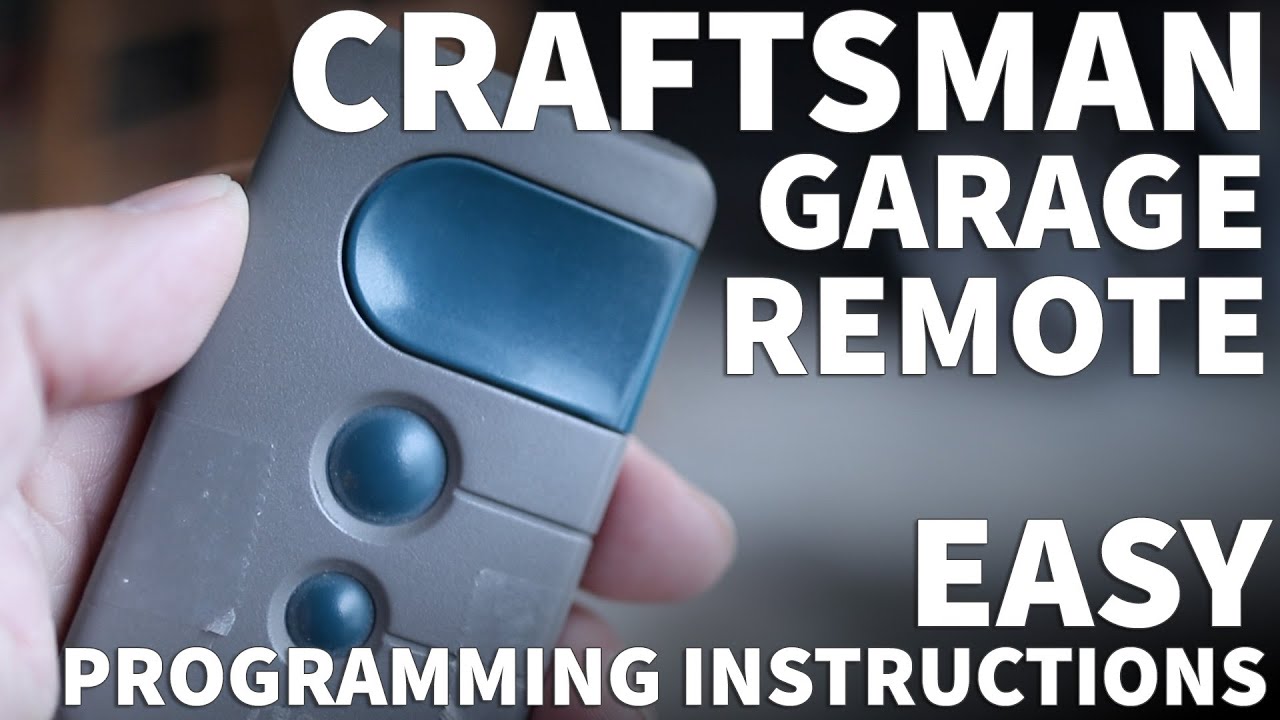
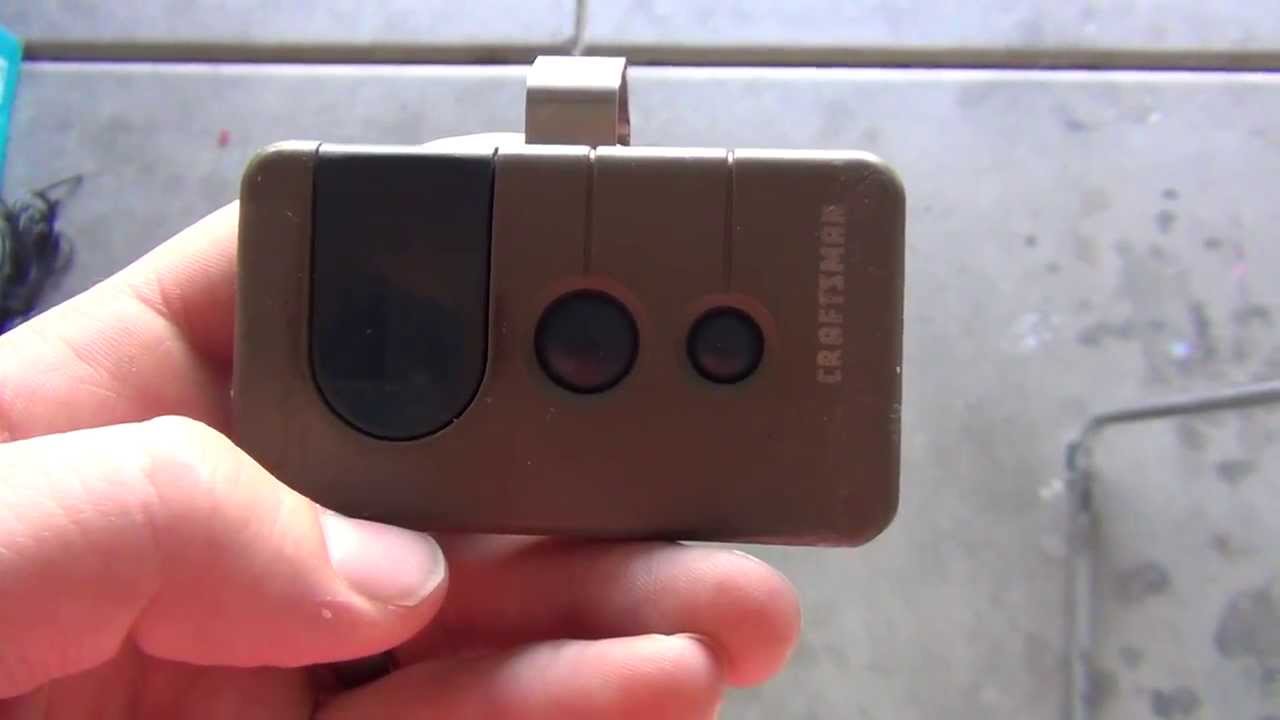
- Remote controls: Handheld devices for opening and closing the door.
- Wall keypad: Mounted outside, allows PIN code entry.
- Wall control panel: Inside the garage, controls the door and lights.
- Learn button: Used for programming; often found on the back or side of the main unit.
Why Reprogram Your Opener?
You might need to reprogram your opener if:
- A remote is lost or stolen.
- You move into a new house.
- A new remote or keypad is added.
- There’s a security concern.
- The system stops responding.
Reprogramming helps keep your garage—and your home—secure.
Safety Precautions You Should Not Ignore
Working with garage door openers is usually safe, but there are a few risks. Electrical parts and moving doors can be dangerous if you’re not careful. Here’s how to stay safe:
- Unplug the opener: Always unplug the unit if you need to touch the wiring.
- Keep clear of the door: Don’t stand under the door while programming. It may move unexpectedly.
- Use a sturdy ladder: Make sure your ladder is stable when reaching the opener.
- Have a helper: If you’re unsure or need to press buttons far apart, ask someone to help.
- Read the manual: The Craftsman manual contains model-specific safety notes.
Neglecting these steps can lead to injury or damage to your opener.
Finding The Learn Button And Your Model Number
Almost every Craftsman opener made after 1993 uses a Learn button. This small button is critical for reprogramming.
How To Find The Learn Button
- Locate the main unit: Look for the device attached to the ceiling.
- Remove the light cover: Slide or pop off the plastic cover if needed.
- Look for the button: The Learn button is usually square or round. It may be yellow, red, purple, or green.
- Check near the antenna wire: The button is often close to the hanging wire.
Why Model Numbers Matter
Your model number helps you:
- Get the right manual.
- Buy compatible remotes or keypads.
- Find specific instructions online.
Model numbers are usually found on a label on the main unit.
Resetting Your Craftsman Garage Door Opener
Before you reprogram, you may want to erase all old codes—especially if you bought a used house. This will remove all remotes and keypads from memory.
Steps To Reset
- Press and hold the Learn button: Hold for about 6–10 seconds until the LED next to it turns off.
- Release the button: The opener’s memory is now cleared.
After this, none of the old remotes or keypads will work. You’ll need to reprogram each device.
How To Reprogram A Craftsman Remote Control
Most people want to reprogram their remote control—either to add a new one, replace a lost remote, or fix a connection problem.
Programming A New Or Existing Remote
- Climb your ladder: Reach the main unit.
- Press the Learn button: Quickly press and release (don’t hold) the Learn button. The LED will light up for 30 seconds.
- Press the remote button: Within 30 seconds, press and hold the button on your remote you want to program.
- Watch for confirmation: The lights on the opener may blink or click to confirm programming.
- Test the remote: Press the button again to see if the door responds.
Tips For Success
- If you wait too long after pressing the Learn button, start over.
- For multi-button remotes, you can program each button to a different opener.
- If the remote doesn’t work, check the battery and repeat the process.
Programming The Wall Keypad
The wall keypad allows you to open the garage door using a PIN. This is handy for kids, guests, or if you don’t have your remote.
Setting A New Pin
- Press the Learn button: On the main unit, press and release.
- Enter a four-digit PIN: On the keypad, enter your chosen PIN within 30 seconds.
- Press Enter: The opener light will blink or click to confirm.
- Test your PIN: Try opening the door with the new PIN.
Changing An Existing Pin
Some models let you change the PIN directly on the keypad. Usually, you:
- Enter the old PIN, press and hold #.
- Enter the new PIN, then press Enter.
If unsure, always refer to your model’s manual.
Reprogramming After A Power Outage Or Battery Change
A power outage or dead battery can sometimes erase codes or cause syncing problems. In most cases, your remotes should still work. If not:
- Repeat the Learn button process: Follow the steps for remotes and keypads above.
- Check the backup battery: Some models have a backup battery inside the main unit; replace it if old.
If reprogramming fails, unplug the opener for 1 minute, then plug it back in and try again.
How To Add A New Remote Or Keypad
Adding a new remote or keypad to your system is almost the same as reprogramming, but you do not need to erase other devices.
- Press and release Learn button: The LED will turn on.
- Within 30 seconds: Press and hold the button on the new remote, or enter the PIN on the keypad.
- Confirmation: The light will blink or you’ll hear a click.
You can have up to 5-7 remotes/keypads on most Craftsman openers before the memory is full.
Removing A Lost Or Stolen Remote
If you lose a remote or suspect someone else has it, remove it from the system for safety.
Two Methods
- Erase all codes: Press and hold the Learn button until the LED goes out. Reprogram only the remotes you still have.
- Selective removal: Craftsman openers do not allow removing one remote at a time. You must erase all and reprogram.
This is a limitation compared to some newer smart systems.
Programming Multiple Doors With One Remote
If you have more than one garage door, you might want one remote to control both.
Steps
- Program the first button: Use the steps above for the first opener.
- Program the second button: Repeat the Learn button process on the second opener, using a different remote button.
Most multi-button remotes can handle 2–3 doors.
Common Problems And Troubleshooting
Sometimes, even when you follow instructions, things don’t work. Here are the most common issues and fixes.
Remote Not Working
- Check the battery: Replace if weak or dead.
- Reprogram: Try the programming steps again.
- Distance: Make sure you’re close enough to the opener.
- Interference: Fluorescent lights or Wi-Fi can interfere—try moving the remote closer.
Keypad Not Responding
- Replace batteries: Keypads use small batteries that wear out.
- Check PIN: Make sure you enter the right PIN.
- Re-sync: Try reprogramming the keypad.
Opener Light Won’t Blink
- Check the bulb: It may be burned out.
- Listen for a click: Some models use a sound instead of a light.
Door Moves On Its Own
If your door opens or closes unexpectedly:
- Reset all codes: Someone may have your code or remote.
- Check for stuck buttons: A remote could be pressed in a bag or car.
Table: Common Programming Errors And Solutions
| Error | Possible Cause | Solution |
|---|---|---|
| Remote won’t program | Wrong Learn button sequence | Repeat steps, check timing |
| Keypad ignored | Battery dead | Replace battery, reprogram |
| No confirmation light | Burned-out bulb | Replace bulb, listen for click |
| Door doesn’t move | Disengaged opener or lock | Re-engage, check lock switch |
| Can’t erase codes | Learn button not held long enough | Hold for 6–10 seconds |
Advanced Programming: Smart Features And Myq
Some newer Craftsman openers use smart technology and can be connected to MyQ or similar systems. These allow control from your smartphone and offer extra options.
Connecting To Myq
- Download the app: Install the MyQ app on your phone.
- Create an account: Follow instructions in the app.
- Connect to Wi-Fi: Many openers have a Wi-Fi button near the Learn button.
- Pair with your opener: Use the app’s step-by-step guide.
What Can You Do?
- Open or close your garage from anywhere.
- Get alerts about door activity.
- Set schedules for automatic closing.
Table: Traditional Vs. Smart Programming
| Feature | Traditional Opener | Smart Opener (MyQ) |
|---|---|---|
| Remote Programming | Manual Learn button | App-based, plus Learn button |
| Remote Access | No | Yes (phone/tablet) |
| Usage Alerts | No | Yes |
| Guest Access | No | Temporary PINs via app |
| Number of Devices | 5–7 remotes/keypads | Multiple phones, unlimited PINs |
Smart features give more control and convenience, but the core Learn button process still applies.
Tips For Keeping Your Garage Door Opener Secure
Security matters more than ever. Old openers used fixed codes that could be intercepted. Most Craftsman models since 1993 use rolling codes, which change every time you use them. Still, there are ways to stay extra safe:
- Erase old codes: Always do this if you move into a new home.
- Change your PIN regularly: Don’t use easy-to-guess numbers.
- Keep remotes out of sight: Don’t leave them in your car’s visor where thieves can see.
- Use a smart system: MyQ and similar apps can alert you to strange activity.
- Check for firmware updates: Smart openers sometimes need software updates to fix security gaps.
When To Call A Professional
Sometimes, DIY isn’t enough. If you run into these issues, call a certified technician:
- The door doesn’t move even after reprogramming.
- The opener makes grinding or buzzing sounds.
- Wires are frayed or appear damaged.
- The Learn button doesn’t respond at all.
- You’re not comfortable working on a ladder or with electrical parts.
Professional help is especially important if your garage has a heavy, older door or complex wiring.
Craftsman Garage Door Opener Models: Quick Comparison
Different Craftsman openers may have small differences in reprogramming steps. Here’s a comparison of common models:
| Model | Learn Button Color | Remote Compatibility | Smart Features |
|---|---|---|---|
| 139.53985 | Yellow | 315 MHz remotes | No |
| 139.53753 | Red | 390 MHz remotes | No |
| CMXEOCG471 | Purple | 315 MHz remotes | MyQ compatible |
| CMXEOCG472 | Yellow | 315 MHz remotes | MyQ compatible |
Always check your model number and Learn button color, as remote frequencies must match for successful programming.
Non-obvious Insights And Pro Tips
Most guides cover the basics, but here are two expert insights beginners miss:
- Wait between steps: After pressing the Learn button, some openers need a 2–5 second pause before you press the remote or keypad. Rushing can cause failed programming.
- Older units may need a universal remote: If your opener is from the early 1990s, new Craftsman remotes may not work. Look for a universal remote that supports older frequencies, or consider upgrading your opener for better security.
Also, don’t forget that some remotes have a “lock” feature. If your remote seems dead, check if there’s a small switch or button that disables it—especially on wall panels.
Practical Maintenance Tips
Keeping your Craftsman garage door opener working well is about more than programming. Here’s how to avoid future problems:
- Replace remote batteries yearly: Weak batteries cause inconsistent performance.
- Keep the opener clean: Dust and cobwebs can block sensors or jam buttons.
- Lubricate moving parts: Every 6 months, oil the tracks and rollers.
- Test the safety sensors: Place a block in the door’s path; the door should reverse.
- Check for firmware updates: For smart models, check the manufacturer’s website.
These steps reduce the chance you’ll need to reprogram often.
Frequently Asked Questions
How Many Remotes Can I Program To My Craftsman Garage Door Opener?
Most Craftsman openers support 5 to 7 remotes and keypads combined. If you reach the limit, the oldest code will be erased when you add a new one. Always check your manual for the exact number for your model.
What Do I Do If My Learn Button Doesn’t Work?
If the Learn button does nothing when pressed, unplug your opener for a minute and try again. If it still fails, the control board may be faulty—a common issue in older units. In this case, contact a professional or consider replacing the opener.
Can I Program My Car’s Built-in Homelink To My Craftsman Opener?
Yes, most HomeLink systems work with Craftsman openers made after 1996. You’ll need to use the Learn button method, but sometimes extra steps are required. Check your car’s manual and the Craftsman manual for detailed instructions. For more, see the official HomeLink programming instructions.
Do I Have To Reprogram After A Power Outage?
Usually, you do not need to reprogram after a power outage. All codes are stored in non-volatile memory. If remotes stop working, try unplugging the unit for a minute and test again. Only reprogram if the codes are truly lost.
Is There A Way To Program The Opener Without A Remote?
Yes, you can use the wall keypad to program a new PIN without a remote. However, you’ll still need access to the Learn button on the main unit. If all remotes are lost and the keypad is unresponsive, you may need a new remote or to reset the opener.
Reprogramming your Craftsman garage door opener doesn’t need to be stressful. By following these clear steps and tips, you can keep your garage secure and your opener working smoothly for years. Always check your model number, take basic safety steps, and don’t hesitate to call a professional if you feel unsure.
With a little patience, you’ll master your Craftsman system and enjoy reliable, secure access every day.