
If you own a Craftsman garage door opener, you know how much it adds to your daily convenience and security. But sometimes you need to reprogram it—maybe you got a new remote, changed your keypad, or want to reset everything after moving into a new house. The process can seem confusing, especially if you’ve lost the manual or are worried about making a mistake. The good news is, reprogramming a Craftsman garage door opener is much simpler than most people think. With a little guidance, you can do it yourself in just a few minutes, no matter your experience level.
This article will show you exactly how to reprogram your Craftsman garage door opener, step by step. You’ll learn about the different models, what tools you’ll need, common mistakes to avoid, and how to fix problems if something doesn’t work right away.
We’ll also cover advanced tips and answer the most common questions that beginners have. By the end, you’ll feel confident about keeping your garage secure and your opener working perfectly.
Understanding Craftsman Garage Door Openers
Before you start reprogramming, it helps to know a little about how Craftsman garage door openers work. These openers use a motor to lift and lower your garage door, controlled by a wireless signal from a remote or keypad. Each opener has a small circuit board inside that receives and stores the codes from your remotes and keypads. When you reprogram, you’re updating these codes so only the remotes you trust can open your garage.
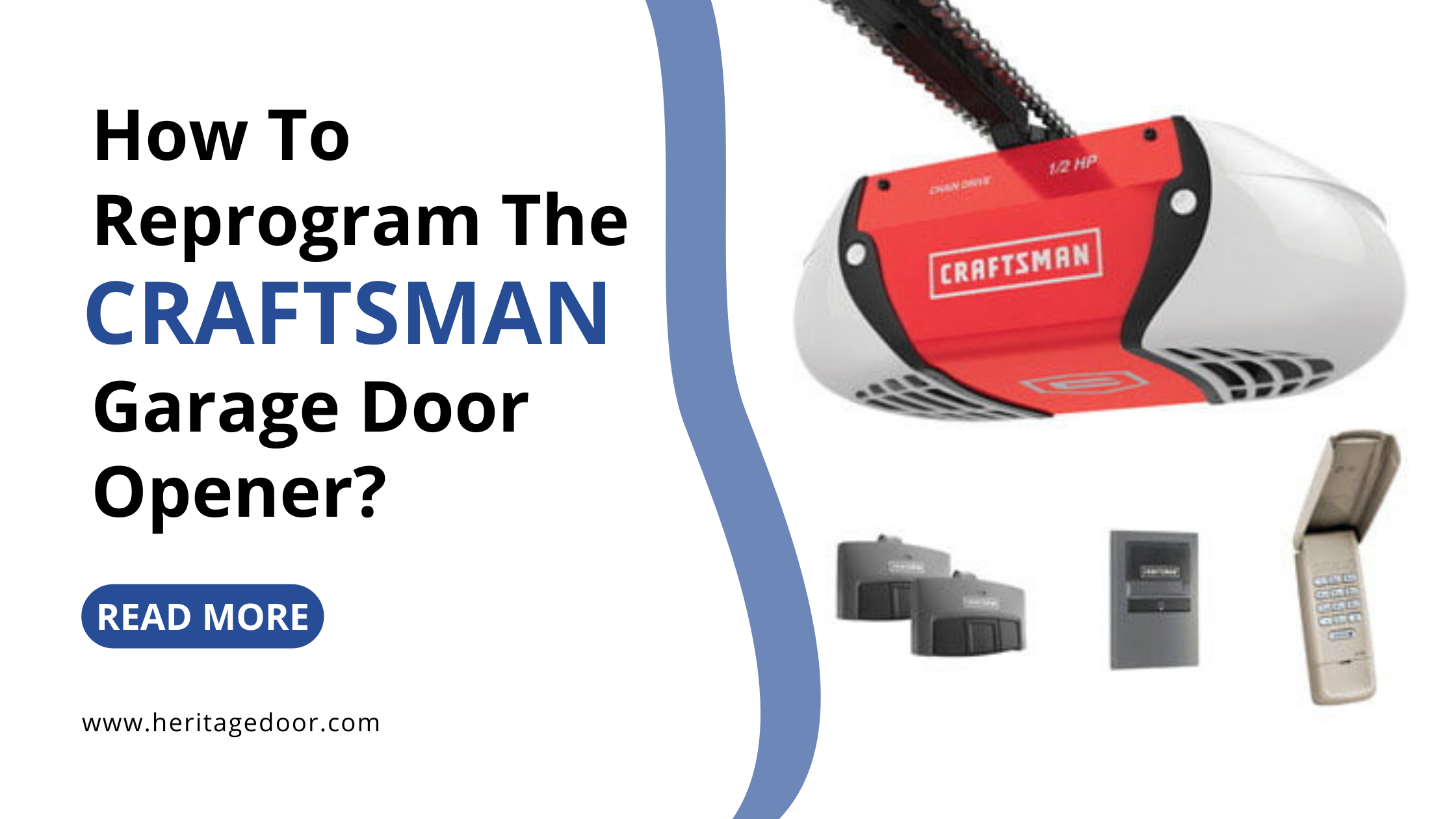
Key Components
- Motor unit: The main box attached to your garage ceiling.
- Remote controls: Small handheld devices you keep in your car or pocket.
- Wall-mounted keypad: Usually placed just outside your garage door.
- Learn button: A colored button on the motor unit that lets you program new remotes or keypads.
- Safety sensors: Small boxes near the floor that prevent the door from closing if something is in the way.
Why Reprogram?
You might want to reprogram your Craftsman opener if:
- You bought a new remote or keypad.
- You lost a remote and want to stop others from using it.
- You moved into a new home and want to clear old codes.
- Your opener isn’t responding to remotes or the keypad.
- You want to add multiple remotes for family members.
Tools And Preparation
You don’t need special tools or advanced skills to reprogram your garage door opener. In most cases, you only need:
- A step ladder (to reach the motor unit)
- The new remote or keypad you want to program
- The owner’s manual (optional but helpful—most can be found online if lost)
- A phone or flashlight (if your garage is dark)
- Pen and paper for notes (if you want to record your new codes)
Pro Tip: Before starting, write down the model number of your Craftsman opener. You’ll usually find it on a sticker on the side or back of the motor unit. This makes it easier to look up specific instructions or troubleshooting tips.
How To Reprogram A Craftsman Garage Door Opener Remote
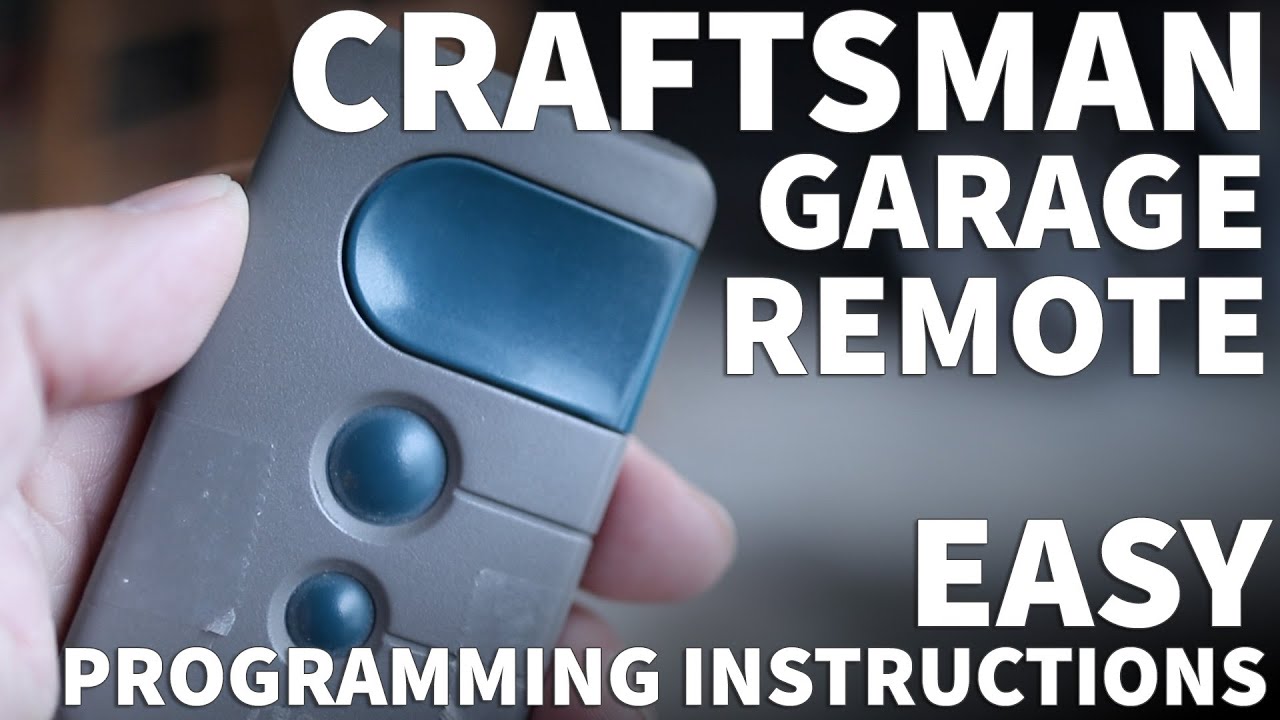
The most common need is to program a new remote. Craftsman openers have used several remote types over the years, but most follow a similar process.
Step 1: Locate The Learn Button
Climb your ladder and look for the Learn button on the opener’s motor unit. It’s usually near the wire terminals or under a light cover. The button will be one of these colors:
- Yellow
- Purple
- Red/Orange
- Green
The color tells you which type of remote or keypad works with your opener. If you’re not sure, check your manual or search your model number online.
Step 2: Clear Old Codes (optional But Recommended)
If you want to erase all old remotes and start fresh (for example, after buying a house), hold the Learn button for about 6–10 seconds until the indicator light goes out. This wipes all old codes from the memory.
Insight: Many people miss this step, which means old remotes (from previous owners) can still open your garage. Always clear old codes if security is a concern.
Step 3: Program The New Remote
- Press and release the Learn button. The indicator light will turn on (it may blink or stay solid).
- Within 30 seconds, press and hold the button on your remote that you want to program.
- Hold the remote button until the opener light blinks or you hear a click. This means the code is stored.
- Test the remote by pressing it again. The door should move.
If the door doesn’t respond, repeat the steps. Sometimes you need to press the remote button more than once for the code to take.
Non-obvious tip: Don’t wait too long between pressing the Learn button and the remote—there’s a 30-second window before the opener stops accepting new codes.
Programming A Craftsman Keypad
A wireless keypad lets you open the door using a 4-digit PIN code. Reprogramming the keypad is a bit different from a remote, but still easy.
Step 1: Locate The Learn Button
As with the remote, find the Learn button on your opener’s motor unit.
Step 2: Enter Programming Mode
- Press and release the Learn button. The indicator light will turn on.
- Within 30 seconds, go to the keypad and enter your new 4-digit PIN.
- Press and hold the Enter button until you see the opener light blink or hear a click.
Some keypads need you to enter the PIN, then press the Learn button on the motor again, followed by Enter on the keypad. If your keypad doesn’t program the first time, try both methods.
Step 3: Test The Keypad
Enter your PIN and press Enter. The door should open or close. If not, repeat the process and make sure you’re entering the correct code.
Practical insight: If you have multiple Craftsman openers (for different garage doors), most keypads let you program a unique PIN for each door. Check your keypad’s manual for advanced instructions.
Reprogramming After Power Loss
Sometimes a power outage or unplugging the opener can cause remotes or keypads to lose their programming, especially on older models. If this happens:
- Try your remotes and keypad. If they don’t work, follow the programming steps above.
- If your opener still doesn’t respond, unplug it for 1 minute and plug it back in.
- Repeat the programming process. Persistent problems may point to a damaged circuit board, which might need professional repair.
Adding Multiple Remotes
You can usually program up to five remotes or keypads to a single Craftsman garage door opener. Each remote is programmed one at a time, using the same Learn button process.
Important: If you clear all codes (by holding the Learn button), you’ll need to reprogram every remote and keypad you use. Plan ahead so you’re not locked out.
Non-obvious insight: Some remotes can control multiple garage doors. If yours has two or three buttons, each button can be programmed to a different opener (for example, home and work garage).
Common Mistakes To Avoid
Many people run into trouble because of a few simple mistakes. Here’s what to watch for:
- Waiting too long after pressing the Learn button. There’s a 30-second limit.
- Holding the remote button too short or too long—hold it until the light blinks, not just a quick press.
- Programming in direct sunlight—bright light can interfere with the opener’s receiver. Try reprogramming at dusk or with the garage light off.
- Low remote battery—a weak battery can stop remotes from being recognized.
- Not clearing old codes—this leaves your garage less secure.
If you’re stuck, start over by holding the Learn button for 10 seconds to clear all codes, then program again step by step.
Troubleshooting Programming Problems
Even with simple steps, sometimes things don’t work on the first try. Here’s how to fix common issues:
The Remote Or Keypad Isn’t Responding
- Check the battery: Replace with a fresh battery.
- Stand closer: Program from directly below the opener.
- Clear codes and start over: Hold Learn for 10 seconds, then reprogram.
- Check the antenna: Make sure the opener’s antenna wire is hanging down freely.
The Door Moves Partway, Then Stops
- Safety sensors may be misaligned or blocked. Wipe the lenses and make sure both sensor lights are on.
- Obstructions: Make sure nothing is blocking the door path.
The Keypad Programs, But The Remote Won’t
- Make sure your remote is compatible with your opener’s Learn button color.
- Try programming the remote after the keypad.
- Consult your opener’s manual for model-specific programming steps.
The Opener Light Doesn’t Blink
- Some openers don’t have a blinking light. Listen for a click or look for a small LED that changes from steady to off.
If you’ve tried everything and your opener still won’t program, your circuit board may be faulty. This is rare but possible, especially on openers over 10 years old.
How Craftsman Models Differ
Craftsman has released many garage door opener models. While most use a similar process, small differences can matter. Here’s a quick comparison of popular models and their programming features:
| Model Series | Learn Button Color | Remote Compatibility | Max Remotes |
|---|---|---|---|
| 315 MHz (2005+) | Purple | Security+ 2.0 | 5 |
| 390 MHz (1997–2004) | Red/Orange | Security+ 1.0 | 4–5 |
| 390 MHz (1993–1997) | Green | Billion Code | 4 |
| 390 MHz (pre-1993) | Yellow or No Button | DIP Switch | Unlimited |
Older openers (pre-1993) use DIP switches instead of a Learn button. For these, open your remote and the opener cover, and match the position of the small switches.
How To Program A Remote With Dip Switches
If your opener doesn’t have a Learn button, you have an older model that uses DIP switches.
- Open the remote and the motor unit cover.
- Find the row of 8–12 tiny switches inside each.
- Set the switches in the remote to match the pattern inside the opener.
- Close both covers and test the remote.
Insight: Many people don’t realize these models can accept unlimited remotes, as long as the switches match.
Safety And Security Tips
When reprogramming your Craftsman garage door opener, don’t forget about safety and security. Here’s how to keep your home and family protected:
- Always clear old codes after moving into a new house.
- Change your PIN regularly, especially if you use a keypad.
- Keep remotes out of sight in your car. Thieves often break car windows to steal garage remotes.
- Test the auto-reverse feature every few months by placing a block under the door—if it doesn’t reverse, your sensors need adjustment.
- Never share your PIN with anyone you don’t trust.
Programming Multiple Craftsman Openers
If you have two or more Craftsman garage door openers (for a double garage), you can program one remote to control each door separately.
- Press the Learn button on the first opener, then press button 1 on your remote.
- Press the Learn button on the second opener, then press button 2 (or 3) on your remote.
- Test each button to make sure it controls the correct door.
Tip: Label each remote button with a sticker so you don’t mix up which button opens which door.
Resetting To Factory Defaults
If you want to restore your opener to the original factory settings (for example, before selling your house), follow these steps:
- Hold the Learn button for 6–10 seconds until the indicator light goes out. This erases all remotes, keypads, and codes.
- Unplug the opener for 1 minute to clear any memory glitches.
- Plug it back in and reprogram your remotes and keypads as needed.
Note: Resetting does not change mechanical settings like travel limits or force. You only need to adjust those if the door isn’t opening or closing all the way.
Comparing Craftsman Programming To Other Brands
You might wonder how Craftsman compares to other popular brands like Chamberlain, LiftMaster, or Genie. Here’s a quick look:
| Brand | Programming Method | Learn Button Location | Max Remotes | Security Features |
|---|---|---|---|---|
| Craftsman | Learn button or DIP switches | Back or side of motor unit | 4–5 | Rolling code, PIN keypad |
| Chamberlain/LiftMaster | Learn button | Back of motor unit | 5 | Security+ 2.0, MyQ |
| Genie | Learn button or Intellicode | Side or back | 7 | Intellicode, PIN keypad |
Craftsman openers share many parts and technology with Chamberlain and LiftMaster, so the programming steps are very similar. Genie uses its own system (Intellicode), but the logic is much the same.
Advanced Features: Smart Garage And Home Automation
Newer Craftsman garage door openers offer smart features like Wi-Fi control and smartphone apps. If you have a “Smart Garage” model:
- Download the Craftsman or Chamberlain MyQ app.
- Follow the app instructions to connect your opener to your home Wi-Fi.
- You can program, monitor, and control your door from anywhere.
Non-obvious insight: If you add a smart controller, you still need to program remotes and keypads using the Learn button for backup control.
When To Call A Professional
Reprogramming is usually DIY-friendly, but some situations need expert help:
- If your opener is over 15 years old and won’t accept new codes
- If the Learn button or circuit board seems damaged
- If the door won’t move at all after programming
- If you have a unique or commercial opener model
Professional garage door technicians have tools and experience to handle tricky problems safely.
Where To Find More Help
If you’re looking for official instructions or troubleshooting tips for your exact Craftsman model, visit the Craftsman support site. There you can download manuals, watch videos, and get answers from experts.

Frequently Asked Questions
How Many Remotes Can I Program To My Craftsman Garage Door Opener?
Most Craftsman openers let you program up to five remotes or keypads at a time. If you try to add a sixth, the opener will forget the oldest code. Some older models support only four remotes. Always check your manual for your specific limit.
Do I Have To Erase Old Codes Before Programming A New Remote?
No, you don’t have to erase old codes unless you want to remove all old remotes (for example, after moving in or losing a remote). If you just want to add a new remote, use the Learn button steps. To remove all old remotes, hold the Learn button until the light goes out, then reprogram your new remotes.
My Remote Worked Yesterday But Stopped Today. What Should I Do?
Start by replacing the remote’s battery—this solves most problems. If that doesn’t work, try reprogramming the remote following the steps above. If the remote still doesn’t work, check for interference, damaged antenna wire, or a tripped circuit breaker.
Can I Program My Car’s Built-in Garage Door Opener To Work With Craftsman?
Yes, most built-in car remotes (like HomeLink systems) can be programmed to control Craftsman openers. You’ll need to follow your car’s programming instructions and use the Learn button on your garage opener. Some newer cars require a “training” step with the handheld remote before connecting to the opener.
Is It Possible To Program A Universal Remote To My Craftsman Opener?
Yes, most universal garage remotes work with Craftsman openers, as long as the frequencies match (usually 315 MHz or 390 MHz). Make sure the universal remote supports Security+ or Billion Code systems, depending on your opener’s age. Follow the same Learn button steps to program.
Reprogramming your Craftsman garage door opener is a practical skill that gives you control over your home’s security and convenience. With these clear steps, tips, and troubleshooting advice, you can handle almost any situation yourself. Take your time, follow each step, and soon you’ll have every remote and keypad working just the way you want—no stress, no confusion.