
Replacing the battery in your Liftmaster garage door opener may seem like a small task, but it’s one that can save you time, stress, and even money. A weak or dead battery can cause your remote to fail, your keypad to stop working, or your backup system to become unreliable during a power outage. Many homeowners are surprised to learn how simple the process is—and how much smoother daily life becomes when the opener works perfectly every time. This guide will walk you through everything you need to know to change the battery in your Liftmaster garage door opener, including step-by-step instructions, troubleshooting, expert advice, and answers to questions most people overlook.
Why Replacing Your Liftmaster Garage Door Opener Battery Matters
A garage door opener battery is more than just a convenience. For many households, the garage is the main entry point. A working opener lets you come and go easily, keeps your car secure, and helps protect your home. Here are a few reasons why staying on top of battery replacement is important:
- Security: A working opener helps protect your home from unauthorized access.
- Convenience: No need to manually lift the door or use a key.
- Backup Power: Some models have a backup battery so you can open or close the garage during a power outage.
- Emergency Situations: In bad weather or emergencies, you’ll want your garage door opener to respond instantly.
Ignoring battery changes can lead to malfunction at the worst possible time. That’s why understanding the process and signs of a failing battery is essential.
Recognizing When To Change The Battery
Many people only think about their garage door opener battery when it stops working. However, there are warning signs to help you avoid being caught off guard:
- Remote or Keypad Unresponsive: If you have to press the remote button several times or get closer to the door than usual, the battery may be weak.
- Beeping or Light Signals: Newer Liftmaster models beep or flash a warning light when the battery is low.
- Slow Response: If the door opens or closes more slowly than normal, power may be low.
- Battery Indicator: Some wall panels show a red light or display a message when the battery needs replacement.
It’s a good practice to check your opener’s manual for specific warning signals for your model. Changing the battery before it dies fully can save you a lot of trouble.
Types Of Liftmaster Garage Door Opener Batteries
Not all Liftmaster openers use the same battery. The type you need depends on your model and what you are replacing—the remote, keypad, or the main unit’s backup battery.
Common Battery Types
- Remote Controls: Most Liftmaster remotes use CR2032 or CR2016 coin cell batteries.
- Wireless Keypads: These often use a 9V or sometimes a AAA battery.
- Backup Batteries (Main Unit): Many Liftmaster openers with backup systems use a 12V 5Ah rechargeable battery.
The correct battery type is usually printed inside the battery compartment or in your user manual. Using the wrong battery can damage your device or cause it not to work.
How To Identify Your Battery
If you’re unsure, remove the old battery and note the numbers and letters on it. These codes tell you the voltage and size. For example, “CR2032” means it’s a 3-volt, 20mm diameter, 3. 2mm thick coin cell.
Preparing For Battery Replacement
Before you start, gather the necessary tools and materials:
- The correct replacement battery
- A small flathead or Phillips screwdriver
- A clean, dry cloth (for cleaning contacts)
- Your Liftmaster garage door opener manual (optional, but helpful)
Make sure the area is well-lit and free from clutter. If you’re working with the main unit (backup battery), have a step stool or ladder ready, since the opener is usually mounted on the ceiling.
Safety Tips
- Always unplug the garage door opener from the power outlet before opening the main unit.
- Avoid touching battery terminals with your bare hands to prevent corrosion.
- Dispose of old batteries properly—never throw them in the trash.
Step-by-step: Changing Battery In Liftmaster Remote
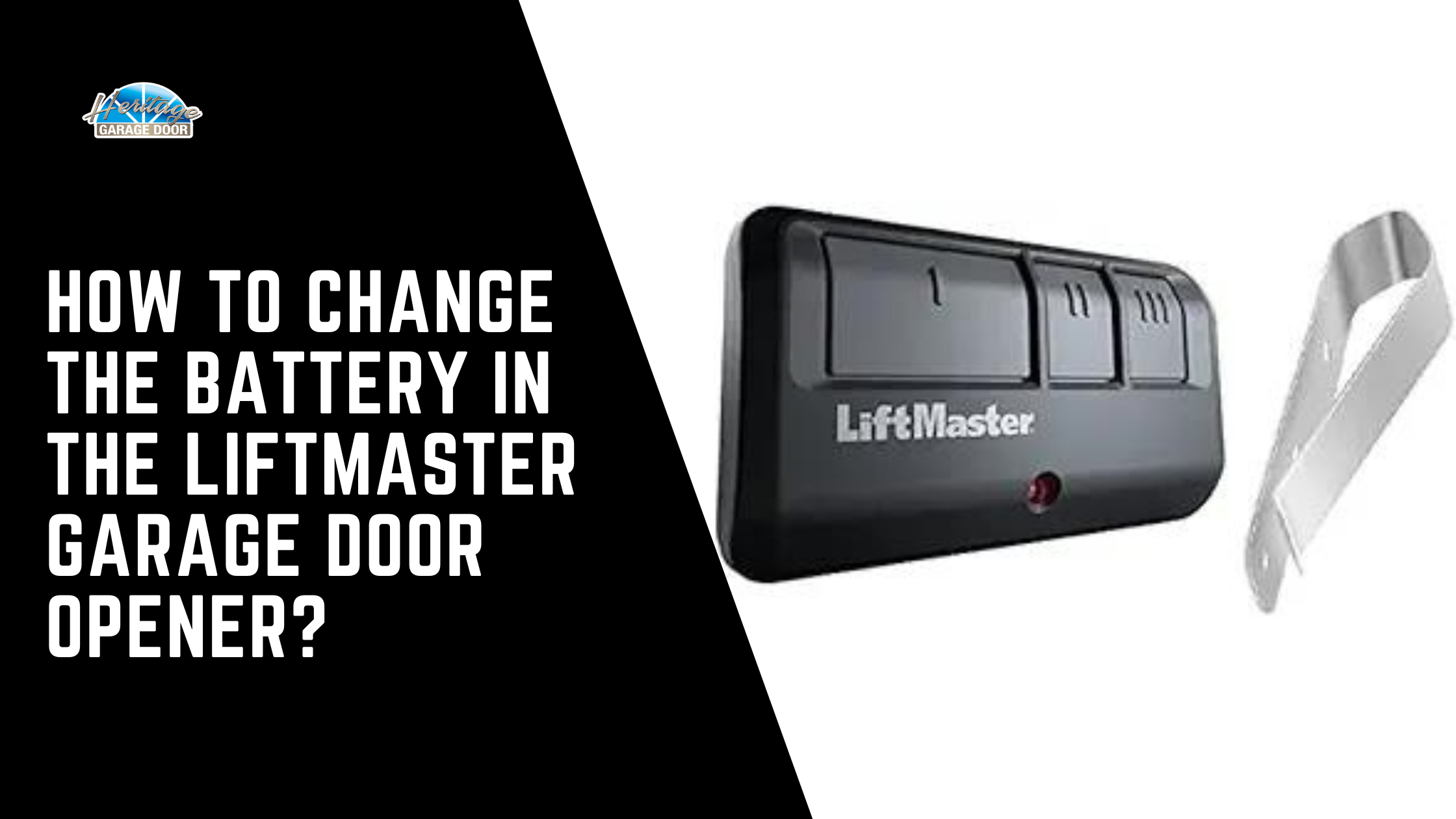
Changing the battery in a Liftmaster remote is quick and easy. Here’s how to do it safely:
- Locate the Battery Compartment: Turn the remote over. You’ll see a small slot or screw on the back.
- Open the Case: Use a coin or screwdriver to gently pry open the cover, or unscrew it if there are screws.
- Remove Old Battery: Note the orientation (plus and minus sides), then take out the battery.
- Insert New Battery: Place the new battery in the same direction as the old one.
- Close the Compartment: Snap the cover back on or screw it in place.
- Test the Remote: Stand a few feet from the garage and press the button to see if the door responds.
If your remote still doesn’t work, check that you used the correct battery type and that it’s inserted correctly.
Step-by-step: Changing Battery In Liftmaster Keypad
Wireless keypads are a popular feature for many Liftmaster systems. Here’s how to replace the battery:
- Open the Keypad Cover: Slide the cover up or press the release button, depending on the model.
- Find the Battery Compartment: Usually located at the bottom or back of the keypad.
- Remove Old Battery: For 9V or AAA, simply pull it out. For coin cells, gently pry it out with a screwdriver.
- Insert New Battery: Match the polarity (+/-) as marked inside the compartment.
- Close the Cover: Make sure it clicks shut.
- Test the Keypad: Enter your code and see if the door operates.
If the keypad is still unresponsive, check for corrosion or clean the contacts with a dry cloth.
Step-by-step: Changing Backup Battery In Main Liftmaster Opener
If your Liftmaster garage door opener has a built-in battery backup, you’ll need to change this battery every 1–3 years, depending on usage and climate. Follow these steps:
- Unplug the Opener: This is important for safety.
- Open the Main Unit Cover: Use a screwdriver to remove the cover. The battery compartment is usually on the side or underneath the unit.
- Disconnect Old Battery: Gently pull off the red and black wires (note their positions).
- Remove Old Battery: Slide it out carefully.
- Insert New Battery: Place it in the compartment, then reconnect the wires (red to red, black to black).
- Close the Cover and Plug In: Replace the cover and plug the opener back into the outlet.
- Test the Opener: Run the door once or twice to make sure everything works.
Some models may beep after a battery change until the new battery is fully charged. This is normal.
Comparing Liftmaster Battery Types
Choosing the correct battery is critical for performance. Here’s a comparison of common Liftmaster battery types:
| Battery Type | Used In | Average Lifespan | Replacement Cost |
|---|---|---|---|
| CR2032 Coin Cell | Remote Controls | 1-2 years | $2-5 |
| 9V Alkaline | Keypads | 1 year | $3-6 |
| 12V 5Ah Rechargeable | Backup Battery | 1-3 years | $20-40 |
Knowing these details can help you budget for replacements and avoid unexpected failures.

Credit: www.youtube.com
How Often Should You Change Your Garage Door Opener Battery?
There is no single answer, as battery life depends on usage, climate, and battery quality. However, here are some general guidelines:
- Remote Batteries: Change every 1–2 years or when you notice reduced range.
- Keypad Batteries: Replace annually or when performance drops.
- Backup Batteries: Replace every 1–3 years, or when the unit beeps or shows a warning.
If you live in a cold climate, batteries may wear out faster. Periodic checks can help you spot problems early.
What To Do If Your Liftmaster Still Doesn’t Work After Replacing The Battery
Sometimes, simply changing the battery doesn’t fix the issue. Here are some troubleshooting steps:
- Check Battery Orientation: Make sure the battery is inserted with the correct polarity.
- Inspect Battery Contacts: Corrosion or dirt can block the connection. Clean contacts with a dry cloth or small brush.
- Try a Second New Battery: Sometimes, new batteries are defective or have lost charge in storage.
- Reprogram the Remote/Keypad: Sometimes, you need to resync your device after changing the battery. Follow your manual’s instructions.
- Check for Interference: Wireless signals can be blocked by metal objects or electronic devices.
- Examine the Wall Button: If all remotes and keypads fail, check the wired wall button for problems.
If none of these steps work, you may need to consult a professional or contact Liftmaster support.

Credit: diy.stackexchange.com
Safety And Environmental Tips
Batteries contain chemicals that can harm the environment if not disposed of properly. Here’s what you should do:
- Take old batteries to a recycling center or a store that accepts used batteries.
- Never burn or crush batteries.
- Store spare batteries in a cool, dry place, away from children and pets.
Many states have laws about battery disposal, so check your local regulations.
Comparing Liftmaster To Other Garage Door Opener Brands
Understanding how Liftmaster handles batteries compared to other brands can help you appreciate their features:
| Brand | Backup Battery Standard? | Battery Replacement Frequency | Remote Battery Type |
|---|---|---|---|
| Liftmaster | Yes (select models) | 1-3 years | CR2032 |
| Chamberlain | Yes (select models) | 1-3 years | CR2032/CR2016 |
| Genie | No (most models) | N/A | CR2032/AAA |
| Craftsman | Rarely | N/A | CR2032 |
Liftmaster and Chamberlain, both under the Chamberlain Group, lead in offering backup power options. Genie and Craftsman focus more on basic remote functions.
Common Mistakes When Replacing Garage Door Opener Batteries
Even simple tasks can go wrong if you’re not careful. Here are mistakes many people make:
- Forgetting to Unplug the Main Unit: This is a safety risk, especially when changing the backup battery.
- Using the Wrong Battery Type: Always double-check the code and size before buying.
- Mixing Old and New Batteries: If your device uses more than one battery, always replace all at the same time.
- Touching Battery Contacts: Oils from your skin can cause corrosion over time.
- Not Cleaning the Compartment: Dust or residue can block the electrical connection.
Avoiding these mistakes helps your opener work reliably and extends its lifespan.
Tips To Make Your Liftmaster Battery Last Longer
You can get more life from your batteries by following these practical tips:
- Use High-Quality Batteries: Cheaper brands often die sooner.
- Store Remotes Indoors: Extreme temperatures drain battery life.
- Limit Button Presses: Press only once and wait for the door to respond.
- Keep Contacts Clean: Wipe the battery area every time you change it.
- Replace Before Failure: Don’t wait for the battery to die completely.
Some users set a calendar reminder every year to check all their home’s device batteries at once.
Signs Your Liftmaster Backup Battery Needs Replacement
The backup battery is a key feature for many homeowners, but it’s easy to forget about it until the power goes out. Here are signs the battery may be near the end of its life:
- Beeping Sound: The opener emits a regular beep every 30 seconds.
- Indicator Light: A red or flashing battery icon on the wall control panel.
- Loss of Power During Outage: The opener does not work when power is out.
- Frequent Power Surges: If your area has many outages, your battery may wear out faster.
Replacing the backup battery before it fails ensures your garage door will always work, even during storms or emergencies.
How To Find The Right Replacement Battery For Your Liftmaster
Finding the correct battery is crucial. Here’s how to be sure:
- Check the Old Battery: Read the label for voltage and size.
- Read Your Manual: The model number and recommended battery are usually listed.
- Visit the Manufacturer’s Website: Liftmaster’s site offers compatibility information and part numbers.
- Ask a Professional: Many hardware stores can look up the right battery for you.
Most Liftmaster garage door openers use standard sizes, so replacements are widely available at hardware stores, supermarkets, or online.
Credit: heritagedoor.com
The Role Of Battery Backup In Modern Garage Door Openers
As technology advances, battery backup is becoming a must-have. Here’s why it matters:
- Power Outages Are Common: In the US, the average home faces at least one power outage per year.
- Safety: Automatic openers with backup let you escape the garage during emergencies.
- New Building Codes: In some areas, new garage door openers are required by law to have a battery backup.
According to U.S. Department of Energy, power interruptions are becoming more frequent due to extreme weather, making battery backup even more important.
Professional Vs. Diy Battery Replacement
Most homeowners can change their Liftmaster batteries themselves. However, there are times when calling a professional makes sense:
When To Diy
- You can safely reach the opener.
- You have the right replacement battery.
- You can follow instructions and use basic tools.
When To Call A Pro
- The opener is difficult to reach or mounted high.
- You notice frayed wires or damaged components.
- The opener still doesn’t work after battery replacement.
A professional can check for deeper electrical or mechanical problems and ensure your system is safe.
The Cost Of Not Changing Your Garage Door Opener Battery
Delaying battery replacement might seem harmless, but it can have real consequences:
- Locked Out: You may not be able to enter or exit your garage.
- Security Risks: A non-working opener can leave your garage and home vulnerable.
- Damage to the Opener: Some models can be damaged by trying to operate on a dead battery.
- Costly Emergency Service: Weekend or after-hours help can be expensive.
Preventive maintenance is almost always cheaper and less stressful than emergency repairs.
How To Reset Or Reprogram Your Liftmaster After Battery Replacement
Sometimes, after changing the battery, your remote or keypad may need to be reprogrammed. Here’s a general process:
- Press the “Learn” Button: Located on the opener unit, often colored yellow, purple, or red.
- Press Remote Button: Within 30 seconds, press the button on your remote or keypad.
- Wait for a Click or Light Flash: This means the connection is made.
- Test the Device: Make sure the door responds to the command.
Check your manual for specific instructions, as the steps may vary by model.
Real-life Example: Solving A Garage Lockout
Consider this scenario: You come home during a thunderstorm and the power is out. Your Liftmaster opener has a backup battery, but you ignored the beeping warning for weeks. Now, the opener won’t work, and you’re stuck outside with no easy way in. A neighbor tries to help, but without the right battery, you’re forced to call an emergency locksmith.
This situation is common, and it shows why replacing the battery promptly is so important. Regular checks and timely changes can prevent inconvenience and unexpected costs.
Environmental Impact And Battery Recycling
Each year, millions of household batteries end up in landfills. While garage door opener batteries are small, the chemicals inside can leak and harm soil and water. Recycling batteries is simple:
- Many hardware stores and recycling centers accept used batteries.
- Some communities offer household hazardous waste collection days.
- Always tape battery terminals before recycling to prevent fire risk.
Proper disposal is a small step that helps protect the environment for everyone.
Comparison: Diy Vs. Professional Battery Replacement
Here’s a side-by-side look at the pros and cons of changing the battery yourself or hiring a technician:
| Aspect | DIY | Professional |
|---|---|---|
| Cost | Low (just battery price) | Higher (labor + battery) |
| Time | 10-30 minutes | Appointment needed |
| Skill Level Needed | Basic | None (done for you) |
| Safety | Safe if you follow instructions | Very safe |
| Peace of Mind | If confident in your work | Guaranteed results |
Most people find that DIY is easy and saves money, but calling a pro is wise if you’re unsure or want a full safety check.
Frequently Asked Questions
What Type Of Battery Does My Liftmaster Garage Door Opener Remote Use?
Most Liftmaster remotes use a CR2032 coin cell battery, but some models may use CR2016 or even AAA batteries. Always check the existing battery or your manual before purchasing a replacement.
How Do I Know If My Liftmaster Backup Battery Is Dead?
Your opener will usually beep every 30 seconds or display a red indicator light. The door may also not operate during a power outage. Replace the backup battery every 1–3 years or when you notice these signs.
Can I Use Rechargeable Batteries In My Liftmaster Remote Or Keypad?
No, it’s best to use standard, non-rechargeable batteries in remotes and keypads. Rechargeable batteries have different voltage profiles and may not work reliably. Only use rechargeable batteries if the manual specifically recommends it.
What Should I Do With The Old Batteries?
Take old batteries to a recycling center or a hardware store that accepts household batteries. Do not put them in the trash, as they can leak harmful chemicals into the environment.
Will I Need To Reprogram My Remote After Changing The Battery?
Usually, you don’t need to reprogram your remote after changing the battery. However, if the remote doesn’t work, try reprogramming it by pressing the “Learn” button on your opener and following the manufacturer’s instructions.
Changing the battery in your Liftmaster garage door opener is a simple task that makes a big difference in daily life. With the right battery, a few tools, and these clear steps, you can keep your garage running smoothly and avoid unexpected problems. Regular checks, proper disposal, and timely replacement will keep your home safe and your opener ready whenever you need it.