Now Reading: How Do You Reset a Craftsman Garage Door Opener Easily
- 01
How Do You Reset a Craftsman Garage Door Opener Easily

If your Craftsman garage door opener is acting up—maybe it won’t respond to your remote, the keypad flashes the wrong code, or it simply won’t open or close—it can be frustrating. Many homeowners face these issues, but the good news is that most problems can be solved with a reset.
Resetting your Craftsman garage door opener can fix many common glitches, erase old codes, and help you reprogram new remotes or keypads. But it’s not always obvious how to do it, and each model can be a little different.
This guide will walk you through every step of the process. You’ll learn what resetting actually does, when you need to do it, how to identify your Craftsman model, and the safest, most effective ways to get your opener working again.
With clear instructions, practical tips, and answers to common questions, you’ll feel confident about handling your Craftsman garage door opener reset—no matter your experience level.
Understanding The Craftsman Garage Door Opener
Before getting started, it’s helpful to know what a garage door opener actually does and why resetting it is sometimes necessary. The opener is an electric device—usually mounted on the ceiling—that controls the movement of your garage door. It connects to remotes, keypads, and sometimes smart home systems.
Most Craftsman openers use rolling code technology for security. This means the code sent from your remote changes each time you use it, making it hard for someone to steal your code and break in. Over time, codes can get out of sync, remotes can stop working, or you might need to clear out old codes if you lose a remote or move into a new home.
Resetting the opener erases all stored codes and lets you start fresh.
Reasons To Reset Your Craftsman Garage Door Opener
People reset their openers for several reasons. Understanding these can help you decide when a reset is truly needed.
- Lost or Stolen Remote: If someone finds your remote, they can access your garage. Resetting removes its code from the system.
- Moving Into a New Home: You don’t know who else might have a remote programmed to your opener. Resetting ensures only your devices work.
- Glitches and Malfunctions: Sometimes, remotes stop working, or keypads flash error messages. A reset can clear minor software glitches.
- Adding New Remotes: If you want to program new remotes but the memory is full, a reset clears old codes to make space.
- Security Upgrades: After a break-in or attempted break-in, resetting ensures only trusted remotes and codes are active.
Non-obvious insight: Many people don’t realize that resetting the opener also erases all wireless keypad codes. You’ll need to reprogram these after a reset.
Types Of Craftsman Garage Door Openers
Craftsman has released many models over the years. Knowing your model helps you find the right instructions.
There are three main types:
- Chain Drive: The most common, known for reliability and a bit of noise.
- Belt Drive: Quieter than chain drives, suitable for garages attached to living spaces.
- Screw Drive: Less common, but strong and needs less maintenance.
Older models use a fixed code system, while newer ones use rolling codes (Security+ or Security+ 2. 0). You can usually find the model number on the back or side of the opener’s motor housing.
Example: A sticker might say “Model 139.53985D” or “Model 41A5021-1M-315.” Write this number down before you start.
Safety First: Preparing To Reset Your Opener
Resetting is simple, but safety should always come first.
- Unplug the opener before working on it, especially if you need to open the housing.
- Keep ladders stable and use proper lighting.
- Have your remotes and keypads nearby so you can reprogram them right after the reset.
- Read your manual: If you have the original Craftsman opener manual, keep it handy for reference.
Non-obvious insight: If your garage door uses a backup battery, unplugging the unit alone may not fully cut power. Remove the battery to ensure a full reset.
How To Reset A Craftsman Garage Door Opener: Step-by-step
Most Craftsman openers reset in a similar way, but small differences exist. Here’s the most common method, suitable for models made after 1997.
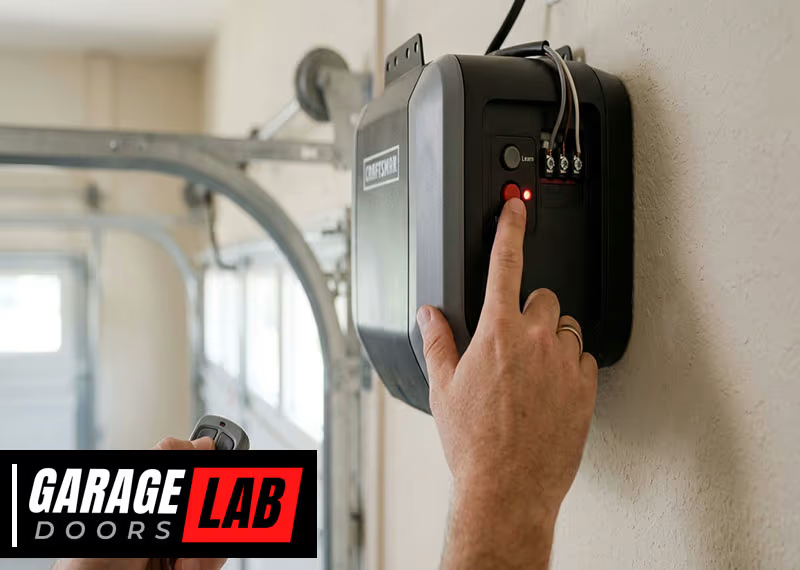
Step 1: Locate The “learn” Button
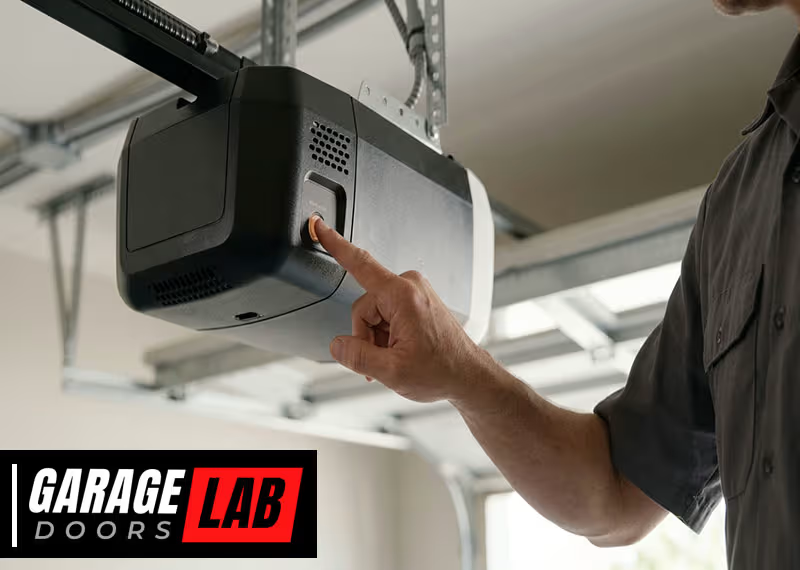
The Learn button is usually on the back or side of the motor housing. You might need to remove a small light cover to see it.
- The button is often red, yellow, orange, purple, or green.
- It may be labeled “LEARN” or just show the color.
Step 2: Press And Hold The Learn Button
- Use your finger or a pen to press and hold the button.
- Hold for about 6-10 seconds, until the indicator light next to the button goes out (or starts blinking).
This step erases all remote and keypad codes from memory.
Step 3: Reprogram Remotes And Keypads
After a reset, none of your remotes or keypads will work until you reprogram them.
- Press the Learn button once (don’t hold).
- Within 30 seconds, press the button on your remote you want to program.
- The opener light will blink or you’ll hear a click—this means programming was successful.
- Repeat for each remote and keypad.
Tip: Some keypads need a PIN code. After pressing the Learn button, enter your PIN on the keypad and press Enter.
Step 4: Test The System
- Try each remote and keypad.
- Make sure the door opens and closes smoothly.
- Check that old remotes (if you have them) no longer work.
Common mistake: Forgetting to reprogram all remotes and keypads after a reset. All previous codes are wiped.
Resetting Older Craftsman Models
If you have an opener made before 1997, the process can be different.
- Some older models use a set of DIP switches inside the remote and opener. You must match the switches to synchronize them.
- To reset, slide all switches to OFF, then match the pattern on the remote with the opener.
Tip: If your opener has DIP switches, consider upgrading for better security.
Resetting Smart Or Wi-fi Enabled Craftsman Openers
Newer Craftsman openers can connect to smart home apps or Wi-Fi. These may need extra steps:
- Disconnect the opener from the app before a reset.
- After resetting, reconnect the opener to your home Wi-Fi and app.
- Re-add your opener in the app to restore smart features.
Always check your manual or the Craftsman website for model-specific instructions.
What Happens After A Reset?
A reset wipes all codes:
- All remotes, keypads, and smart devices are erased.
- The opener returns to factory default settings.
- You must reprogram every remote and keypad.
If you experience issues after resetting, such as remotes not working or the keypad flashing errors, double-check that you followed the steps correctly. Sometimes, repeating the process solves hidden glitches.
Troubleshooting Common Reset Problems
Sometimes, things don’t go as planned. Here’s how to handle common issues:
Remote Or Keypad Won’t Program
- Make sure you press the Learn button only once (not hold) when programming.
- Check the remote’s battery—weak batteries can cause problems.
- Stand within 3-5 feet of the opener when programming.
- For keypads, ensure you use the correct PIN.
Opener Light Doesn’t Blink
- Some models don’t have a blinking light. Instead, listen for a click or whirring sound.
- If nothing happens, unplug the opener for 1 minute and try again.
Door Opens By Itself After Reset
- Check for stuck buttons on your remotes or keypad.
- Interference from nearby devices can trigger the opener. Reset again, and keep remotes away during programming.
Still Having Problems?
- Look for the model number and search the Craftsman website for your specific manual.
- Call Craftsman support for help if you’re stuck.
How To Identify Your Craftsman Opener Model
Knowing your model helps you find the right reset instructions. Here’s how to locate it:
- Look for a sticker on the back, side, or bottom of the motor housing.
- The number usually starts with “139.” Or “41A”.
- Write it down or take a photo for reference.
If you can’t find the number, search for a manual online using “Craftsman garage door opener manual + year” or check the Craftsman website.
Reprogramming After Reset: Remote Controls And Keypads
Resetting is only the first step. Reprogramming brings your system back to normal.
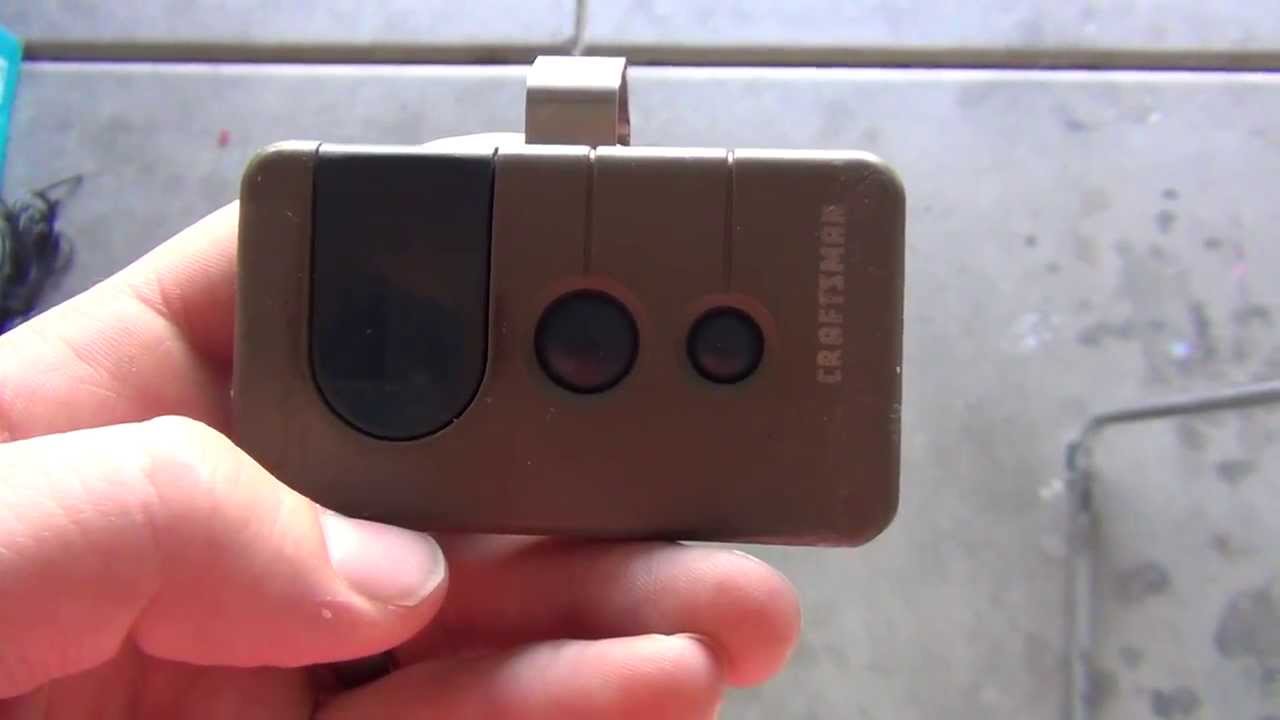
Programming A Remote
- Press and release the Learn button.
- Within 30 seconds, press and hold the button on your remote.
- Release the button when the opener light blinks.
Repeat for each remote.
Programming A Keypad
- Press and release the Learn button.
- Within 30 seconds, enter your chosen PIN on the keypad, then press Enter.
- The light on the opener should blink, confirming programming.
Tip: Choose a PIN that’s easy for you but hard for others to guess.
Programming A Smart Device
- Open your Craftsman or Chamberlain smart home app.
- Follow prompts to add a new device.
- Enter your Wi-Fi details and connect the opener.
Common mistake: Forgetting to reset your app connection after a hardware reset.
Comparing Craftsman Opener Models: Key Features
Here’s a quick look at common Craftsman models and their main features.
| Model | Drive Type | Security | Reset Method | Smart Features |
|---|---|---|---|---|
| 139.53985D | Chain | Rolling Code | Learn Button | No |
| 41A5021-1M-315 | Belt | Rolling Code | Learn Button | No |
| CMXEOCG471 | Chain | Security+ 2.0 | Learn Button | Yes |
| Older Models | Chain/Screw | DIP Switches | Switches | No |
If you’re unsure which model you have, compare the features to your opener.
Reset Vs. Reprogram: What’s The Difference?
Many people confuse resetting and reprogramming. Here’s how they differ:
| Action | What It Does | When to Use |
|---|---|---|
| Reset | Erases all codes, returns to default | Lost remote, moving, glitches |
| Reprogram | Adds new remotes/keypads | After reset, new remote |
Key takeaway: You must reprogram all devices after a reset.
When A Reset Won’t Fix The Problem
Resetting your opener solves most code and remote problems. But some issues need different solutions.
Mechanical Issues
If the door jams, makes grinding noises, or won’t move at all, resetting the opener won’t help. You may have:
- Broken springs or cables
- Bent tracks
- Worn out gears
Call a professional for mechanical repairs.
Power Problems
If the opener doesn’t turn on, check:
- Wall outlet and power supply
- Circuit breaker or fuse
- Backup battery (for some models)
Sensor Problems
If the door reverses or won’t close:
- Clean the safety sensors (small boxes near the floor)
- Realign them until lights are steady
Resetting does not fix sensor alignment issues.
Maintenance Tips To Avoid Future Resets
You can avoid frequent resets with simple maintenance:
- Change remote batteries every 1-2 years.
- Keep sensors clean and free of cobwebs or dust.
- Test the opener monthly by opening and closing the door.
- Check for firmware updates if your opener is Wi-Fi enabled.
- Lubricate moving parts (chains, rollers) twice a year.
Practical tip: Label your remotes and keypads with a sticker, so you know which ones are programmed.
Security Advice After A Reset
For best security:
- Only program remotes and keypads you use.
- Don’t share your PIN code.
- If you lose a remote, reset the system to erase it.
- Change your PIN every year.
- If you sell your home, reset the opener before leaving.
Did you know? Many break-ins happen because old remotes were not erased after moving.
Real-world Example: Resetting After Moving In
Imagine you just bought a house with a Craftsman opener. The old owner gave you two remotes, but you’re not sure if more exist. Here’s what to do:
- Find the Learn button.
- Hold it until the light goes out—this erases all old remotes.
- Program your remotes and keypad using the steps above.
Now you know only your remotes work.
Advanced: Connecting Craftsman Opener To Smart Home Systems
If your Craftsman opener supports Wi-Fi, you can connect it to your phone or smart home system.
- Download the MyQ app (for compatible models).
- Follow the app’s instructions to add your device.
- After a reset, you’ll need to re-add the opener in the app.
Pro tip: Some older openers can be upgraded with a smart garage hub.
For details, see the official Chamberlain support page.
Cost Of Professional Reset Or Repair
While most resets are DIY, sometimes you need a pro:
- Average garage door opener service call: $80–$150
- Full opener replacement: $200–$400 (not including installation)
- Smart hub upgrade: $50–$100
If your opener still won’t reset, consider calling a local technician.
Summary Of Key Steps
Here’s a quick summary for busy readers:
- Find the Learn button on your opener.
- Hold the button until the light goes out (6-10 seconds).
- Reprogram every remote and keypad.
- Test to make sure only your devices work.
- Repeat if needed for smart devices or apps.
Always check your specific model’s instructions for special steps.
Frequently Asked Questions
How Do I Know If My Craftsman Opener Needs A Reset?
If remotes or keypads stop working, you lose a remote, or you move into a new home, a reset is a good idea. If the opener shows error codes or acts strangely, try a reset before calling a technician.
Where Is The Learn Button On My Craftsman Opener?
It’s usually on the back or side of the opener’s motor housing, near the antenna wire. Sometimes you need to remove a light cover to see it. The button may be red, orange, yellow, purple, or green.
Will Resetting My Opener Erase My Remote Controls?
Yes. A reset erases all stored codes, so you must reprogram every remote and keypad. Have your devices ready before you start.
What If My Opener Still Doesn’t Work After A Reset?
Check the power supply, remote batteries, and sensor alignment. If you still have problems, look up your model number and consult the manual. For mechanical issues, call a professional.
Can I Reset My Craftsman Garage Door Opener Without A Remote?
Yes. The reset is done on the opener itself, not the remote. You only need the Learn button and access to the motor unit.
Resetting your Craftsman garage door opener is a smart way to fix common problems and boost your home’s security. By following the steps above, you’ll keep your garage safe and your opener working smoothly for years to come.