
If you press the buttons on your garage door opener keypad and nothing happens, frustration can build quickly. This small device is meant to make life easier, giving you keyless access when your hands are full or you’re out for a run. But when the keypad stops working, it can leave you stuck outside—or worse, locked in. There are many reasons why a keypad might fail, from simple battery issues to deeper wiring faults. Understanding these causes and how to solve them is key to regaining control and convenience.
This guide covers everything you need to know about a garage door opener keypad not working. You’ll discover common problems, practical troubleshooting steps, and advanced fixes. Even if you’re not a tech expert, the explanations here will help you feel confident. By the end, you’ll know how to restore your keypad and avoid future headaches.
How Garage Door Opener Keypads Work
Before jumping into fixes, it helps to know what’s happening behind the buttons. A garage door opener keypad is a small wireless device, usually mounted outside your garage. It sends a code to your garage door opener’s receiver. If the code matches, the door opens or closes. Most keypads use a four-digit PIN, and the signal is sent by radio frequency (RF).
Inside the keypad, there is:
- A circuit board that interprets button presses
- A radio transmitter to send the code
- A battery for power
- Rubber or plastic buttons that make contact with the circuit board
If any part fails, the signal won’t reach the opener, and nothing happens. Understanding this simple system makes troubleshooting much easier.
Most Common Reasons Your Garage Door Opener Keypad Isn’t Working
There are several typical reasons a keypad may stop working. Here are the most frequent ones:
- Dead or weak battery
- Worn or stuck keys
- Incorrect PIN entry
- Lost programming
- Interference or range problems
- Weather damage
- Worn-out circuit board
- Wiring problems (for wired keypads)
- Lock or vacation mode enabled
- Receiver issue in the garage door opener
A deeper look at each can help pinpoint your issue.
Dead Or Weak Battery
Most wireless keypads use a 9-volt or AA battery. If the battery is dead, the keypad cannot send a signal. Sometimes, a weak battery gives enough power for the lights to come on but not enough to transmit properly.
Worn Or Stuck Keys
Keys see a lot of use. Dirt, dust, or worn rubber can cause buttons not to register when pressed. If some numbers work but others don’t, this is likely the issue.
Incorrect Pin Entry
After several wrong attempts, some keypads lock out for a few minutes. Double-check that you’re entering the correct code.
Lost Programming
Power surges, battery changes, or interference can cause the keypad to lose its programming. If it stopped working after a storm or battery change, this could be why.
Interference Or Range Problems
Wireless keypads have a limited range. Metal doors, thick walls, or nearby wireless devices can block signals.
Weather Damage
Rain, snow, and extreme temperatures can get inside the keypad and cause corrosion or short circuits.
Worn-out Circuit Board
If the keypad is more than 8-10 years old, the circuit board may have failed. This usually requires replacement.
Wiring Problems (for Wired Keypads)
Some older keypads are wired directly to the opener. Loose or corroded wires can cause failures.
Lock Or Vacation Mode Enabled
Some systems have a feature that disables remote access, including keypads, for extra security.
Receiver Issue In The Garage Door Opener
If multiple remotes and the wall button also fail, the problem could be with the opener’s receiver.
Quick First Steps: What To Check Before Troubleshooting
Sometimes, the issue is simple. Before taking the keypad apart, try these steps:
- Check the battery: Replace it with a fresh one, even if the old one is only a few months old.
- Test other remotes: If they don’t work, the problem is with the opener, not the keypad.
- Clean the keypad: Wipe the surface and buttons with a dry cloth to remove dirt.
- Try your code again: Carefully press each button. Watch for sticky or slow keys.
- Look for blinking lights: Some keypads have a red or green light that flashes when you press a button. No light usually means a power issue.
If the keypad still doesn’t work, move to detailed troubleshooting.
Step-by-step Troubleshooting Guide
Fixing a garage door opener keypad not working can be straightforward if you follow a methodical process. Here’s a detailed guide:
1. Replace The Battery
Even if the keypad lights up, replace the battery with a new, high-quality one. Weak batteries often cause intermittent problems.
- Open the keypad housing (usually a sliding or screw-on cover).
- Remove the old battery.
- Insert a new battery, matching the polarity (+/-).
- Close the cover and test the keypad.
If it works, you’re done. If not, continue.
2. Check For Physical Damage
Inspect the keypad for cracks, missing parts, or water damage.
- If you see corrosion (white or green powder), clean it gently with a cotton swab and isopropyl alcohol.
- If the keypad is badly damaged, replacement is best.
3. Clean And Test The Buttons
Dirt and moisture can block button contact.
- Gently press each button. Do some feel soft, loose, or don’t click?
- Use compressed air to blow out dust.
- If comfortable, open the keypad and clean the inside with a dry brush.
4. Reprogram The Keypad
Many failures happen after a battery change or power outage. Reprogramming resets the keypad:
- Find the “Learn” or “Program” button on your garage door opener (usually on the motor unit).
- Press this button (often a colored square or round button).
- Within 30 seconds, enter your desired PIN on the keypad.
- Press the “Enter” button on the keypad.
Programming steps can vary by brand. Check your manual or search for instructions for your keypad model.
5. Test Range And Interference
Stand close to the opener and try the keypad. If it works only when you’re very near, interference could be the issue.
- Move wireless routers or other electronics away from the opener if possible.
- Make sure there are no metal objects blocking the signal.
6. Check For Lock Mode
Some openers have a “Lock” button, usually on the wall control inside the garage.
- If Lock mode is on, the opener ignores signals from all remotes and keypads.
- Turn off Lock mode and test again.
7. Inspect Wiring (wired Keypads)
For keypads with wires:
- Check connections at both the keypad and the opener’s terminal.
- Tighten loose wires.
- Replace any corroded or broken wires.
8. Check The Opener’s Receiver
If no remote or keypad works, the receiver in the opener may be faulty.
- Reset the opener by unplugging it for 30 seconds, then plugging back in.
- If problems persist, professional repair may be needed.
Advanced Troubleshooting For Persistent Problems
If you’ve tried the above steps and your garage door opener keypad still won’t work, consider these advanced checks.
Replace Keypad Circuit Board
Inside the keypad, a small circuit board handles all signals. If this board fails, the keypad won’t work—even with new batteries and reprogramming. Some brands sell replacement boards, but often it’s easier to replace the entire keypad.
Signs of a bad circuit board:
- Keypad lights up, but nothing happens
- Random numbers work, but others never do
- Keypad only works sometimes, even with new batteries
Test For Water Damage
Moisture inside the keypad can cause shorts. If you see water inside, remove the battery and let the keypad dry completely for 24 hours. Clean visible corrosion gently.
Check For Firmware Or Compatibility Issues
Newer openers sometimes use “rolling code” technology for security. If you recently replaced your opener but kept your old keypad, they may not be compatible.
Check your opener and keypad model numbers online. Some older keypads cannot be programmed to newer openers.
Try A Universal Keypad
If you suspect compatibility issues, try a universal keypad. These are designed to work with most brands and models. Installation is usually easy and can solve many stubborn problems.
Test The Keypad At Night
A less obvious issue: some keypads fail to work in direct sunlight due to heat or light interference. If your keypad works at night but not during the day, consider installing a small shade over it.
Reset All Opener Codes
If you suspect someone has tampered with your codes or you’ve lost track of which codes are programmed, reset the opener and program all remotes and keypads again.
When To Replace Your Keypad
A garage door opener keypad can last 8–12 years, but frequent problems suggest it’s time for a new one. Consider replacement if:
- The keypad is cracked, faded, or has missing buttons
- Water or insect damage is visible
- Reprogramming fails repeatedly
- It’s not compatible with your opener
New keypads often offer better security, longer range, and more reliability.
How To Replace A Garage Door Opener Keypad
Replacing your keypad is simpler than you might think. Here’s a typical process:
- Buy a compatible keypad: Check your opener’s brand and model.
- Remove the old keypad: Unscrew or unclip it from the wall.
- Install the new keypad: Follow the included instructions. Usually, you’ll mount the keypad and program your PIN.
- Test operation: Make sure the keypad opens and closes the door.
Many brands offer universal keypads, which work with most openers made after 1993.
How Weather Affects Garage Door Keypads
Outdoor keypads must survive rain, snow, sun, and temperature swings. Over time, weather can cause:
- Button sticking from dirt or ice
- Internal corrosion from moisture
- Sun fading of labels, making buttons hard to read
- Battery drain in cold weather
To protect your keypad:
- Install it in a covered location if possible
- Clean it regularly, especially after storms
- Replace the battery yearly
Keypad Vs. Remote: Which Is More Reliable?
Both keypads and remotes control your garage door, but each has strengths and weaknesses. Here is a comparison to help you understand:
| Feature | Garage Door Keypad | Remote Control |
|---|---|---|
| Power source | Battery | Battery |
| Weather exposure | High | Low (kept inside car) |
| Security | PIN protected | Button only |
| Installation location | Outside garage | Inside vehicle |
| Typical lifespan | 8–12 years | 10–15 years |
Keypads are more exposed to the elements, so they tend to need more frequent maintenance.
Major Garage Door Opener Keypad Brands And Their Special Issues
Not all keypads are created equal. The most popular brands have unique features and common issues:
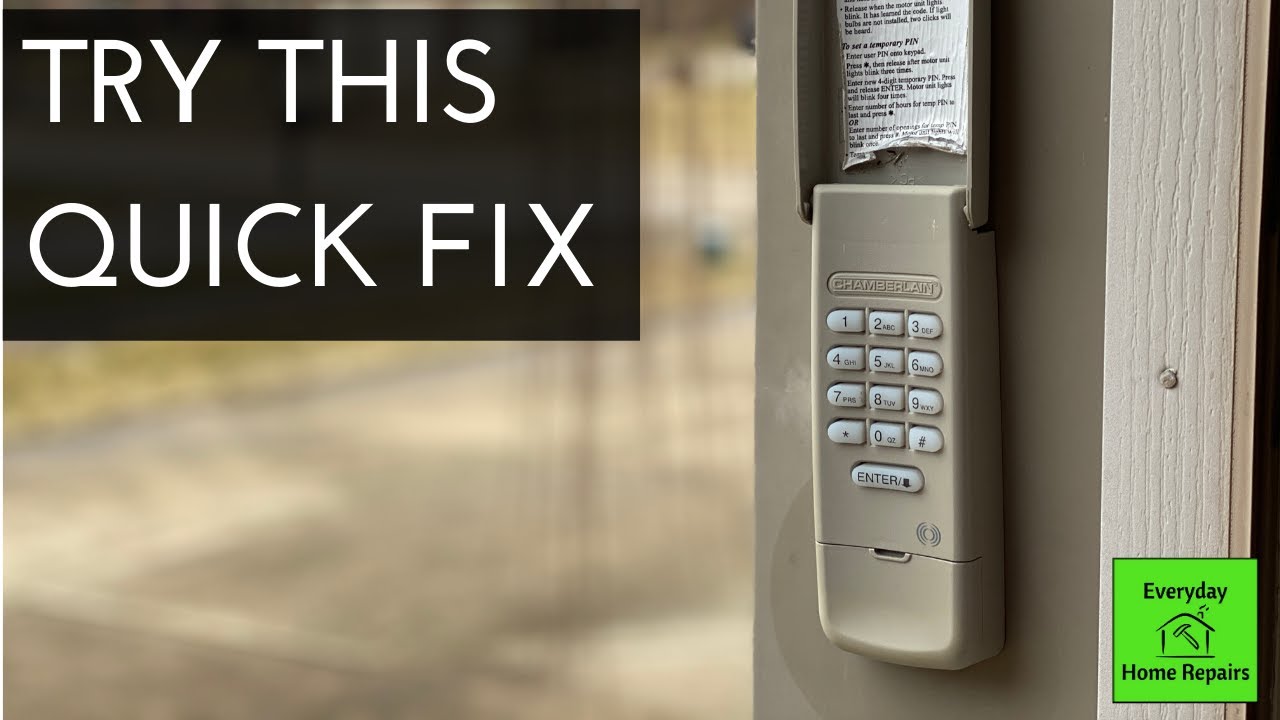
Liftmaster / Chamberlain
- Use “Learn” button for programming
- Common issues: Battery life, lost programming after battery change
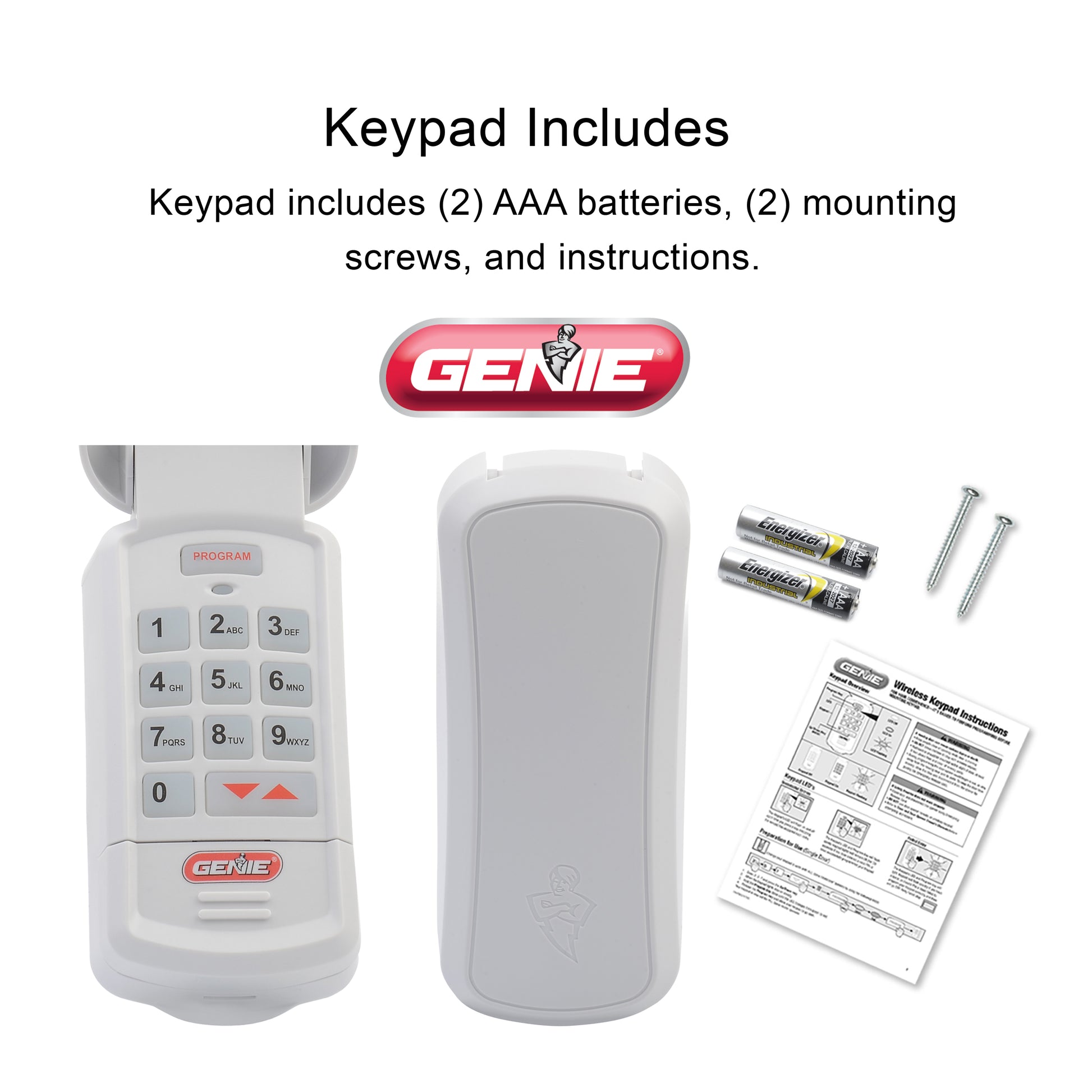
Genie
- Use “Program” and “Enter” buttons
- Known for “lockout” after several wrong PIN attempts
Craftsman
- Often compatible with LiftMaster/Chamberlain
- Some models have issues with sunlight interference
Linear / Multi-code
- Simpler programming
- Older models not compatible with rolling code openers
Each brand’s website has manuals and troubleshooting guides. This is helpful if you lose your manual.
How To Extend The Life Of Your Garage Door Keypad
A little maintenance goes a long way. Here’s how to keep your keypad working for years:
- Change the battery yearly (even if it still works).
- Clean the keypad with a dry cloth every few months.
- Seal cracks quickly to keep out water and insects.
- Check programming after power outages or battery changes.
- Install a weather cover if your keypad is exposed to rain or snow.
- Teach all users the correct PIN and how to use the keypad.
Most people forget about keypad maintenance until it fails. A few minutes of care can prevent being locked out.
Security Risks And Safety Tips
While keypads add convenience, they can pose security risks if not used wisely.
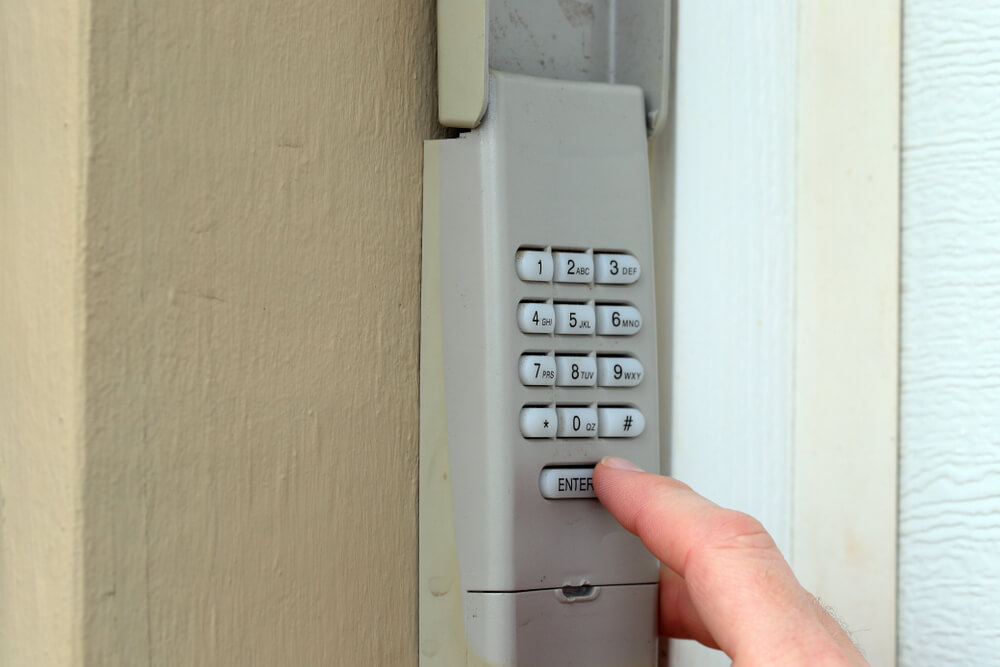
- Change your PIN regularly. Don’t use “1234” or your address.
- Don’t share your code widely. Only tell trusted family members.
- Install the keypad out of sight. Avoid placing it where someone can see you enter the code.
- Clear fingerprints. Grease marks can reveal your code to thieves.
- Enable vacation mode when away for extended periods.
Some new keypads allow “temporary codes” for guests or deliveries. Delete these codes when no longer needed.
When To Call A Professional
Some problems are best left to experts:
- Wiring issues you’re not comfortable repairing
- Repeated failures after all troubleshooting steps
- Suspected opener receiver faults
- Keypad won’t program, even after following instructions
A professional can diagnose deeper electrical problems, replace worn-out parts, or recommend compatible upgrades.
Costs To Repair Or Replace A Garage Door Keypad
Wondering how much you’ll spend? Here’s a general breakdown:
| Service | Typical Cost | Includes |
|---|---|---|
| Battery replacement | $3–$8 | Battery only |
| DIY cleaning/maintenance | Free–$5 | Cleaning supplies |
| Keypad replacement (DIY) | $30–$60 | Keypad and instructions |
| Keypad replacement (pro install) | $80–$150 | Labor and keypad |
| Opener receiver repair | $100–$300 | Parts and labor |
DIY solutions save money but require basic tools and confidence.
What Most People Miss: Non-obvious Insights
- Battery contacts corrode: Even with a new battery, dirty contacts can block power. Cleaning the contacts with a pencil eraser or alcohol often solves “dead” keypads.
- PINs can “stick” in memory: If your keypad acts up, try entering a random code to “unstick” the memory, then re-enter your PIN.
- Keypad backlights fail before the keypad: If the light doesn’t come on, but the keypad works, don’t assume it’s broken. The backlight often fails first.
- Garage door opener frequency interference: Newer Wi-Fi routers or smart home devices can interfere with old openers. Changing the router’s location or channel can restore keypad function.
- Temporary keypad failure in extreme cold or heat: Plastic, batteries, and electronics can act up when it’s very hot or cold. Let the keypad return to room temperature and retest before replacing.
Frequently Asked Questions
Why Does My Garage Door Opener Keypad Only Work Sometimes?
Intermittent problems are often due to a weak battery, dirty contacts, or interference. Try replacing the battery, cleaning the contacts, and testing at different times of day. Extreme weather can also cause temporary failures.
How Do I Reset My Garage Door Opener Keypad?
Most keypads reset by pressing the “Learn” button on the garage door opener, then entering a new PIN on the keypad within 30 seconds. Instructions vary by brand, so check your manual or search online for your model.
Can I Use Any Garage Door Keypad With My Opener?
Not always. Older keypads may not work with newer openers (and vice versa) due to rolling code technology. Universal keypads work with most major brands after 1993. Always check compatibility before buying.
Is It Safe To Use A Garage Door Keypad?
Yes, if you use a strong PIN and change it regularly. Avoid simple codes (like 1111 or your address). Install the keypad out of sight and clean fingerprints to reduce risk.
Where Can I Find More Help Or Manuals For My Keypad?
Most brands post manuals and guides on their websites. For general advice and model-specific help, Family Handyman offers troubleshooting tips and step-by-step instructions.
A garage door opener keypad not working can feel like a crisis, but with clear steps and a little patience, most issues can be solved at home. Address the basics first—battery, cleaning, and reprogramming—before moving to advanced fixes. With proper care, your keypad will give you years of trouble-free access, making your daily routine smoother and more secure.