Now Reading: How to Set Universal Garage Door Opener: Easy Step-by-Step Guide
- 01
How to Set Universal Garage Door Opener: Easy Step-by-Step Guide
How to Set Universal Garage Door Opener: Easy Step-by-Step Guide

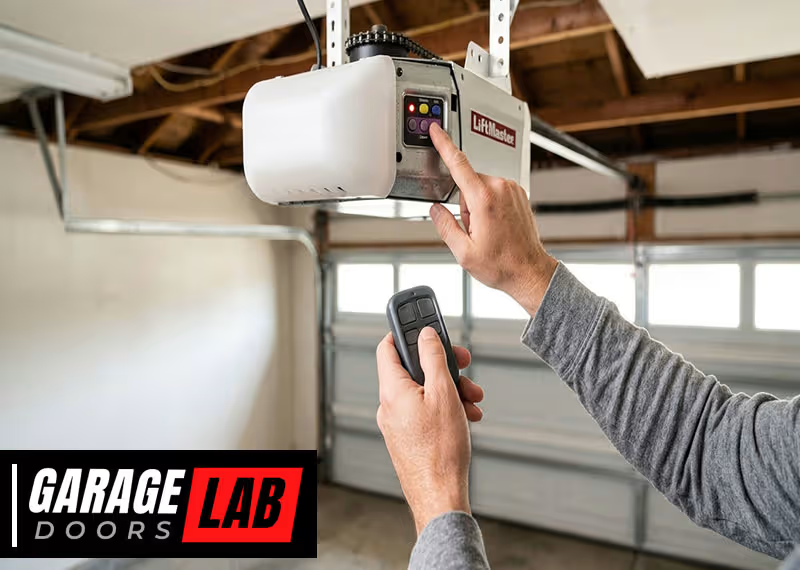
Setting up a universal garage door opener can feel confusing, especially if you’ve never done it before. But once you understand each step, it’s much easier than you think. A universal opener is a smart solution for families with different cars, or for homes where the original remote is missing or broken. It saves time, reduces clutter, and gives you peace of mind. Whether your goal is to connect a remote, program a built-in car button, or replace an old system, this guide will walk you through everything you need to know.
You’ll learn about the different types of universal openers, how they work, which features matter most, and the step-by-step process to set one up. You’ll also discover advanced tips and get answers to common problems. By the end, you’ll be able to set up your garage opener with confidence—even if you’re not a tech expert.
Understanding Universal Garage Door Openers
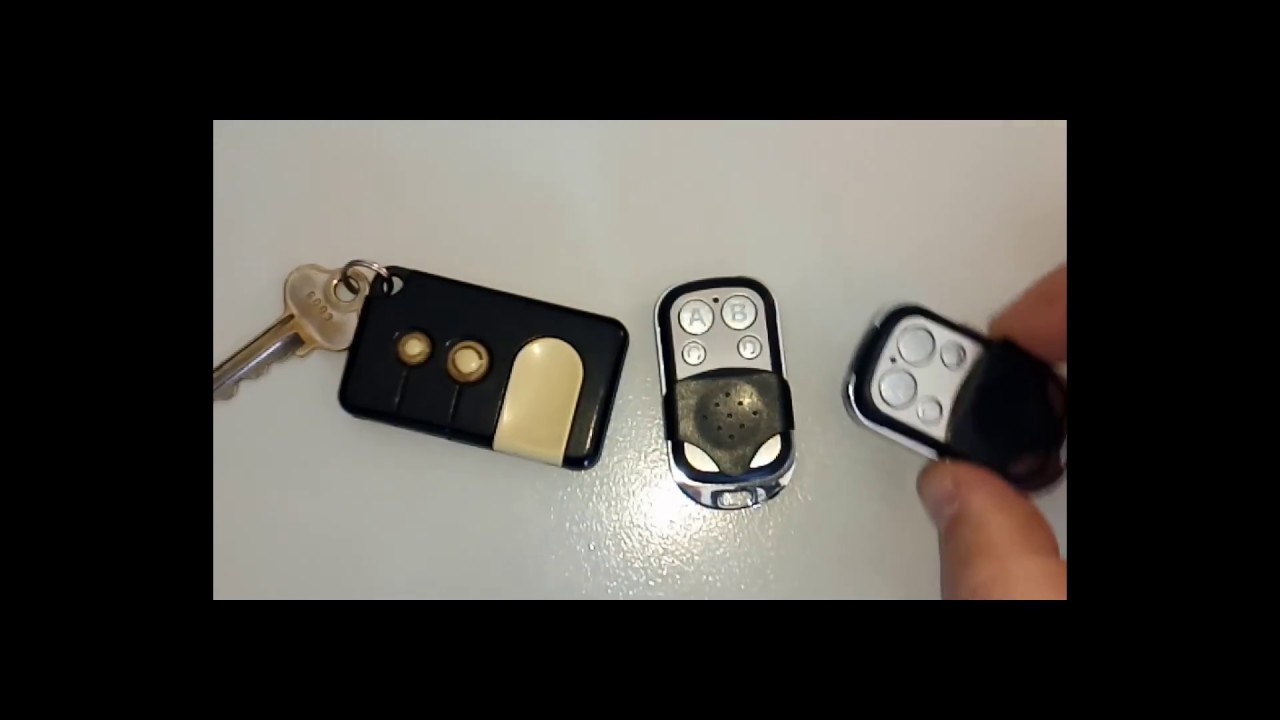
Before you start programming, it’s important to know what makes a garage door opener “universal. ” A universal opener is designed to work with a wide range of garage door brands and models. This means one remote or system can control multiple types of garage doors, even if they’re from different manufacturers.
Universal openers usually come in two main styles:
- Handheld remotes: These look like regular garage door remotes but are programmed to match your garage system.
- Built-in car systems: Many modern cars include a built-in button (often called HomeLink or Car2U) that can be programmed to open your garage.
Universal openers work by copying or syncing with the same frequency and code used by your garage door system. Some can control two or three doors at once, making them perfect for homes with more than one garage.
Why Choose A Universal Garage Door Opener?
Universal openers are popular because they:
- Replace lost or broken remotes without needing to buy the same brand.
- Control multiple doors with a single device.
- Work with most garage door brands (especially models made after 1993).
- Easily integrate with car systems, so you don’t need to carry extra remotes.
It’s important to check your garage door’s brand and year before buying. Some very old or very new openers may need specific compatibility.
What You Need Before Starting
To set up your universal garage door opener, gather these items:
- The universal garage door remote or your car’s built-in system.
- A ladder (if your opener is mounted on the ceiling).
- The owner’s manual for your garage door opener (if you have it).
- A small flathead screwdriver (for opening battery covers).
- The learn button location on your garage opener unit.
Be sure your garage door system is in good working order. If the door or opener is broken, fix those problems first. Always unplug the garage opener when working on wiring or if you need to open the case.
Common Mistakes To Avoid
Many people make these errors:
- Not checking if their opener is compatible with universal remotes.
- Skipping the learn button step.
- Trying to program from too far away.
- Forgetting to clear old codes before adding a new one.
Taking a few minutes to prepare will save you headaches later.
How Universal Garage Door Openers Work
Garage door openers use radio frequency (RF) signals to communicate between the remote and the motor unit. When you press your remote, it sends a special code to the garage door opener. If the code matches, the opener activates and opens (or closes) the door.
Most openers made after 1993 use “rolling code” technology. This means the code changes every time you use it, making it harder for someone to copy the signal and break in. Universal remotes are designed to sync with these changing codes.
Older garage systems (before 1993) often use “fixed code” technology. Universal remotes can usually copy these as well, but some very old openers are not compatible.
Step-by-step Guide: Setting A Universal Garage Door Opener
Setting up your universal opener isn’t hard, but the steps can vary depending on your system. Below is a complete guide that covers both handheld remotes and built-in car buttons.
1. Identify Your Garage Opener’s Brand And Year
Start by checking the brand and model number on your garage opener unit (usually on the ceiling of your garage). Write down the year it was made if possible. This helps you pick the right universal remote and follow the correct programming steps.
2. Locate The “learn” Button
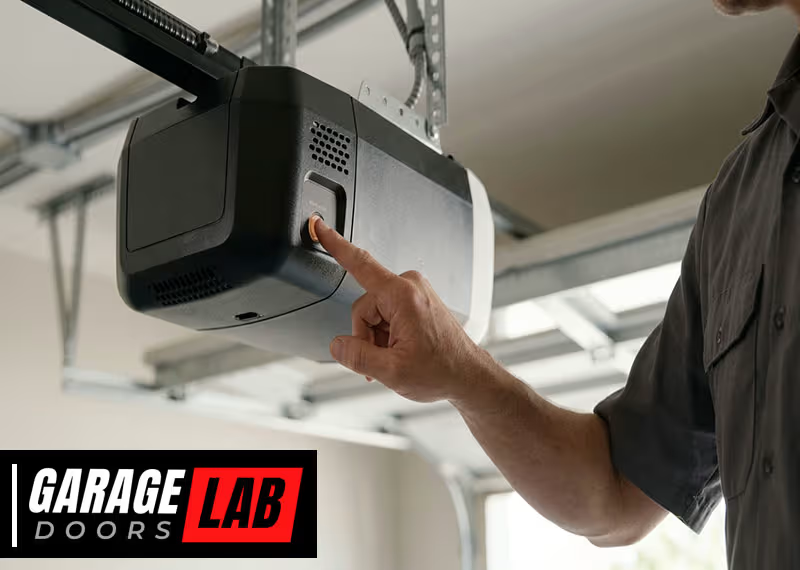
Most modern garage door openers have a learn button on the main unit (not the remote). This button is usually behind the light cover or on the back of the opener. It may be labeled “LEARN,” “PROGRAM,” or “SET.” The button color (yellow, purple, red, green, or orange) can also indicate the opener’s technology.
Pressing the learn button puts the opener in “listening mode,” ready to connect with a new remote or car button.
3. Clear Old Codes (if Needed)
If your garage opener has been used with other remotes, it’s a good idea to clear old codes before adding a new one. To do this:
- Hold the learn button for about 6-10 seconds until the indicator light turns off.
- This will erase all previous remote connections.
Clearing old codes prevents interference and keeps your garage secure.
4. Prepare The Universal Remote Or Car System
If you’re using a universal handheld remote:
- Insert fresh batteries.
- Open the manual and find your garage door brand in the compatibility list.
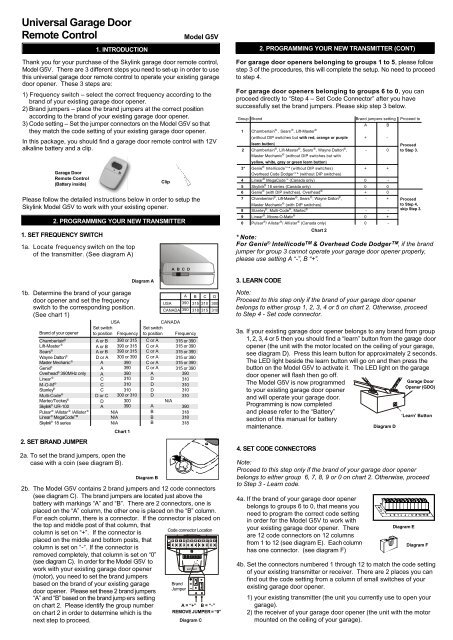
- Some remotes have small switches or buttons to set the brand code.
If you’re programming a built-in car button:
- Make sure your car is parked outside the garage (for safety).
- Locate the three small buttons (usually on the car’s ceiling or visor).
- Have your car’s manual ready, as steps can vary.
5. Program The Universal Remote
For most handheld universal remotes:
- Hold the remote close to the garage opener unit (within 5 feet).
- Press and hold the main button on the remote.
- Press and release the learn button on the opener unit. You usually have 30 seconds to complete the next step.
- Within those 30 seconds, press and hold the remote button you want to program.
- The garage opener’s light will blink or you’ll hear a click when it’s programmed.
If your remote has a “smart” or “multi-brand” button, follow the instructions to select your garage’s brand code first.
6. Program A Built-in Car System
For built-in systems like HomeLink:
- Hold the desired button in your car until the indicator light flashes slowly.
- Hold your existing garage remote a few inches from the in-car button.
- Press both the car button and the garage remote button at the same time.
- The in-car light will flash rapidly after a few seconds.
- Go to your garage opener, press the learn button.
- Within 30 seconds, return to your car and press the programmed button for 2 seconds. Repeat up to 3 times until the garage door moves.
Some cars require the ignition to be on during programming. If it doesn’t work, try moving the car a few feet away from the garage.
7. Test The Connection
Stand a safe distance from the door. Press the programmed button. The garage door should open or close smoothly. If not, repeat the programming steps.
8. Add More Doors (if Needed)
Many universal remotes have two or three buttons. Repeat the process for each additional garage door, using a different button and the corresponding learn button on each opener.
9. Secure The Remote
Keep your universal remote in a safe place, like your car or a keychain. Don’t leave it in plain sight—remotes can be stolen and used to break into your garage.
Universal Remote Vs. Original Remote: What’s Different?
Some people wonder if a universal remote is as good as the original. Here’s a comparison:
| Feature | Universal Remote | Original Remote |
|---|---|---|
| Compatibility | Works with many brands | Works with one brand/model |
| Price | Usually cheaper | Often more expensive |
| Availability | Easy to find in stores | May need to order from manufacturer |
| Features | Some advanced models offer extra buttons | Usually basic functions only |
| Setup | May require extra programming | Often simple to set up |
Universal remotes are flexible and affordable, but may take more setup. Original remotes are simple but less versatile.
Common Problems And How To Solve Them
Even with the best instructions, problems can happen. Here’s how to fix the most common issues:
Remote Won’t Program
- Check the batteries. Dead batteries are the most common reason remotes fail.
- Make sure you’re pressing the learn button on the opener, not just on the remote.
- Try moving closer to the opener—universal remotes have a limited range during setup.
- Confirm your garage opener is compatible with universal remotes. Some very old models are not.
Door Opens Randomly
- If your garage door opens by itself, clear all old codes and reprogram the remotes.
- Make sure no one else nearby is using the same frequency.
Multiple Remotes Interfere
- Each remote should be programmed separately.
- Clear all codes if you have accidental triggers, then set up each remote again.
Built-in Car Button Doesn’t Work
- Some built-in systems need a “repeater” or special module for newer openers. Check your car and opener manual.
- Try programming with the car engine running.
- Check for updates or compatibility info on the manufacturer’s website.
Opener Motor Doesn’t Respond
- Check the power source and make sure the opener is plugged in.
- Inspect the antenna wire on the opener unit—it should hang down for best signal.
Advanced Tips For A Smooth Setup
Many people overlook small details that can make setup easier or safer. Here are expert tips:
- Label your remotes. If you have more than one, write which button controls which door.
- Record your steps. Take a photo of the opener’s wiring and button layout for future reference.
- Update your opener firmware. Some smart openers allow updates for better compatibility.
- Install a keypad outside. Keypads are a good backup if you lose your remote.
- Use two-step authentication. If your opener has smart features, set up a password or PIN for extra security.
- Check your car’s battery. Weak car batteries can affect built-in opener programming.
- Keep manuals handy. Store your remote and opener manuals in a safe place for future changes.
Choosing The Right Universal Garage Door Opener
Not all universal openers are the same. Here’s what to look for:
Compatibility
Check if the remote works with your garage opener’s brand, year, and technology (rolling code or fixed code). Most universal remotes list compatible brands on the packaging or in the manual.
Number Of Doors
If you have more than one garage, choose a remote with multiple buttons. Some models can control up to three doors.
Range
The range (how far away you can be to open the door) is usually 100 to 300 feet. If your garage is far from your parking spot, look for a remote with a longer range.
Size And Design
Some remotes are small enough for a keychain, while others are larger for cars or walls. Choose what fits your lifestyle.
Price
Universal remotes are usually $15–$40. Built-in car systems cost more, but are more convenient.
Additional Features
Some universal remotes offer:
- Backlit buttons for night use.
- Keypad entry for use without a remote.
- Smartphone compatibility (for smart garage openers).
Here’s a comparison of popular universal opener features:
| Model | Buttons | Range | Smart Features |
|---|---|---|---|
| Chamberlain KLIK3U | 2 | Up to 300 ft | No |
| Genie G3T-R | 3 | Up to 200 ft | No |
| LiftMaster 893MAX | 3 | Up to 150 ft | No |
| myQ Smart Garage | App Only | Anywhere (Wi-Fi) | Yes |
Safety And Security Tips
Garage doors are a main entry point to your home. Keep these safety tips in mind:
- Never leave remotes in unlocked cars. Thieves can use them to access your home.
- Change codes after moving in. If you move to a new house, clear all remotes and program your own.
- Check door sensors. Modern openers have sensors to stop if something is in the way. Test these often.
- Use vacation mode. Some openers have a mode that disables remotes while you’re away.
- Teach family members. Show everyone how to use the opener safely.
For more home security guidance, see this Consumer Reports guide.
Real-life Example: Setting Up A Universal Remote
Imagine you just bought a Chamberlain universal remote for your 2010 LiftMaster garage opener. Here’s what you’d do:
- Check the garage opener for the learn button (it’s purple).
- Hold the main button on the new remote.
- Press and release the learn button on the opener.
- Within 30 seconds, press the remote button you want to use.
- The opener light blinks. You test the door—it opens!
If you also want to program your car’s built-in button, repeat the steps using your car manual and the learn button.
When To Call A Professional
Most people can set up a universal garage door opener in under 30 minutes. But you should call a professional if:
- The opener is very old and not working with any remote.
- There are wiring problems or exposed wires.
- The door is stuck, noisy, or off the tracks.
- You need to install a new opener motor.
Professionals have special tools and can make sure your system is safe and reliable.

Frequently Asked Questions
How Do I Know If My Garage Opener Is Compatible With A Universal Remote?
Most openers made after 1993 work with universal remotes, especially those using rolling code technology. Check the brand, year, and frequency (usually listed on the opener or in the manual). Very old or very new “smart” openers may need special remotes.
What Does The “learn Button” Do?
The learn button puts your garage opener into programming mode. It allows the opener to “hear” and accept the code from your new remote or built-in car button. The button is usually found on the opener unit and may be colored or labeled.
Can I Program A Universal Remote Without The Original Remote?
Yes, you can program most universal remotes directly to the opener using the learn button. You do not need the original remote, but you do need access to the opener unit.
Why Does My Garage Door Only Work Sometimes With The Universal Remote?
This could be due to weak batteries, poor signal, interference from nearby electronics, or the remote being too far from the opener. Try changing batteries, moving closer, and making sure nothing is blocking the opener’s antenna.
Is It Safe To Use A Universal Garage Door Opener?
Yes, as long as you clear old codes, keep the remote secure, and test the safety sensors. Universal remotes use the same security features as original remotes, but always follow best practices for garage safety.
Final Thoughts
A universal garage door opener is one of the simplest ways to upgrade your home’s convenience. With a little patience and the right steps, you can quickly program a new remote or your car’s built-in system. Always check compatibility, follow the programming sequence, and test your setup before relying on it daily.
With the tips and solutions above, you’ll avoid common problems and keep your garage secure.
Remember, the right opener saves time, reduces stress, and keeps your home safer. And if you ever get stuck, don’t hesitate to reach out to a professional for help. Your garage door should be a tool for easy living—not a source of frustration.