Now Reading: How to Change Your Garage Door Code Quickly and Safely
- 01
How to Change Your Garage Door Code Quickly and Safely

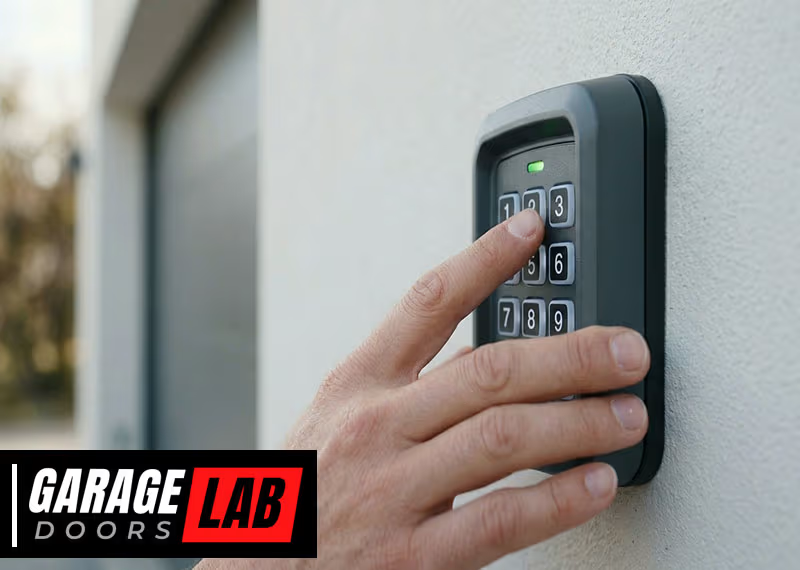
Changing the code on your garage door is a simple but important way to protect your home. Many people use the same code for years, leaving their property at risk. Thieves sometimes know the default codes or can easily guess common ones.
Also, if you’ve given out your code to friends, family, or workers, it’s wise to update it once in a while. Learning how to change your garage door code gives you peace of mind and keeps your home safer.
This guide explains each step of the process, no matter what kind of garage door opener you have. You’ll learn how to find your system’s code button, reset the code, and test your new code. We’ll cover different systems, like keypads and remotes, and share tips that most beginners miss.
By the end, you’ll be ready to change your code with confidence, avoid common mistakes, and keep your security strong.
Why Changing Your Garage Door Code Matters
Many people don’t realize how easy it can be for someone to guess or steal their garage door code. Older systems sometimes share default codes that are published online. Even with newer systems, codes can be overheard or shared with people you no longer trust.
If you’ve ever had a break-in, lost your remote, or moved into a new house, changing your code should be a top priority.
Burglars often target garages because they’re less secure than other parts of the house. In some neighborhoods, garage break-ins account for up to 10% of all home burglaries. Your garage may also provide direct access to your home. Updating your code takes only a few minutes but can prevent serious problems.
How Garage Door Codes Work
Before you start, it helps to understand what the garage door code does. Most modern garage door openers use a rolling code system. Each time you press the remote or enter a code on the keypad, the system generates a new code automatically. This makes it harder for someone to hack into your system using a scanner.
Older openers might use a fixed code. With these, the code stays the same until you change it manually. If your system is over 20 years old, it’s more likely to use this kind of code. Fixed code systems are less secure, but changing the code is usually easy and doesn’t require special tools.
Some openers use a wall-mounted keypad, while others only have remotes. A few systems use both. The way you change the code depends on the kind of opener you have.
What You Need Before You Start
Getting ready ahead of time makes changing your garage door code much smoother. Here’s what to have on hand:
- Stepladder: Most openers have a button on the main unit, usually on the ceiling.
- Flashlight: Garage ceilings can be dark.
- Owner’s manual: Find yours online if you don’t have a paper copy. It helps to know your opener’s brand and model.
- Pen and paper: Write down your new code so you don’t forget it.
- All remotes and keypads: You’ll need to reprogram each one.
If you don’t know your opener’s brand, look for a sticker on the main unit. Popular brands are LiftMaster, Chamberlain, Genie, and Craftsman.
Step-by-step Guide: Changing Your Garage Door Code
Changing your code is a straightforward process, but the steps can be different depending on your opener. Below, you’ll find clear instructions for the most common systems. If you follow these steps, you can finish in about 10–20 minutes.
Step 1: Locate The Learn Or Program Button
Most openers have a Learn, Program, or Set button. This button lets you reset or change the code. The button is usually on the back or side of the main garage door motor.
- Unplug the opener or turn off the power for safety (optional but recommended).
- Climb your stepladder and look for a colored button. Common colors are yellow, red, orange, green, or purple.
- Remove the light cover if you can’t see the button. Some units hide it under this cover.
- Write down the button color—it may help with later steps.
Non-obvious insight: Some brands use the button color to indicate what kind of remote or keypad will work with the opener. For example, a purple button often means the system uses Security+ 2.0 technology.
Step 2: Clear The Old Code (if Needed)
If you want to remove all old codes (for example, if a remote was lost or stolen), you’ll need to clear the memory.
- Press and hold the Learn button for about 6–10 seconds.
- The light on the opener will blink or turn off. This means all remotes and keypads are erased.
- Release the button.
Important: Clearing the codes disconnects every remote and keypad. You must reprogram each one after setting a new code.
Step 3: Program A New Remote Control Code
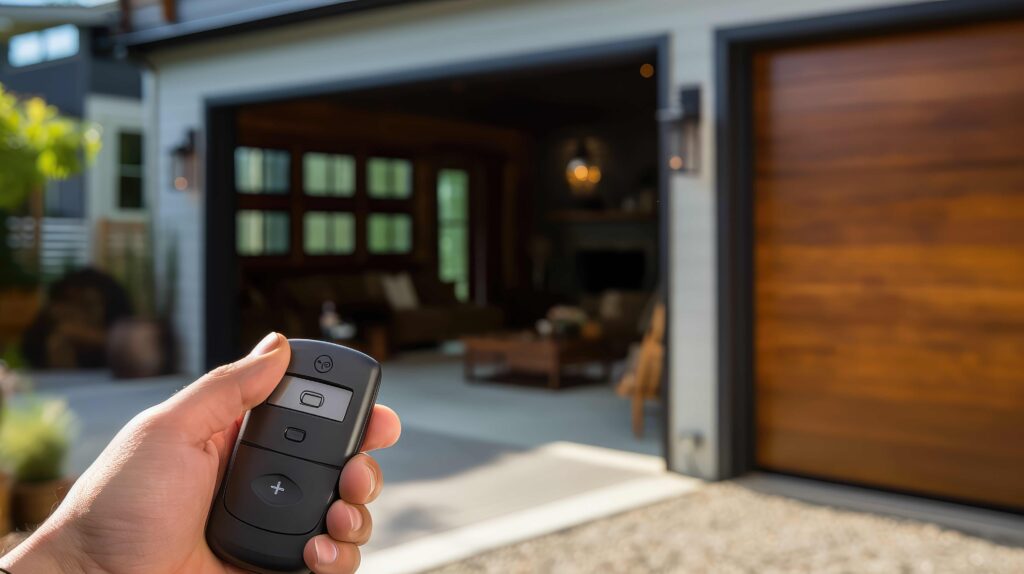
For openers with remotes, here’s how to add a new remote code:
- Press and release the Learn button. The indicator light will turn on or blink.
- Within 30 seconds, press the button on your remote you want to use.
- You may see the light blink or hear a click. This means the remote is paired.
- Test the remote to make sure it opens the door.
If you have more than one remote, repeat this process for each one.
Non-obvious insight: Some remotes have multiple buttons for multiple doors. Make sure you’re pairing the right button to the right opener.
Step 4: Change The Keypad Entry Code
If your garage uses a keypad, you’ll need to set a new entry code. The process varies by brand.
For Most Keypads (liftmaster, Chamberlain, Craftsman):
- Press and release the Learn button on the opener.
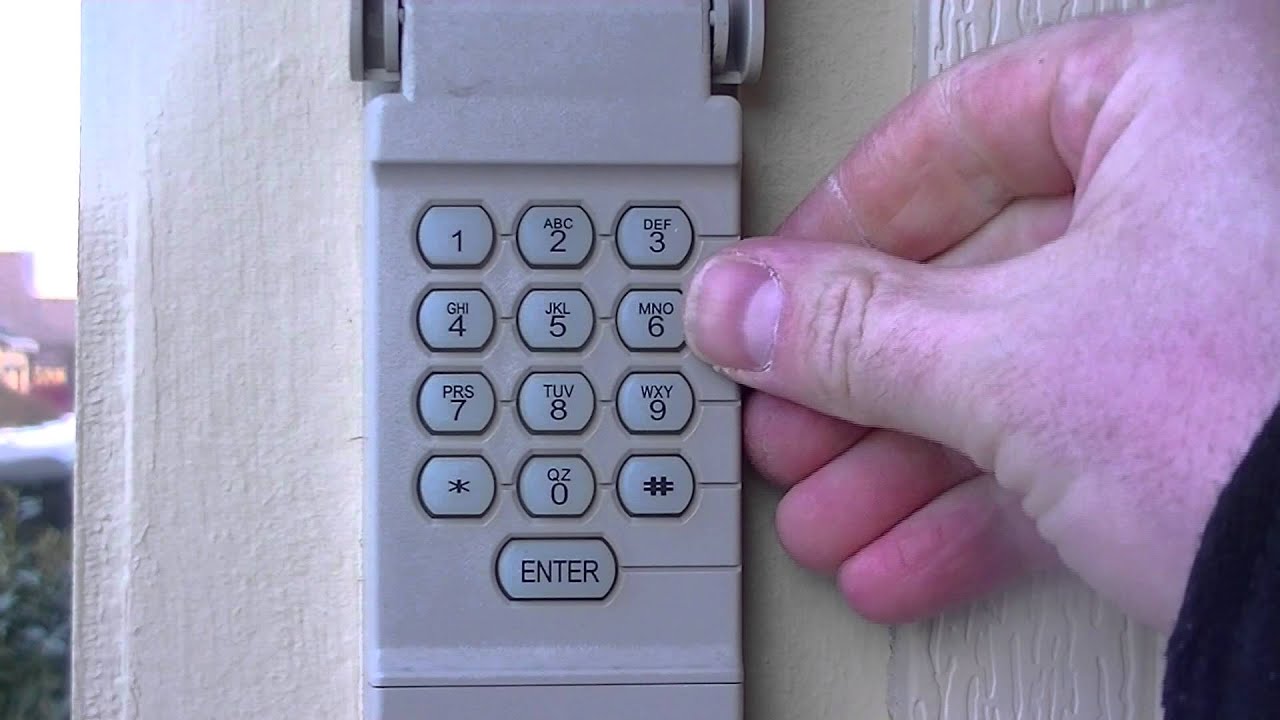
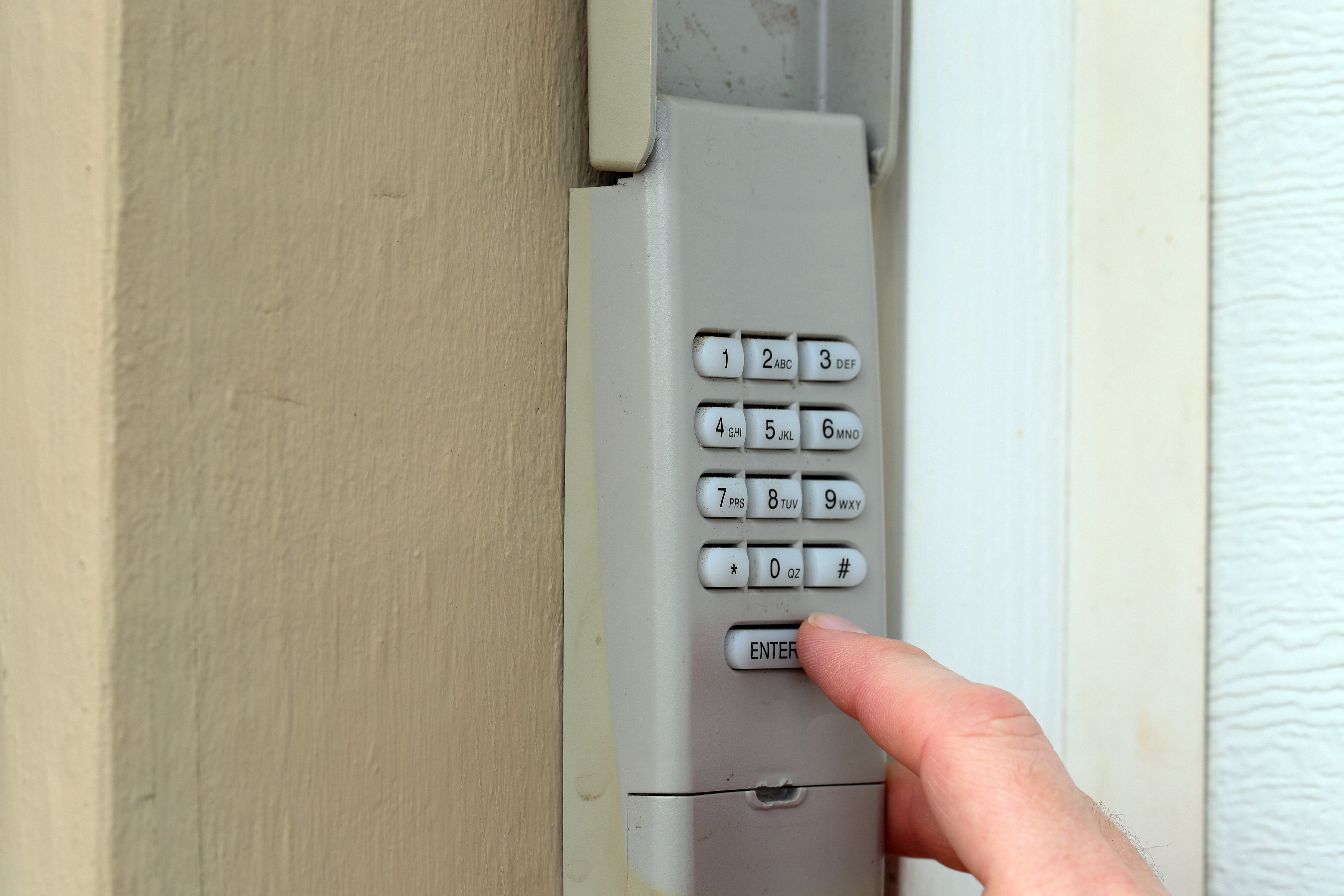
- Go to the keypad. Within 30 seconds, enter your desired code (usually 4 digits), then press the Enter button.
- The opener light should blink or you’ll hear a click.
- Test the new code by entering it on the keypad and opening the door.
For Genie Keypads:
- Press and hold the Program button on the keypad until the LED blinks.
- Enter your new code, then press Program or Enter.
- Press the Learn button on the opener (motor unit).
- Within 30 seconds, enter the new code on the keypad and press Program.
- Wait for the light to blink, then test the code.
Step 5: Test All Devices
It’s easy to forget this step, but it’s important.
- Try each remote and the keypad (if you have one).
- Make sure the door opens and closes with each device.
- If something doesn’t work, repeat the programming process.
Practical tip: Test the code from outside the garage to make sure the keypad works at a distance.
Step 6: Reconnect Smart Home Systems (if Needed)
If your garage door opener is linked to a smart home system or your car’s built-in remote, you may need to reconnect it.
- Check your opener’s manual for smart device pairing steps.
- For HomeLink (in-car remotes), hold the two outside buttons until the light flashes, then pair as you would a remote.
- For Wi-Fi openers, follow the app instructions to add the new code.
Common Mistakes And How To Avoid Them
Changing your garage door code is easy to do, but there are some mistakes people make. Here’s how to avoid them:
- Forgetting to clear old codes: If you just add a new code without clearing, old remotes might still work.
- Not testing after programming: Always test each remote and keypad before putting away your ladder.
- Choosing an easy code: Avoid codes like 1234 or your address number. These are easy to guess.
- Losing the owner’s manual: Don’t throw away your manual after changing the code. Keep it for future reference.
- Skipping smart device updates: If you use a smart system, update it so your phone or car works correctly.
How Garage Door Code Systems Compare
Here’s a quick look at common types of garage door code systems and how they differ:
| System Type | Security Level | How Code Is Changed | Common Brands |
|---|---|---|---|
| Fixed Code | Low | DIP switches/manual reset | Older Genie, Linear |
| Rolling Code | High | Learn button & keypad | LiftMaster, Chamberlain, Craftsman |
| Smart Wi-Fi | Very High | App-based/Cloud update | MyQ, Nexx, Genie Aladdin |
Extra Security Tips For Your Garage Door
Changing your code is just one part of keeping your garage safe. Here are a few more ideas:
- Cover windows: Use frosted film so thieves can’t see inside.
- Upgrade the lock: Add a deadbolt or use a smart lock on the entry door.
- Install a camera: Motion-activated cameras can deter criminals.
- Disable opener on vacation: Unplug the opener or use the wall lock button when you’re away.
Pro tip: If you park your car outside, never leave a remote in the vehicle. Thieves often look for remotes to break in.
How Often Should You Change Your Garage Door Code?
There’s no strict rule, but most security experts suggest changing your code at least once a year. You should also update your code if:
- You lose a remote or keypad
- You move into a new home
- You share your code with someone temporarily (repair workers, neighbors, etc.)
Frequent changes make it harder for anyone to misuse your code.
What To Do If You Forget Your Code
It’s not unusual to forget your garage door code, especially if you change it often. Here’s what to do:
- Check your manual: Some keypads let you reset the code by pressing a special button sequence.
- Reset the opener: Use the Learn button to erase all codes, then reprogram a new code as explained above.
- Contact support: If you’re really stuck, call the manufacturer’s customer service.
Non-obvious insight: Keep a copy of your code in a secure place, like a locked drawer or a password manager, so you don’t get locked out.
What To Know About Dip Switch Systems
Some very old garage door openers use DIP switches. These are small switches inside the remote and the opener unit. Both must be set to the same pattern.
To change a DIP switch code:
- Open the remote and the opener unit.
- Find the row of small switches (usually 8–12).
- Set a new pattern by flipping switches up or down.
- Match the same pattern on both the remote and the opener.
- Test the remote.
Security warning: DIP switch systems are easy to hack. If you have one, consider upgrading to a rolling code system.
Troubleshooting: When Your New Code Doesn’t Work
Sometimes, things don’t go as planned. Here’s a quick guide to common problems and fixes:
| Problem | Possible Cause | Solution |
|---|---|---|
| Remote won’t work | Battery dead, not programmed | Replace battery, reprogram remote |
| Keypad not responding | Low battery, code entered incorrectly | Change battery, reset code |
| Opener light doesn’t blink | Didn’t press Learn button, out of range | Press Learn button, move closer |
| Smart device stopped working | Code not synced | Update app, re-pair device |
Practical tip: Most issues are simple—start by checking batteries and repeating the steps carefully.
How To Choose A Good Garage Door Code
Picking a strong code is important for security. Here’s what to keep in mind:
- Avoid simple patterns (1234, 0000, 2580)
- Don’t use your house or street number
- Use a mix of numbers that aren’t related to personal info
- Make it easy to remember but hard to guess
If your keypad allows, use 5 or 6 digits instead of 4.
Non-obvious insight: Some keypads let you set temporary codes for guests. Use this feature if you need to give access for a short time.
Comparison: Manual Vs. Smart Code Changing
With newer technology, you may be able to change your code using a smartphone app. Here’s how manual and smart code updates compare:
| Method | Ease of Use | Security | Best For |
|---|---|---|---|
| Manual (Learn Button) | Medium | High | Most homeowners |
| Smart App | Easy | Very High | Tech-savvy users |
| DIP Switch | Basic | Low | Older systems only |
If you want more features like temporary codes or alerts, consider upgrading to a Wi-Fi-enabled opener.
When To Call A Professional
Most people can change their garage door code themselves. But sometimes, it’s best to ask for help:
- If you have an old or unusual system
- If the opener is high up or hard to reach
- If you tried all steps and nothing works
A professional can also inspect your system for other safety issues.
Keeping Your Code Safe
Once you’ve set your new code, keep it private. Only share it with trusted people. If you need to give access to someone temporarily, change the code again afterward.
For extra safety:
- Change the code regularly
- Write it down and keep it in a safe place
- Don’t send codes by text or email
Pro tip: If your system allows, use a temporary or guest code for deliveries or workers.
Environmental Impact: Upgrading Old Openers
Older garage door openers use more energy and may not meet current safety standards. If you’re updating your code and find your system is very old (pre-1993), consider replacing it with a new, energy-efficient model.
Modern openers use less electricity and have safety features like auto-reverse sensors. This helps protect children, pets, and the environment.
For more on opener safety and standards, see the Wikipedia page on garage door openers.
Frequently Asked Questions
How Do I Know If My Garage Door Opener Uses A Rolling Code Or A Fixed Code?
Most openers made after 1996 use rolling codes for better security. If your remote or keypad has a “Learn” button, it’s probably rolling code. Older openers with DIP switches use a fixed code. Check your owner’s manual or look for the button and switch patterns inside the remote.
Can Someone Hack My Garage Door Code?
It’s very hard to hack a modern rolling code system, but not impossible. Fixed code systems are much easier to hack with scanners. Always use a rolling code system if you can, and change your code regularly to stay safe.
What Should I Do If I Lose My Garage Door Remote?
Immediately erase all codes from your opener using the Learn button, then reprogram your remotes and keypad. This prevents anyone who finds your remote from opening your garage.
Is It Safe To Change My Garage Door Code Myself?
Yes, for most homeowners, it’s safe and straightforward. Just follow the instructions and use a sturdy ladder. If your opener is old, damaged, or hard to access, consider calling a professional.
How Long Does It Take To Change A Garage Door Code?
In most cases, the whole process takes about 10–20 minutes. Allow extra time if you have multiple remotes, keypads, or smart devices to update.
Changing your garage door code is a small task with big benefits. With the right steps, you can improve your home’s security, protect your family, and feel safer every day. Don’t wait for a problem—make updating your code a regular habit, and enjoy the peace of mind that comes with knowing your garage is secure.