Now Reading: Garage Door Remote Keypad Not Working? Easy Fixes to Try Now
- 01
Garage Door Remote Keypad Not Working? Easy Fixes to Try Now

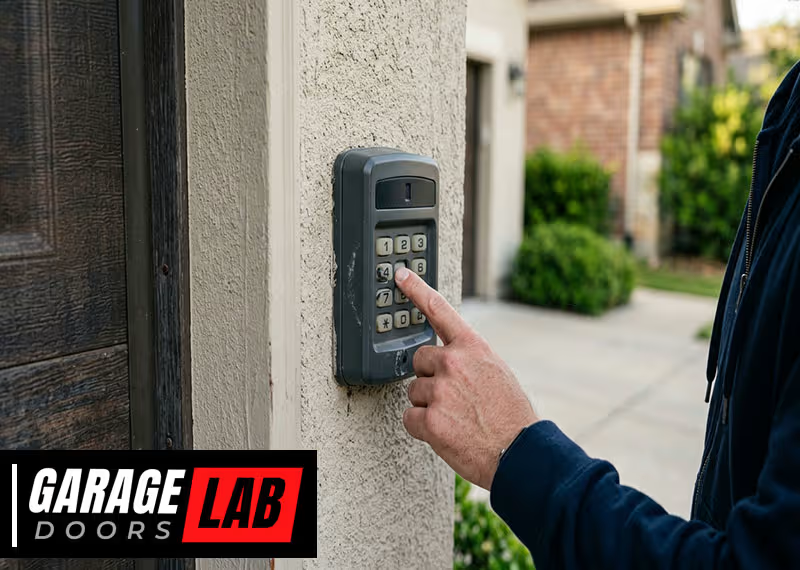
A garage door remote keypad is a small device that can make life easier. You can enter a code and open your garage without a remote or key. But what happens when the garage door remote keypad is not working? Frustration sets in, and you might worry about safety, convenience, or even being locked out. The good news is that most problems with garage keypads are fixable, often without professional help. Understanding why your keypad is not working can save you time, money, and stress.
In this article, we’ll go deep into all the reasons why your garage door remote keypad might fail, how to troubleshoot each issue, and what steps you can take for a lasting solution. You’ll also learn how these keypads work, simple maintenance tips, and when you should call for professional help.
By the end, you’ll feel confident diagnosing and fixing most keypad problems yourself.
How A Garage Door Remote Keypad Works
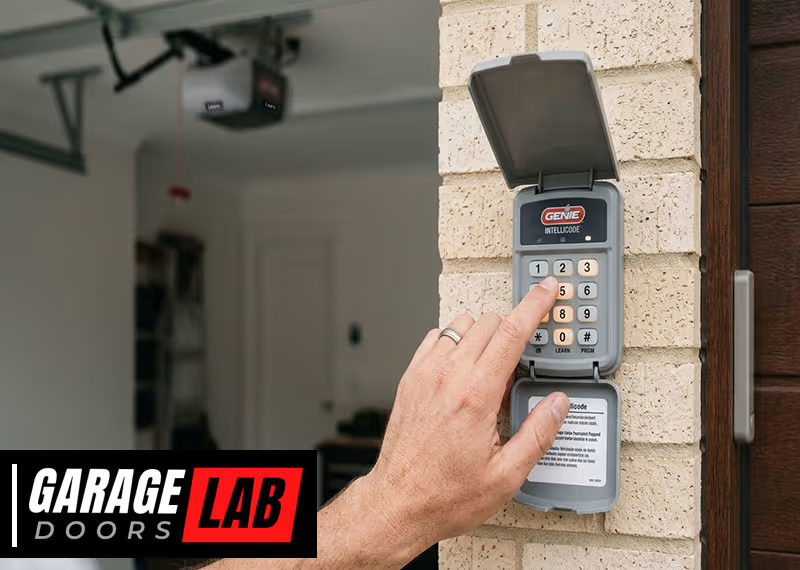
A garage door remote keypad is a wireless device, usually mounted outside the garage. It lets you open or close the door by entering a security code. The keypad sends a radio signal to the opener inside your garage. If the code is correct, the opener activates the motor and moves the door.
Modern keypads use rolling code technology for extra security. This means the code changes after every use, preventing thieves from copying your signal. Some keypads are battery-powered, while others connect to your home’s power supply. Most can store multiple codes for different users.
Understanding these basics helps you see where problems can start. Power loss, signal interference, and worn-out buttons are just a few reasons your keypad might stop working.
Common Reasons Your Garage Door Remote Keypad Stops Working
When your keypad is not working, it could be due to one or more of these common causes:
- Dead or Weak Batteries: Most keypads run on batteries. If the battery is low or dead, the keypad won’t send a signal.
- Worn Out or Stuck Buttons: Frequent use can wear out the buttons or make them stick.
- Dirty or Wet Keypad: Dirt, moisture, or insects inside the keypad can stop it from working.
- Incorrect Code Entry: Too many wrong code attempts can lock out the keypad.
- Lost Connection to Opener: Sometimes, the keypad loses its wireless pairing with the opener.
- Damaged Wiring: For wired keypads, broken wires or loose connections can cause failures.
- Interference From Other Devices: Other wireless devices, like baby monitors or Wi-Fi routers, can interfere with the signal.
- Outdated Keypad: Old keypads may become incompatible with new openers.
- Physical Damage: Cracked or broken keypads from weather, impact, or age can stop them from working.
- Lock or Vacation Mode on Opener: Some openers have a security mode that disables remote access, including the keypad.
Knowing these causes is the first step in solving the problem.

Step-by-step Troubleshooting Guide
To fix a garage door remote keypad that’s not working, follow these steps. Each step targets a specific problem and helps you rule out common issues.
1. Check The Batteries
- Open the keypad cover. Most have a simple latch or screw.
- Remove the old batteries and insert fresh ones, making sure the positive and negative ends are correct.
- Test the keypad. If it works, you’ve solved the problem.
Non-obvious tip: Some keypads use unique battery types, like 9V or coin cells. Always check your manual before buying replacements.
2. Inspect The Keypad For Dirt Or Moisture
- Look for dirt, spider webs, or water inside the keypad.
- Use a dry, soft brush or cloth to clean the inside.
- If the keypad is wet, let it dry completely before using it again.
Practical insight: Even a small amount of water can cause short circuits. Consider placing a weatherproof cover over outdoor keypads.
3. Test The Code Entry
- Enter your code slowly and firmly.
- If you hear a beep or see a light, the keypad is responding.
- If nothing happens, try reprogramming the code (see your manual for instructions).
Beginner mistake: Entering the wrong code multiple times can trigger a lockout. Wait a few minutes before trying again.
4. Reprogram The Keypad
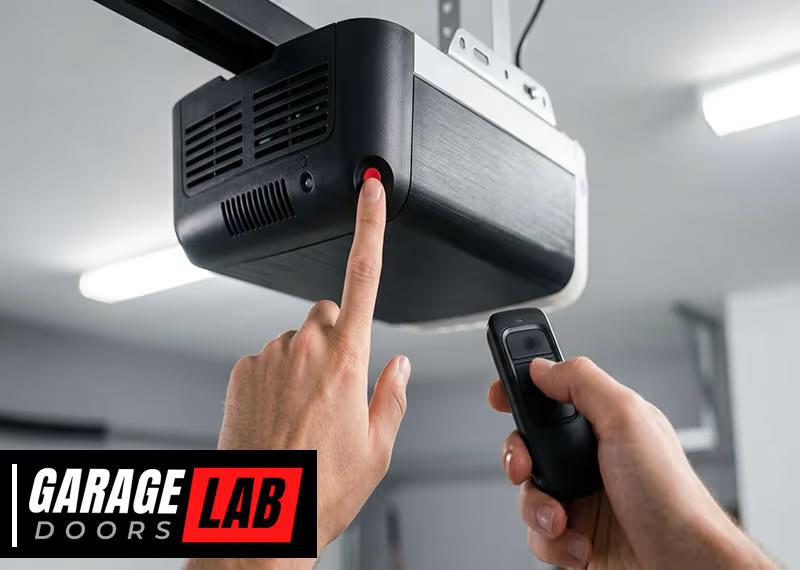
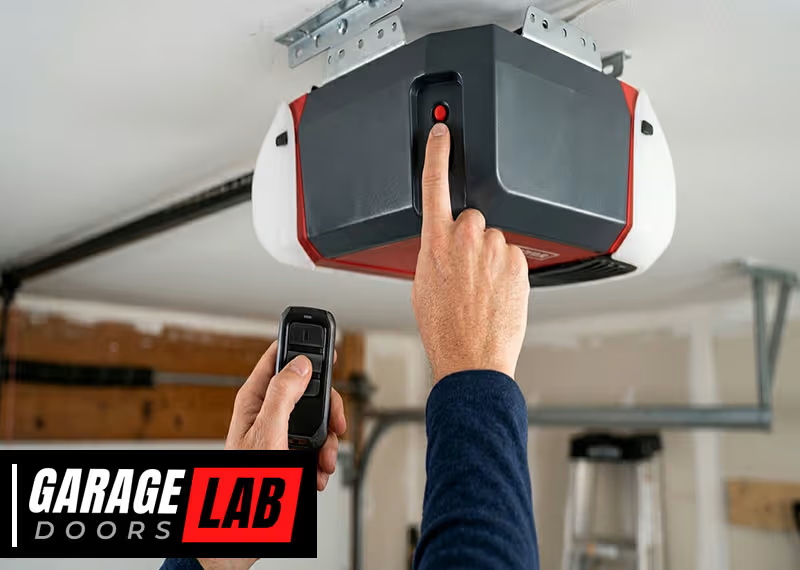
- Find the “learn” or “program” button on your garage door opener (usually inside the garage on the motor unit).
- Press this button, then enter your chosen code on the keypad within 30 seconds.
- Wait for a light or beep to confirm pairing.
Non-obvious insight: Some openers need you to hold the “learn” button until a light blinks. Always check the specific instructions for your model.
5. Check For Signal Interference
- Move any wireless devices (like Wi-Fi routers or wireless speakers) away from the garage opener and keypad.
- Try using the keypad again.
Example: If your keypad works at certain times of day but not others, nearby devices may be causing interference.
6. Inspect For Physical Damage
- Look for cracks, missing pieces, or worn-out buttons.
- If the keypad is damaged, replace it with a compatible model.
Tip: Physical damage is often missed. Even small cracks can let in water or dirt, causing bigger problems.
7. Test The Garage Door Opener
- Use a handheld remote or the wall button inside the garage.
- If the door works with these but not with the keypad, the problem is likely with the keypad, not the opener.
8. Check For Vacation Or Lock Mode
- Many openers have a “lock” button that disables remote access for security.
- Check your wall control panel for a lock or vacation mode indicator.
- Turn off this mode and test the keypad again.
Real-world example: After a vacation, many people forget to turn off this mode, leading to unnecessary repairs.
9. Examine Wiring (wired Keypads Only)
- Turn off power to the garage.
- Inspect all wires for cuts, corrosion, or loose connections.
- Tighten or replace as needed, then restore power and test.
10. Replace The Keypad If Necessary
- If the keypad is very old, incompatible with your opener, or physically broken, a replacement is the best solution.
- Make sure the new keypad matches your opener’s brand and model.
When To Call A Professional
Most garage door keypad issues can be fixed with the steps above. However, call a professional if:
- The keypad still doesn’t work after replacing batteries, cleaning, and reprogramming.
- The opener itself is not responding to any remote or button.
- You see sparks, burning smells, or melted parts.
- You’re unsure about working with electrical components.
A professional can quickly diagnose complex problems, replace faulty parts, and ensure your garage is secure.
Maintenance Tips For Reliable Keypad Performance
A few simple habits can keep your keypad working smoothly for years.
- Change batteries every 12 months, even if the keypad is still working.
- Clean the keypad with a dry cloth regularly to prevent dirt buildup.
- Check for insects or spider webs, especially if your keypad is outside.
- Avoid harsh cleaners or spraying water directly on the keypad.
- Update codes every few months for security.
- Test the keypad monthly to catch problems early.
Upgrading Your Garage Door Keypad
If your keypad is over 10 years old, consider upgrading. Newer models offer better security, touchscreen controls, and longer battery life. Some can even connect to your smartphone, letting you open the garage from anywhere.
Popular features in new keypads:
- Backlit buttons for night use
- Weather-resistant cases
- Multiple user codes
- Temporary codes for guests or deliveries
- Smartphone compatibility
Upgrading can also fix compatibility issues with newer openers.
Comparing Keypad Types
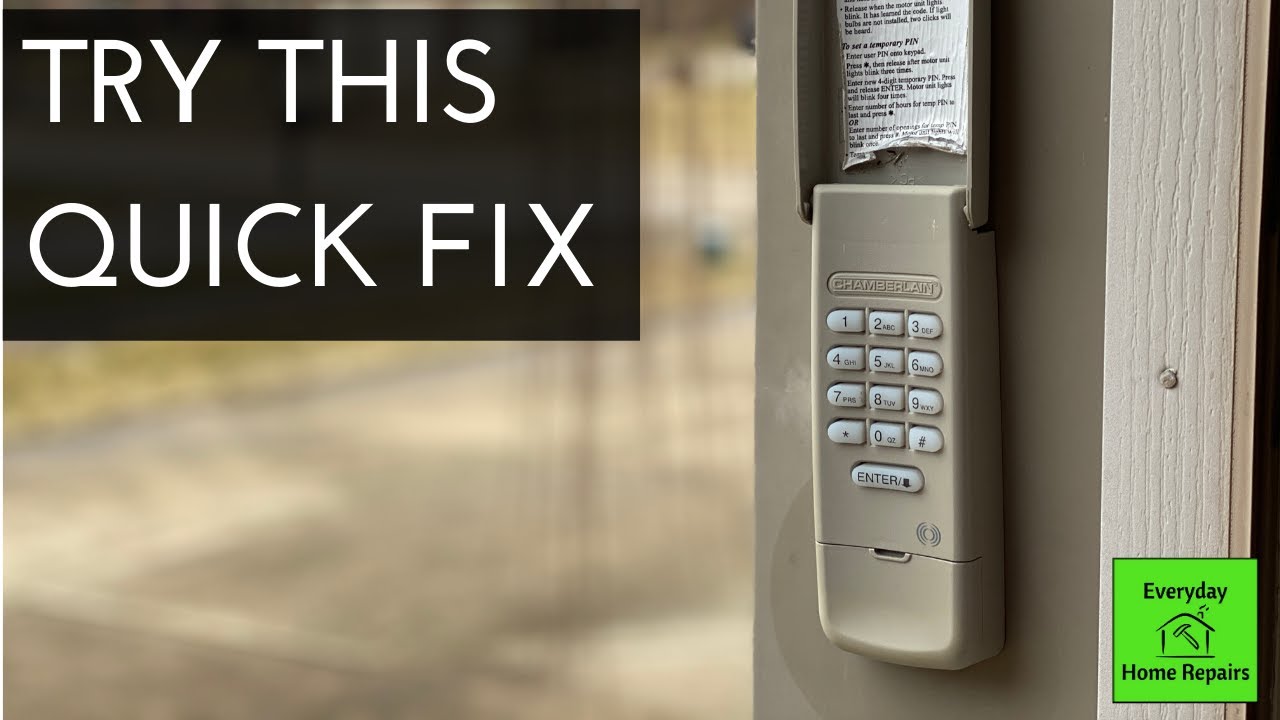
Different keypads offer different features. Here’s a comparison of the most common types:
| Type | Power Source | Security | Main Benefit |
|---|---|---|---|
| Basic Wireless Keypad | Batteries | Standard | Easy to install |
| Rolling Code Keypad | Batteries | High | Better security |
| Wired Keypad | House Power | Medium | Never needs battery |
| Smartphone-Linked Keypad | Batteries/Power | Very High | Remote access |
Choose a keypad based on your needs, security concerns, and how often you use the garage.
Comparing Garage Door Opener Brands
Not all keypads work with all garage door openers. Here’s how some popular brands compare for keypad compatibility:
| Brand | Keypad Compatibility | Ease of Programming | Unique Features |
|---|---|---|---|
| Chamberlain | High | Easy | MyQ app support |
| LiftMaster | High | Moderate | Rolling code security |
| Genie | Medium | Easy | Intellicode system |
| Craftsman | Medium | Moderate | Universal keypads available |
Always check your opener’s model number before buying a new keypad.
Advanced Troubleshooting: Less Obvious Causes
If your keypad still doesn’t work after standard fixes, consider these advanced issues:
1. Sunlight Interference
Direct sunlight can sometimes confuse the infrared sensors in the garage opener, making it seem like the keypad isn’t working. Try shading the keypad or testing it at night.
2. Antenna Problems
The opener inside your garage has a small antenna. If this is bent, broken, or covered in cobwebs, the signal from your keypad might not reach it. Gently clean and straighten the antenna.
3. Software/firmware Updates
Some newer openers need occasional software updates, especially those with smart features. Check the manufacturer’s website for updates if your system supports them.
4. Electrical Surges
A power surge can damage the opener’s receiver or the keypad’s circuit board. If this happens, you might need to replace damaged parts.
Security Risks If Your Keypad Stops Working
When your garage door remote keypad is not working, you lose a line of security. If you leave your car outside, and the remote inside, you could be locked out. Worse, if someone figures out your code or the keypad is stuck open, your home could be at risk.
Key security tips:
- Change your code regularly.
- Never share your code with strangers.
- If you replace your keypad, erase old codes from the opener’s memory.
Modern keypads with rolling code technology are much harder to hack, but good habits matter too.
Real-world Example: Diagnosing A Faulty Keypad
Imagine your keypad suddenly stops working one rainy morning. You try your code, but nothing happens. Here’s how you might solve it:
- You replace the batteries, but the keypad still doesn’t work.
- You open the keypad and see a few water droplets inside.
- After drying it out and cleaning the contacts, the keypad begins working again.
Lesson: Environmental factors like rain can cause keypad failures, and sometimes the fix is simple.
The Cost Of Repair Vs. Replacement
Should you fix your old keypad or buy a new one? Here’s a quick comparison:
| Option | Average Cost | Best For |
|---|---|---|
| Battery Replacement | $5–$10 | Most simple issues |
| Professional Repair | $50–$150 | Complex wiring or internal faults |
| New Keypad | $30–$90 | Old, damaged, or incompatible units |
| New Opener & Keypad | $250–$500+ | Major upgrades or system failures |
Most people can fix common keypad problems for less than $20. But if your system is old, a new keypad or opener may be a smart investment.
Preventing Future Keypad Problems
To avoid future headaches:
- Install your keypad in a sheltered spot, away from rain and sun.
- Label the battery type and change it every year.
- Keep a backup remote in your car or home.
- Read your opener and keypad manuals. They often contain troubleshooting steps and tips specific to your model.
Why Diy Repairs Save Time And Money
Many keypad issues look more serious than they are. By following the steps above, you often solve the problem in minutes, without waiting for a repair appointment. Most keypads are designed for easy battery changes and cleaning, and manuals are available online for nearly every brand.
However, if you’re uncomfortable working with electronics or if your keypad is wired, don’t hesitate to call a pro. Safety comes first.
Where To Find More Information
For more details about garage door openers, how they work, and the latest keypad technology, you can visit the Wikipedia page on garage door openers.
Frequently Asked Questions
Why Does My Garage Door Keypad Work Only Sometimes?
Intermittent problems are usually due to weak batteries, signal interference, or weather conditions. Try changing batteries first, then check for wireless devices nearby that could cause interference. If the keypad gets wet or is exposed to sunlight, this can also affect performance.
How Do I Reset My Garage Door Keypad?
Most keypads can be reset by pressing the “learn” button on your opener, then entering a new code on the keypad. The exact steps vary by brand, so check your user manual. After resetting, test the keypad to make sure it works.
Can I Use A Universal Keypad With Any Garage Door Opener?
Many universal keypads work with popular brands like Chamberlain, LiftMaster, and Genie. However, always check compatibility before buying. Some older openers may not support universal models.
What Should I Do If The Keypad Buttons Are Hard To Press?
If the buttons are sticking or not responding, try cleaning the keypad with a dry cloth. For severe cases, you may need to open the keypad and clean inside. If the problem continues, the keypad may be worn out and should be replaced.
Is It Safe To Repair A Garage Door Keypad Myself?
Most repairs, like changing batteries or cleaning, are safe for homeowners. For electrical repairs or if you’re unsure about wiring, it’s best to hire a professional. Never work on live wires, and always turn off power before checking a wired keypad.
A garage door remote keypad not working is inconvenient, but you now have a step-by-step guide to solve nearly every issue. With a little effort, you can restore your home’s convenience and security—and maybe even upgrade to a better system.