
If your Craftsman garage door remote stops working, it can feel frustrating. Sometimes it’s a dead battery, sometimes it’s interference, or maybe you just need to reset and reprogram the remote. While these remotes are reliable, they can lose their connection to the opener for different reasons. Knowing how to reset your Craftsman garage door remote means you can avoid unnecessary service calls and get your garage working again quickly.
Resetting a garage door remote is not as hard as it seems, but many people try random button presses or guesswork. This often makes things worse or fails to solve the problem. This guide shows you, step-by-step, how to reset and reprogram a Craftsman garage door remote safely.
You’ll learn why remotes lose their programming, what tools you need, and how to troubleshoot common problems. We’ll also cover advanced tips, safety advice, and answer the most common questions. By the end, you’ll know exactly what to do if your Craftsman remote stops working—no guessing, no stress.
Understanding Your Craftsman Garage Door Remote
Before you start, it helps to know how your Craftsman remote works. These remotes send a wireless signal to the garage door opener, which is the main device on the ceiling of your garage. The opener has a small computer inside, called the “logic board,” which listens for a special code from your remote. If the code matches, the door opens or closes.
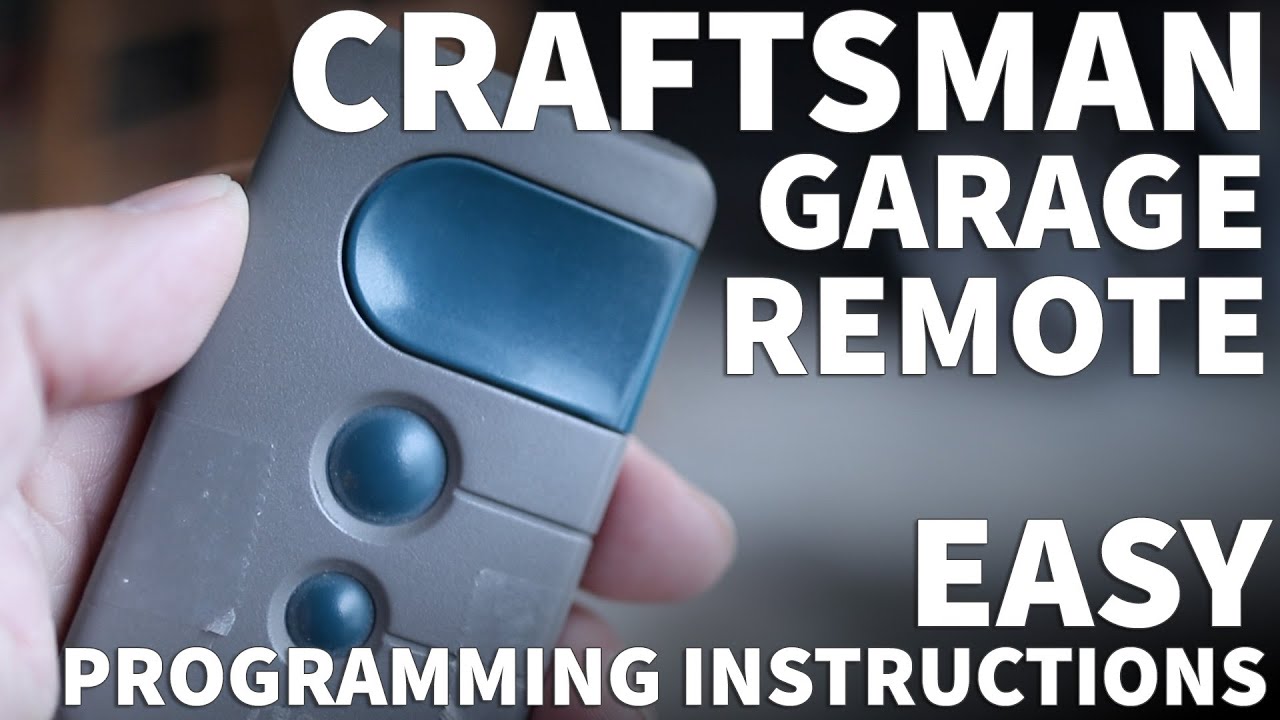
There are two common types of Craftsman remotes:
- Single-button remotes: Open or close one door.
- Multi-button remotes: Control up to three doors or gates.
Most Craftsman openers use “rolling code” technology. This means the code changes each time you press the remote, making it harder for anyone to hack the signal. Because of this, you need to program the remote to the opener before it works.
If you move into a new house, buy a used opener, or get a new remote, you’ll need to reset the system. This clears old codes and makes sure only your remotes can open the door.
Reasons To Reset A Craftsman Garage Door Remote
People often ask, “Why should I reset my garage door remote?” There are several important reasons:
- Lost or stolen remote: If you lose a remote, someone else could use it to open your garage.
- Remote not working: Sometimes the remote loses its programming due to power outages or electronics issues.
- New remote: When you buy a new remote, you must connect it to your opener.
- Safety: Resetting removes old remotes, so only your chosen ones will work.
- Malfunction or interference: Wireless signals from neighbors or new devices might block your remote.
Resetting your system is the best way to clear out old codes and start fresh. It helps protect your home and makes sure you’re in control.
Tools And Preparation
Before you start, gather these basic tools and items:
- A ladder: Most openers are on the ceiling.
- Your Craftsman remote(s): Old and new.
- A small screwdriver: To open the remote if needed.
- A flashlight: For dark garages.
- New batteries: If your remote is not responding.
Safety tip: Unplug the garage door opener before you open any covers or touch wires. While resetting the remote is usually safe, it’s always smart to avoid electrical shock.
Step-by-step: How To Reset A Craftsman Garage Door Remote
Here’s the most common way to reset and reprogram your Craftsman garage door remote. These steps work for most models made after 1993, but always check your manual for special instructions.
1. Locate The “learn” Button
The Learn button is the key to resetting your Craftsman opener. It’s usually near the light bulb on the opener (the main unit). Look for a small, colored button—often yellow, orange, red, green, or purple. It might be under a light cover or side panel.
Tip: The color of your Learn button can tell you what kind of remote or keypad you need. For Craftsman, common colors are yellow and red/orange.
2. Clear Old Codes (factory Reset)
To erase all remotes from your opener’s memory:
- Climb the ladder to reach the opener.
- Find and press the Learn button. Hold it down for about 6 seconds. The small LED light next to the button will turn off (or sometimes blink and then go off). This means all old remotes and keypads are erased.
- Release the button.
Now, none of the old remotes will work. This is important if you lost a remote or just moved in.
3. Program The Remote
Now you need to add your remote back to the system:
- Press and release the Learn button (do not hold it this time).
- The LED next to the button will light up or blink. This means the opener is in “learning mode.”
- Within 30 seconds, press and hold the main button on your remote.
- The opener light will flash, or you might hear a click. This means the remote is programmed.
- Release the remote button.
Test your remote. It should open and close the garage door. If not, repeat the steps.
4. Program Extra Remotes Or Keypads
You can program up to seven remotes or keypads to one Craftsman opener. Just repeat the above “Program the Remote” steps for each one. You don’t need to erase old codes again unless you want to remove all remotes.
5. Resetting A Keypad (optional)
If you have a wireless keypad outside your garage, you can reset it too:
- Press and release the Learn button on the opener.
- Within 30 seconds, enter your chosen 4-digit PIN on the keypad.
- Press and hold the “Enter” button.
- The opener light will flash or click. Your keypad is now programmed.
Pro tip: If your keypad is old, replace the batteries before programming. Weak batteries can cause programming to fail.
Troubleshooting Common Problems
Even after following the steps, sometimes things don’t work. Here’s how to fix the most common issues.
Remote Not Working After Reset
- Check the batteries: Weak batteries are the top cause of failure.
- Distance: Try standing closer to the opener while programming.
- Obstructions: Metal shelves, walls, or cars can block signals.
- Wrong button: Make sure you’re pressing the right button on both the opener and remote.
- Timing: You must press the remote button within 30 seconds after the opener is in learning mode.
Led Light Does Not Blink
If the LED on the opener doesn’t light up when you press the Learn button:
- Unplug the opener, wait 30 seconds, and plug it back in. Try again.
- Make sure the opener’s light bulb is not burned out (sometimes the bulb is part of the signal circuit).
- If the Learn button still doesn’t work, the logic board may be damaged. You may need professional repair.
Remote Still Not Working
- Check the remote for damage or signs of water/moisture.
- Try programming a different remote. If it works, your first remote may be broken.
- Try resetting all remotes and programming again.
Opener Only Works Sometimes
- Check for interference from new wireless devices (baby monitors, Wi-Fi routers, etc. ).
- Move these devices further from the garage if possible.
- Try a new battery in your remote.
Insight: Many people forget to remove and reinsert the batteries during a reset. This can help clear old signals from the remote itself, not just the opener.
Advanced Tips For Craftsman Garage Door Remotes
If you want to get the most from your Craftsman opener, consider these advanced tips.
Use The Right Remote Model
Not all Craftsman remotes work with all openers. The color of your Learn button (yellow, red/orange, green, purple) matches certain remote models. For example, a yellow button usually matches Security+ 2. 0 remotes.
Check your opener’s model number and look up compatible remotes before buying a new one.
Secure Your System
Rolling code technology is very secure, but always erase old remotes when you move into a new house. If you buy a used opener, always reset it before programming your remotes.
Tip: If your remote is lost or stolen, reset the opener right away to prevent unwanted access.
Use A Wireless Keypad
A wireless keypad lets you open your garage without a remote. You can give a temporary code to guests or workers and then change it later. Always reset the keypad when changing codes.
Add A Wi-fi Adapter
Some newer Craftsman openers let you add a Wi-Fi module. This means you can open or close your garage with a smartphone app, even when you’re not home. If you use this feature, you’ll still need to reset and program your physical remotes sometimes.
Data Table: Craftsman Remote Compatibility By Learn Button Color
To help you find the right remote, see how different Craftsman remotes match with opener Learn button colors:
| Learn Button Color | Compatible Remote Models | Opener Year Range |
|---|---|---|
| Yellow | Security+ 2.0 (e.g., 893LM) | 2011–present |
| Purple | 315MHz Security+ (e.g., 371LM) | 2006–2011 |
| Red/Orange | 390MHz Security+ (e.g., 971LM) | 1997–2005 |
| Green | 390MHz Billion Code (e.g., 81LM) | 1993–1997 |
Non-obvious insight: If your opener has a green Learn button, it will not work with rolling code remotes made after 2006. Always check the button color.
Safety And Maintenance Tips
A well-maintained garage door opener lasts longer and works more safely. Here’s how to keep your Craftsman system in top shape.
Replace Remote Batteries Yearly
Most remote batteries last 1–2 years. Replace them before they’re fully dead to avoid surprise failures.
Test The Door Balance
A heavy or unbalanced door strains the opener. Once a year, pull the opener’s emergency release cord and lift the door by hand. It should move smoothly and stay halfway up. If not, call a pro for service.
Inspect For Obstructions
Check for cobwebs, dust, or debris around the opener’s sensors and buttons. Clean gently with a dry cloth.
Check Safety Sensors
Most openers have sensors near the floor on each side of the door. If these are blocked or dirty, the door may not work right. Wipe them clean and make sure they are facing each other.
Don’t Overload The Opener
A Craftsman opener is designed for standard residential garage doors. Using it on very heavy or commercial doors can wear out the motor or break the chain.
Table: Common Craftsman Remote Problems And Solutions
Here’s a quick reference for fixing frequent issues:
| Problem | Possible Cause | Solution |
|---|---|---|
| Remote does not work at all | Dead battery, not programmed, opener unplugged | Replace battery, reprogram remote, plug in opener |
| Remote works only close to door | Weak battery, interference, antenna issue | New battery, move wireless devices, check opener antenna |
| Remote lost or stolen | Security risk | Erase all codes, reprogram remotes |
| Keypad not working | Dead battery, not programmed, out of sync | Replace battery, reprogram, reset opener |
| Opener light does not blink during programming | Burned out bulb, faulty logic board | Replace bulb, call for service |
Special Cases: Older Craftsman Openers
If your Craftsman opener is from before 1993, it might not use rolling codes or have a Learn button. These older models often use DIP switches (tiny switches inside the remote and opener) to set a fixed code.
To reset a DIP switch remote:
- Open the remote case and find the row of small switches.
- Match the switch positions to those inside the opener (under a panel or cover).
- If you want to change the code, flip the switches in both the remote and the opener to a new pattern.
Warning: Fixed code systems are less secure. If you use one, consider upgrading to a newer, rolling code opener.
Table: Rolling Code Vs Dip Switch Openers
See how these systems compare:
| Feature | Rolling Code (Modern) | DIP Switch (Old) |
|---|---|---|
| Security | High (code changes each use) | Low (fixed code) |
| Programming Method | Learn button, automatic | Manual switch matching |
| Number of Remotes | Usually up to 7 | Unlimited (matching code only) |
| Compatibility | Modern remotes only | Old remotes only |
When To Call A Professional
Most problems with Craftsman garage door remotes can be fixed at home, but some need a pro. Call for help if:
- The opener makes noise but the door does not move.
- The Learn button does not respond at all.
- You see sparks, smoke, or signs of electrical damage.
- The door is off its tracks or very heavy to lift.
- You can’t find the Learn button or your model is not listed online.
Garage door systems use strong springs and high voltage. If you’re not sure, stay safe and call a trained technician.
Where To Find Help And Manuals
If you need more details, Craftsman’s official website has manuals for almost every model. You can also find videos online that show step-by-step programming. For reliable information, check the official Craftsman Support page.
Tip: When searching for your manual, use the model number from the opener, not just the remote. The model number is usually on a sticker on the back or side of the opener unit.
Frequently Asked Questions
How Do I Reset My Craftsman Garage Door Remote After Changing The Battery?
After putting in a new battery, your remote should keep its programming. If it does not work, press and release the Learn button on your opener, then press your remote button to reprogram it. Always use a fresh battery to avoid weak signals.
Can I Use A Universal Remote With My Craftsman Opener?
Yes, many universal remotes work with Craftsman openers, especially those made after 1993. Check the packaging for compatibility with your Learn button color or opener model. Program the universal remote just like an original Craftsman remote.
What Should I Do If My Remote Works For One Door But Not Another?
Each door opener needs to be programmed with the remote separately. Repeat the programming steps for each opener. If you have a multi-button remote, assign each button to a different opener.
Is It Possible To Erase Just One Remote Instead Of All Remotes?
No, most Craftsman openers erase all remotes when you hold the Learn button down. To remove one remote, erase all codes, then reprogram only the remotes you want to keep.
Why Does My Remote Only Work When I’m Very Close To The Garage?
This is usually a sign of a weak battery, interference from other electronics, or a problem with the opener’s antenna. Try replacing the battery, moving wireless devices, or checking that the opener’s antenna is hanging down freely.
Resetting your Craftsman garage door remote is a simple process once you know the steps. With the right approach, you can fix most problems without calling a professional. Always use the correct remote for your opener, keep your system secure, and maintain it for smooth operation. If you ever feel unsure, don’t hesitate to reach out for expert help. A reliable garage door system keeps your home safe and convenient every day.
8 thoughts on “How to Reset Garage Door Remote Craftsman: Easy Step-by-Step Guide”